

Animated Text Video: Textro is a Photography application developed by Iris Studios and Services, but with the best Android emulator-LDPlayer, you can download and play Animated Text Video: Textro on your computer.
Running Animated Text Video: Textro on your computer allows you to browse clearly on a large screen, and controlling the application with a mouse and keyboard is much faster than using touchscreen, all while never having to worry about device battery issues.
With multi-instance and synchronization features, you can even run multiple applications and accounts on your PC.
And file sharing makes sharing images, videos, and files incredibly easy.
Download Animated Text Video: Textro and run it on your PC. Enjoy the large screen and high-definition quality on your PC!
Textro is simple elegant app to create beautiful Text Videos Or intro video for your videos.Use Textro to
1. Get more likes on your social media posts by simply animating your words
2. Make your story art stand out by adding Animated Text to your Stories
3. Add beautiful prequel or intro videos for your Videos
4. Create more impressing animated quotes to impress your friends on Social Media
Textro Features :
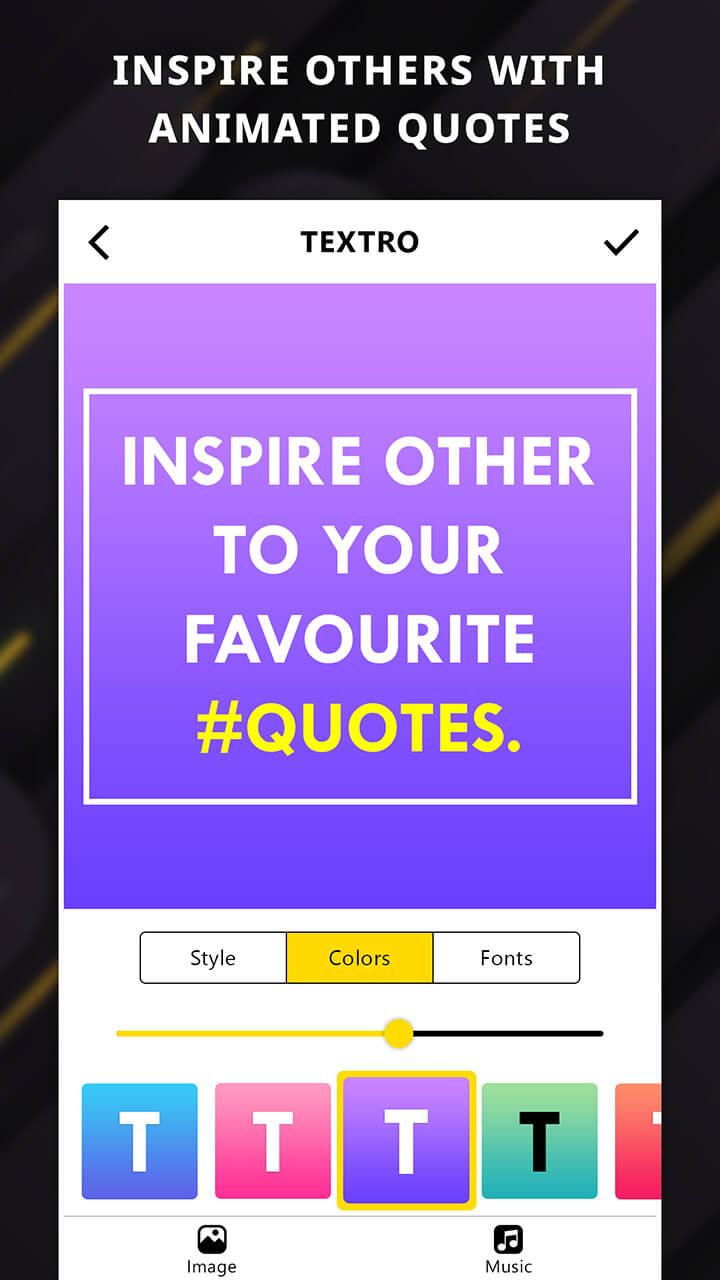
1. Different Text Animation Styles for creating your Animated Video
2. Tons of Color Combinations to make your Story Video attractive
3. Tons of Fonts to write your Inspiring Animated Quotes
4. Choose your Own Music Or use from our Music Library
5. Add your own Pics as background for your animations
Textro is easy to use
1. Just Add Text
2. Choose Animation Style
3. Choose Color Combinations
4. Choose Fonts and DONE.
Add some style to your Text Quotes to create Animated Quotes. These Text animations will add swag to your Animated Text Videos and get you more likes.
Create awesome intro videos about your video and merge them to your Videos. Or just have fun with some creativity!!!
Still Reading? Great! Try it now!!