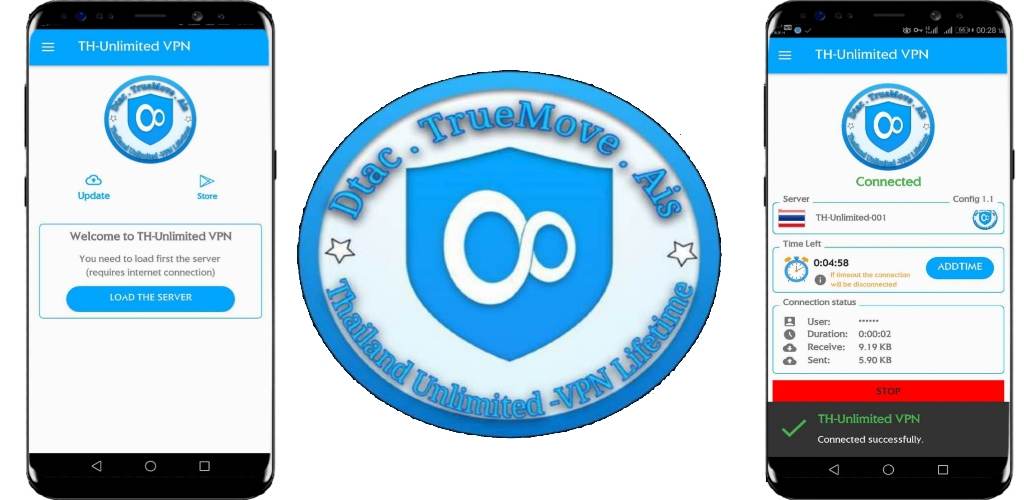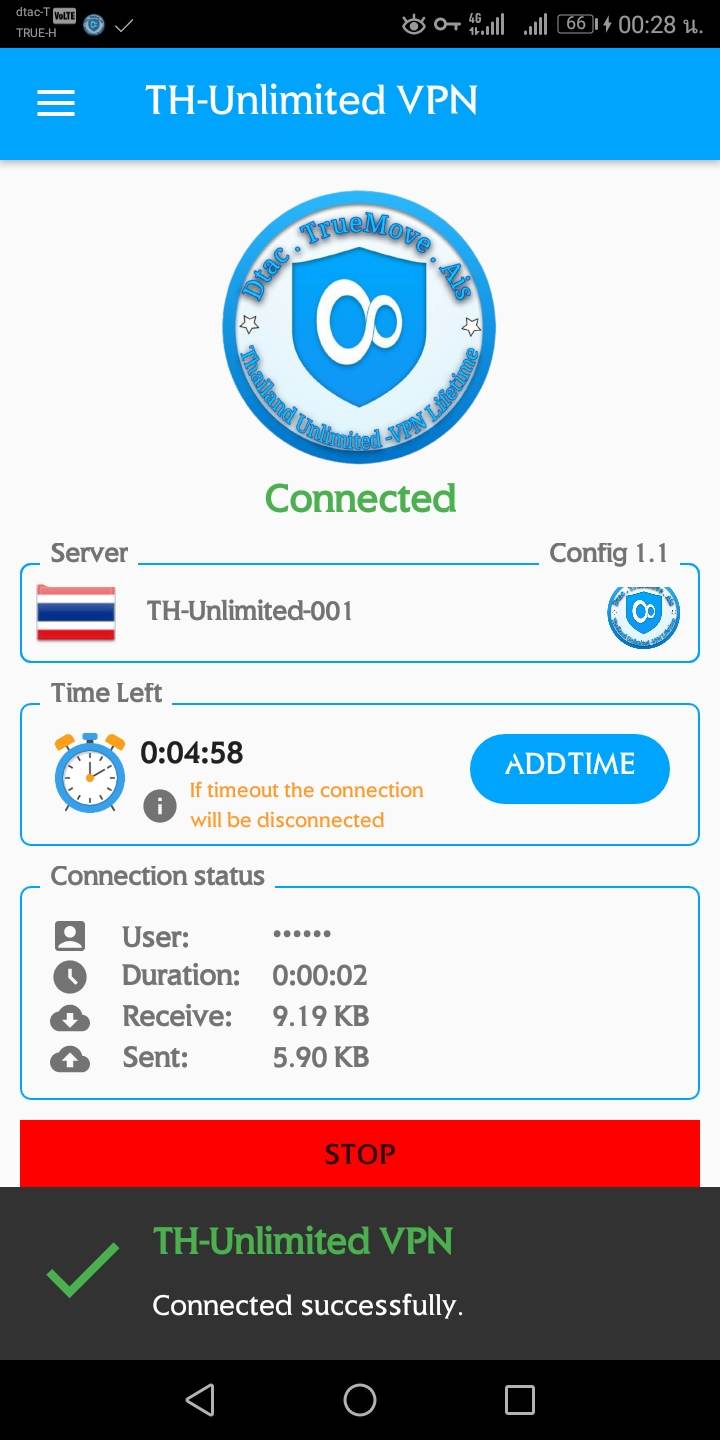


TH VPN is a Tools application developed by MG MG, but with the best Android emulator-LDPlayer, you can download and play TH VPN on your computer.
Running TH VPN on your computer allows you to browse clearly on a large screen, and controlling the application with a mouse and keyboard is much faster than using touchscreen, all while never having to worry about device battery issues.
With multi-instance and synchronization features, you can even run multiple applications and accounts on your PC.
And file sharing makes sharing images, videos, and files incredibly easy.
Download TH VPN and run it on your PC. Enjoy the large screen and high-definition quality on your PC!
แอพพลิเคชั่น TH VPN ของเรามีความสามารถอะไรบ้าง• สามารถเพิ่มความปลอดภัยให้กับข้อมูลส่วนตัวของคุณ
• สามารถปรับสมดุลอินเทอร์เน็ตของคุณให้มีประสิทธิภาพมากยิ่งขึ้น
• ใช้งานได้อย่างสะดวก และ รวดเร็ว
• เราจะไม่จำกัดการใช้งานแบนด์วิธ
• มีเซิฟเวอร์ให้เลือกใช้งานอย่างหลากหลาย
• สามารถเข้าใช้งานแอพพลิเคชั่นของเราได้ตลอดเวลา
• สามารถปกปิดตัวตนที่แท้จริงของคุณได้
• สามารถปกปิดที่อยู่จริงของคุณได้
• เราจะไม่จำกัดความเร็วในการใช้งาน
• เข้าใช้งานได้โดยเราจะไม่มีการบันทึกประวัติการใช้งานของคุณ
• ท่องโซเชียลได้โดยไม่ระบุตัวตนที่แท้จริงของคุณ
• เข้าถึงเว็บไซด์ที่อินเทอร์เน็ตทั่วไปไม่สามารถทำได้
• ปิดบัง IP Addess ที่แท้จริงของคุณ
• สร้างจาก VPS Server ที่ได้มาตรฐาน