ThaiFriendly Dating is a Social application developed by Oxixo Private Ltd., but with the best Android emulator-LDPlayer, you can download and play ThaiFriendly Dating on your computer.
Running ThaiFriendly Dating on your computer allows you to browse clearly on a large screen, and controlling the application with a mouse and keyboard is much faster than using touchscreen, all while never having to worry about device battery issues.
With multi-instance and synchronization features, you can even run multiple applications and accounts on your PC.
And file sharing makes sharing images, videos, and files incredibly easy.
Download ThaiFriendly Dating and run it on your PC. Enjoy the large screen and high-definition quality on your PC!
ThaiFriendly Thai dating app lets you browse through profiles of Thai girls and Farang men all over Thailand! You can use your existing ThaiFriendly account or sign up fresh with a new account.Some of the features:
* Browse through 1 million+ active photo profiles
* Search profiles all over Thailand
* Double tap to send interest to members
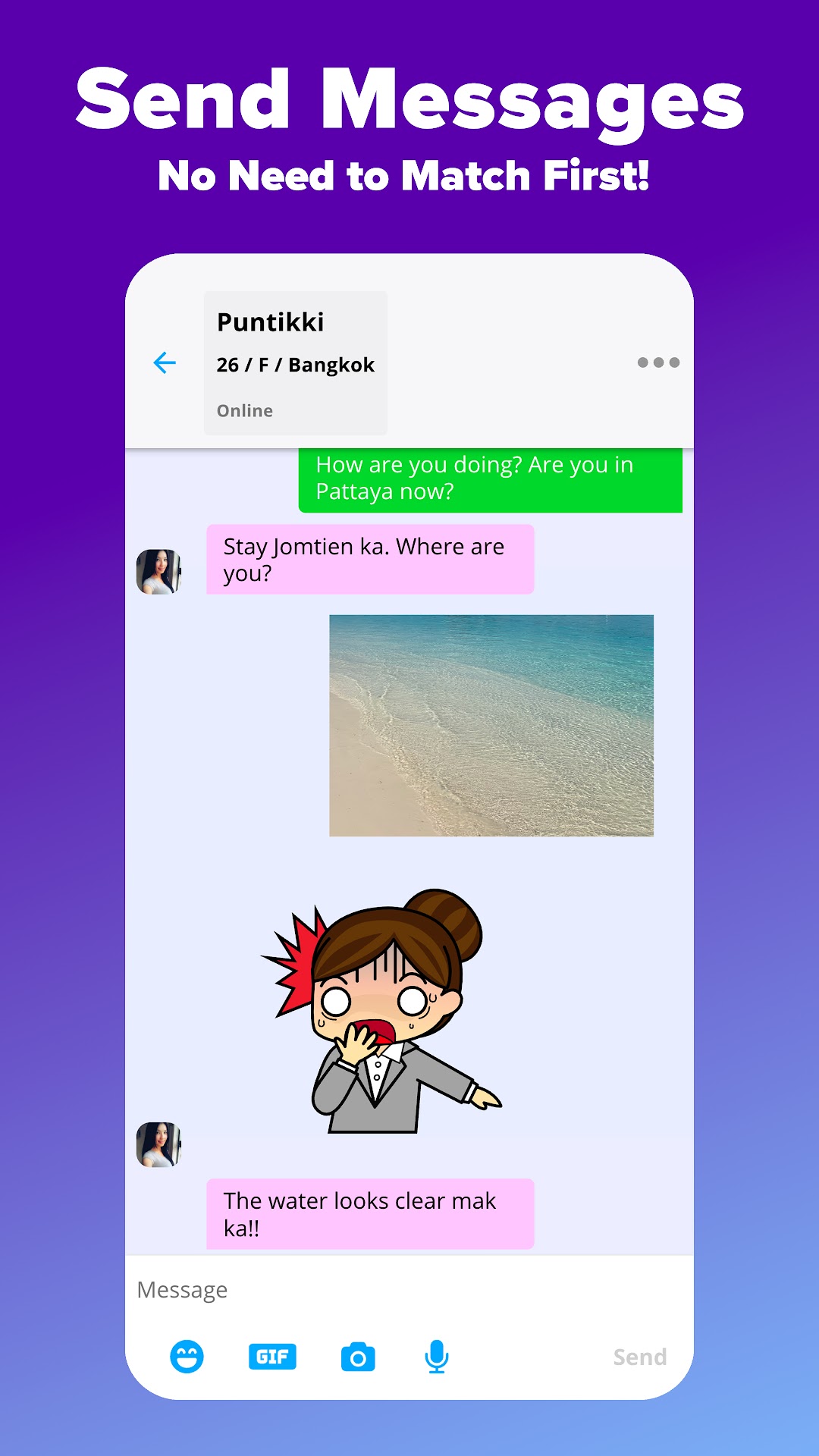
* Contact anyone without needing to match first
Additional features for premium subscribers:
* Unlimited messaging
* Advanced search
* See recent profile visitors, and other useful lists
* Add more photos
* See when users have read your message
* Appear above free users in search
* Set your status to appear offline
* Selectively show your visits to some members but hide from the rest
The Thai Friendly app is free to use but there is an option to purchase a monthly subscription within the app. Subscriptions last for 1 month and automatically renew at $19.99/month if not cancelled. You can easily cancel by visiting payments.google.com - selecting Bills and Accounts and then selecting Cancel subscription.
Our privacy policy:
https://www.thaifriendly.com/privacy.php
Our terms of use:
https://www.thaifriendly.com/terms.php