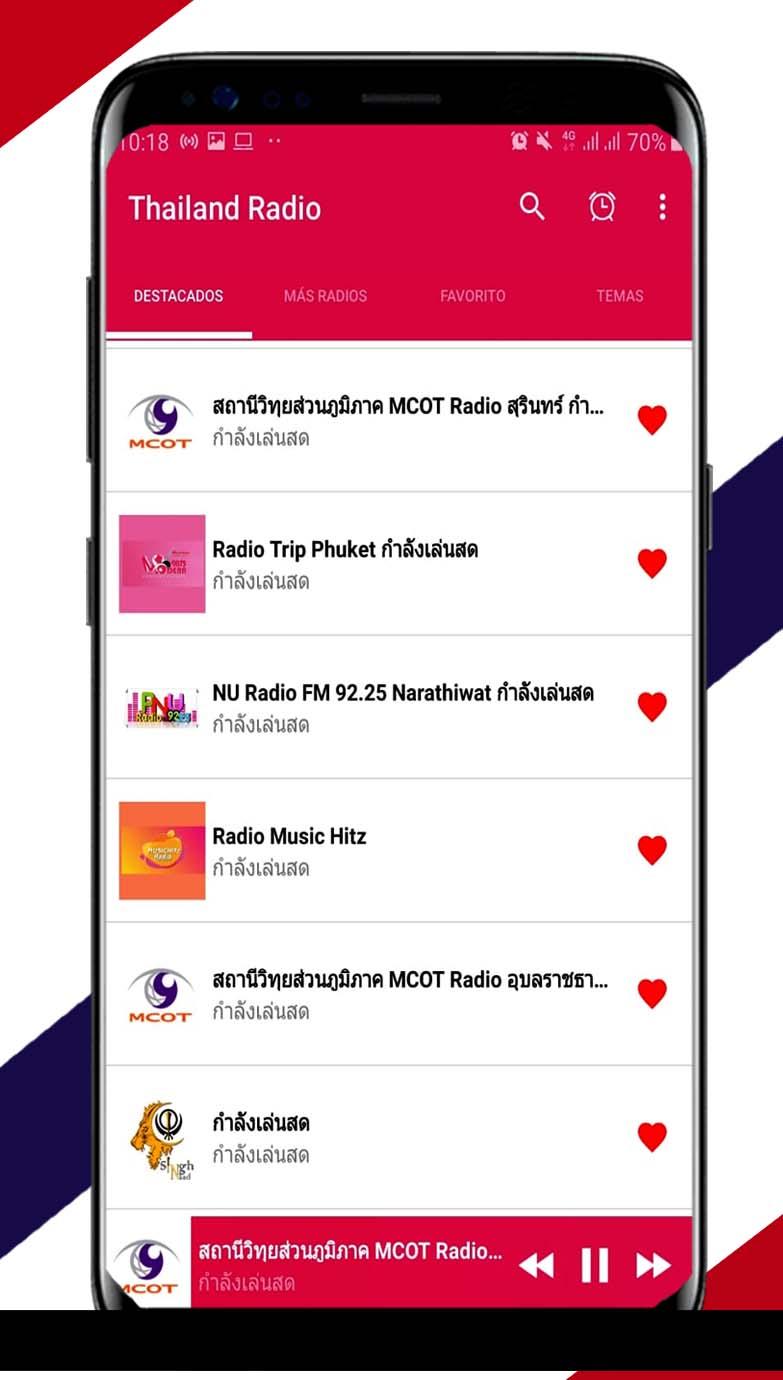
Thailand Radio FM is a Music&Audio application developed by Apps R18, but with the best Android emulator-LDPlayer, you can download and play Thailand Radio FM on your computer.
Running Thailand Radio FM on your computer allows you to browse clearly on a large screen, and controlling the application with a mouse and keyboard is much faster than using touchscreen, all while never having to worry about device battery issues.
With multi-instance and synchronization features, you can even run multiple applications and accounts on your PC.
And file sharing makes sharing images, videos, and files incredibly easy.
Download Thailand Radio FM and run it on your PC. Enjoy the large screen and high-definition quality on your PC!
Thailand Radio FMWe present our free live Singapore Radio FM application, created in a totally different way, so you can enjoy your radio thailand online am and fm anywhere in the world.
If you are a lover of Thailand Radio FM live, this application is perfect for you. It is made for you to enjoy where you can choose between sports, news, music, entertainment with thailand online radio AM FM from the different radio interpreters that broadcast live.
Thailand Radio Station Live includes the most popular radio stations together to listen faster, easier and for free. You can quickly enjoy favorite thailand am and fm radio by various categories with one click, instant playback and superior quality.
With Thailand Radio FM and AM live you can listen to live music and many other radio stations in English, Spanish and where you can select your favorite programs quickly and easily.
Characteristics:
Favorites option
Timer (auto power off)
Variety of Topics
Note: An Internet connection, 3G / 4G or WiFi network is required to tune in to radio stations.