The Cat in the Hat - Dr. Seuss is a Books&Reference application developed by Oceanhouse Media, Inc., but with the best Android emulator-LDPlayer, you can download and play The Cat in the Hat - Dr. Seuss on your computer.
Running The Cat in the Hat - Dr. Seuss on your computer allows you to browse clearly on a large screen, and controlling the application with a mouse and keyboard is much faster than using touchscreen, all while never having to worry about device battery issues.
With multi-instance and synchronization features, you can even run multiple applications and accounts on your PC.
And file sharing makes sharing images, videos, and files incredibly easy.
Download The Cat in the Hat - Dr. Seuss and run it on your PC. Enjoy the large screen and high-definition quality on your PC!
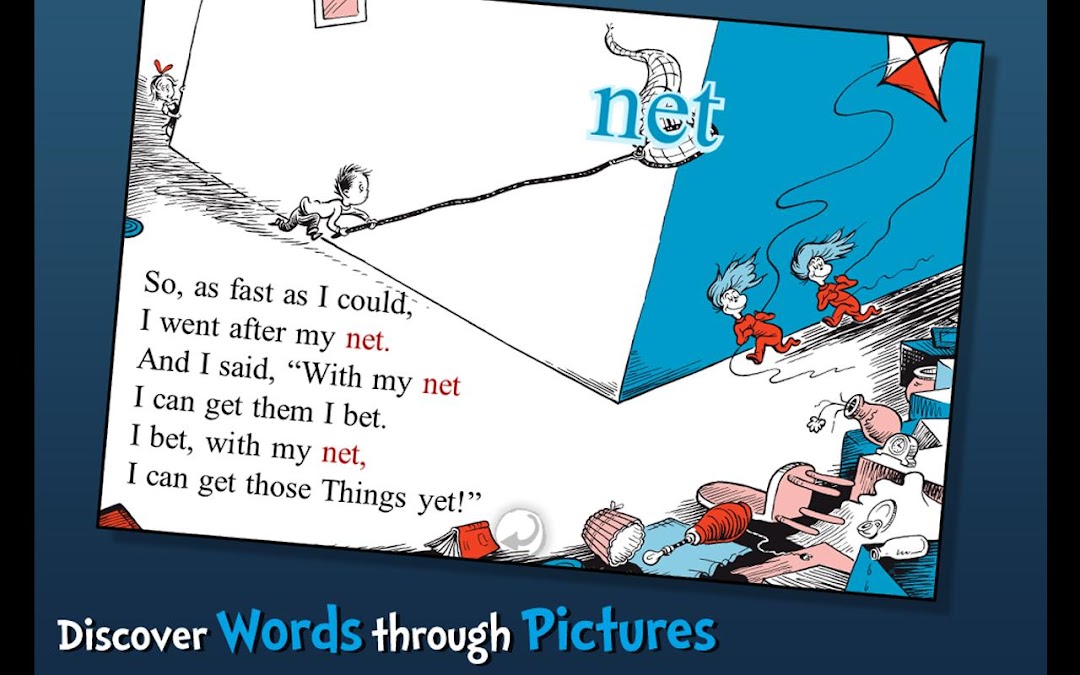
On Sale for a limited time only. Happy Birthday Dr. Seuss!Join the Cat in the Hat in this interactive book app as he stirs up some mischief while Dick and Sally's mother is out and about! Explore pictures, learn new vocabulary, and follow along with three fun ways to read! Will Dick and Sally get things back to normal before Mother returns?
Explore The Cat in the Hat - Dr. Seuss:
- ENCOURAGE literacy skills with highlighted narration
- FOLLOW along with three fun ways to read!
- LEARN new vocabulary with tappable words
- TAP objects to hear their name read aloud
Designed for children ages 3-6
------------------------------------------------------------------------
We'd Love To Hear From You!
- Please share your thoughts in a review! Your experience matters to us.
- Need tech support? Contact us at support@omapp.com
- Say hello to us on FB! facebook.com/oceanhousemedia
Official Dr. Seuss licensed App. Dr. Seuss Properties ™ & © 2010 Dr. Seuss Enterprises, L.P. All rights reserved.