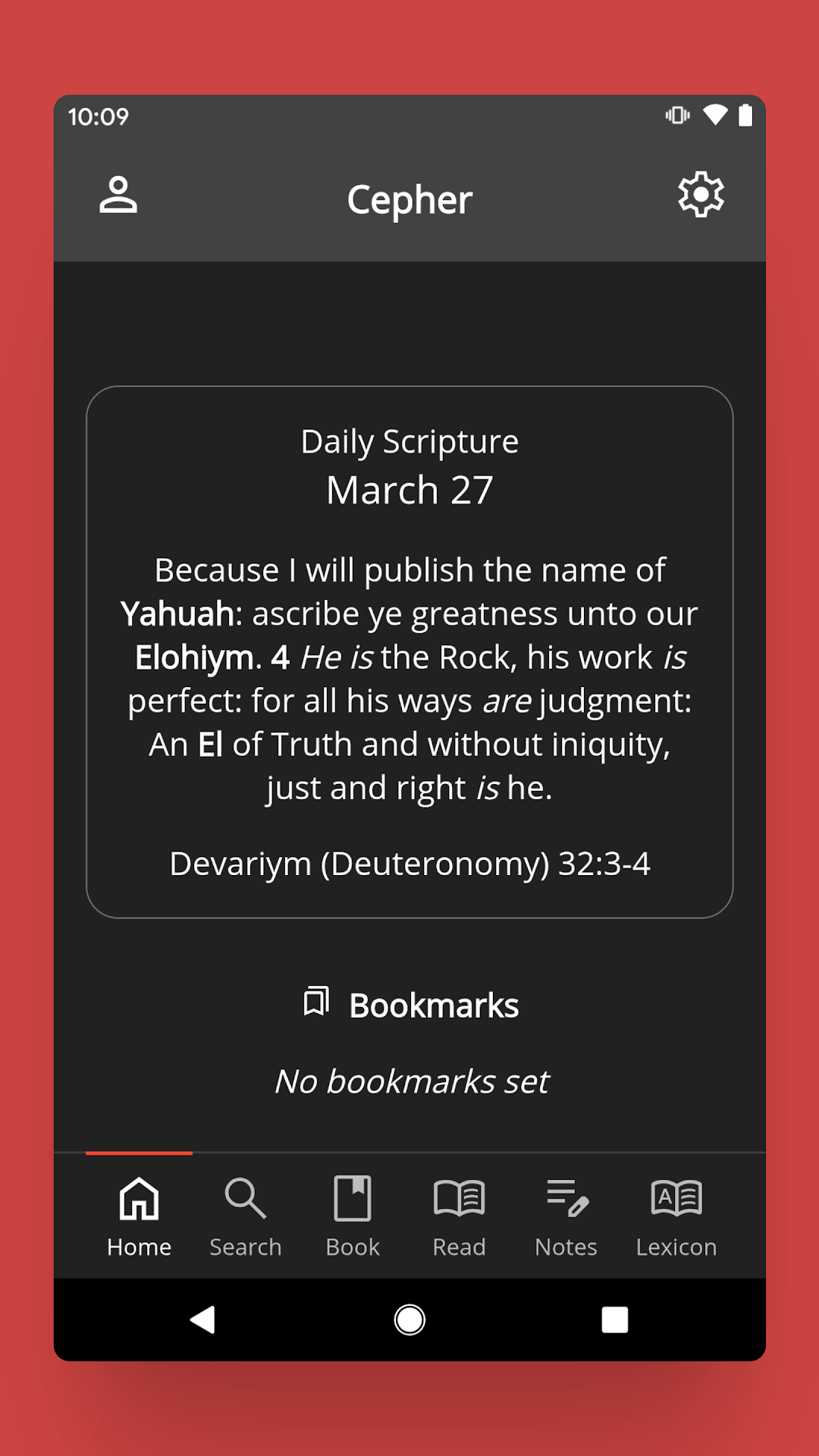
The Cepher is a Books&Reference application developed by Cepher Publishing Group, but with the best Android emulator-LDPlayer, you can download and play The Cepher on your computer.
Running The Cepher on your computer allows you to browse clearly on a large screen, and controlling the application with a mouse and keyboard is much faster than using touchscreen, all while never having to worry about device battery issues.
With multi-instance and synchronization features, you can even run multiple applications and accounts on your PC.
And file sharing makes sharing images, videos, and files incredibly easy.
Download The Cepher and run it on your PC. Enjoy the large screen and high-definition quality on your PC!
Note for users upgrading from the previous version of The Cepher: DO NOT UNINSTALL the old Cepher App before installing this new release as this will remove all your notes! You must keep the old app installed and click "Update" in Google Play for your notes to be copied over correctly.The את Cepher is a collection of sacred scripture that restores much of what has been removed and/or incorrectly interpreted in the Bible for centuries!
• Sets forth a transliteration, rather than a substitution of the names of the Father (Yahuah), Son (Yahusha) and Holy Spirit (Ruach Ha’Qodesh).
• Transliterates over 3,100 other Hebrew names and places without substitution.
• Restores the Aleph Tav את throughout the text; previously omitted in other English translations.
• Includes all of the 81 previously canonized books, plus another 6 books considered to be inspired and/or historically significant: Chanok (Enoch) & Yovheliym (Jubilees) from the Dead Sea Scrolls, as well as Yashar (Jasher), 3 & 4 Ezra (1st & 2nd Esdras), 2 Baruch, and Hadaccah (Additions to Esther) – for a total of 87 books.
• Restores an accurate order to the books as they were originally written.
• Corrects many notorious errors found in virtually all previous English translations, such as Yeshayahu (Isaiah) 14, Zakaryahu (Zechariah) 5, and Mattithyahu (Matthew) 23.
• Restores Chapters 151-155 of Tehilliym (Psalms); and the Acrostic Psalms 35 and 145, together with the Acrostic format of Qoheleth (Ecclesiastes) are marked with Ivriyt (Hebrew) indicators.
• Restores the Missing Fragment of 70 verses in 4 Ezra Chapter 7.
• Restores the 29th chapter of Ma’asiym (The Acts of the Apostles) chronicling Pa’al’s (Apostle Paul’s) journey to Spain and Britain.
The Cepher App allows you to easily search the scriptures by keyword, book, chapter or verse and is loaded with extra features, including:
• Note-taking capability with sorting.
• Highlighting available in seven different colors.
• A Lexicon of all the transliterated Hebrew words found in the את Cepher.
• The Daily Hebrew Prayers.
• Links to our Weekly Torah Portion, Dr. Stephen Pidgeon’s blog, articles and other free downloads available our website.
One-time cost covers all future updates/ revisions to the text.