Thermal Infrared Camera Effect is a Photography application developed by Developers Paradise, but with the best Android emulator-LDPlayer, you can download and play Thermal Infrared Camera Effect on your computer.
Running Thermal Infrared Camera Effect on your computer allows you to browse clearly on a large screen, and controlling the application with a mouse and keyboard is much faster than using touchscreen, all while never having to worry about device battery issues.
With multi-instance and synchronization features, you can even run multiple applications and accounts on your PC.
And file sharing makes sharing images, videos, and files incredibly easy.
Download Thermal Infrared Camera Effect and run it on your PC. Enjoy the large screen and high-definition quality on your PC!
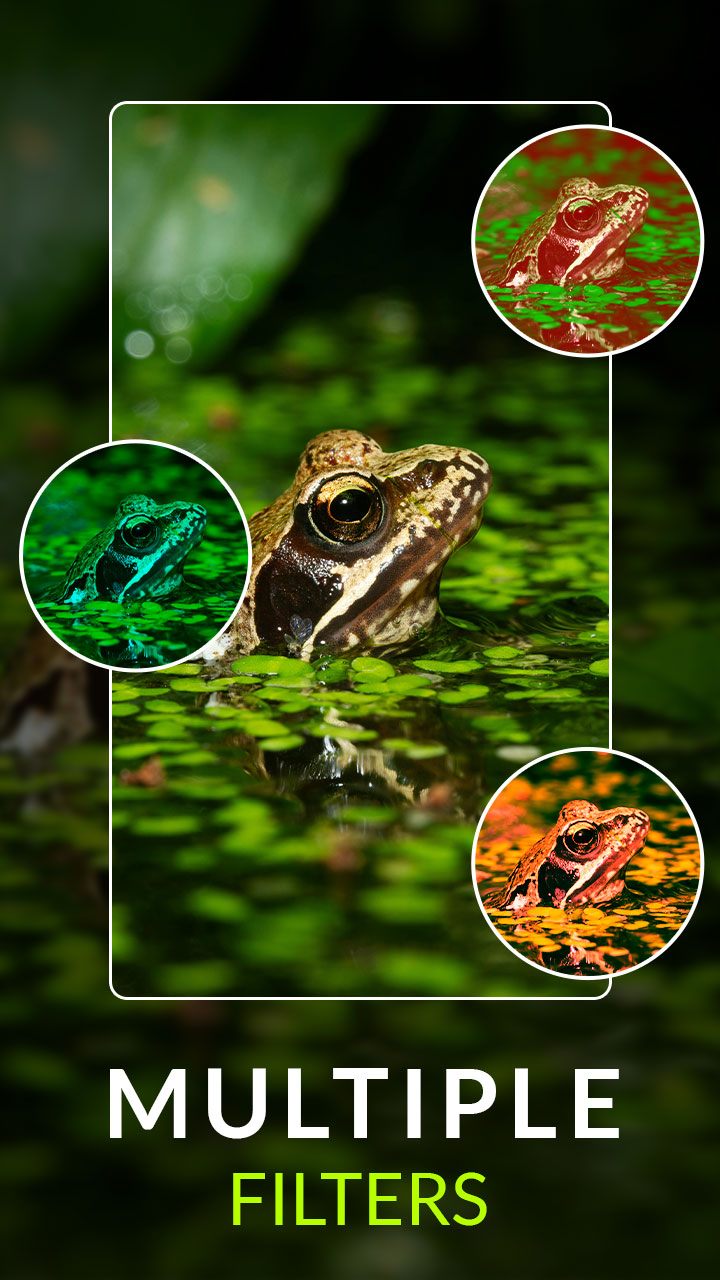
Discover the world in a new way with Thermal Infrared Camera Effect – an Android app that lets you apply thermal camera-style filters to your photos and videos. Using your device’s camera, the app simulates the colorful look of infrared thermal imaging, creating vibrant heat vision visuals that make your pictures and recordings look unique and futuristic.Perfect for photographers, tech enthusiasts and creative minds, this app provides real-time thermal vision effects with adjustable filters. You can customize the color palette, brightness, and contrast to suit your preference and capture high-quality images or videos with stunning results.
The app also supports live video recording in thermal mode, making it fun for experiments, artistic projects, and visual exploration. Save your creations directly to the gallery or share them instantly on social media to impress your friends.
Key Features:
- Capture Photos in Thermal Effect – Apply thermal-style filters in real time to snap striking images.
- Record Videos with Infrared Effect – Create “heat vision” style videos with live thermal camera effects.
- Adjustable Filters – Change color schemes, brightness and contrast for different looks.
- Multiple Resolutions – Choose the best camera quality supported by your device.
- Live Preview – See the thermal filter effect in real-time as you record.
- Front & Rear Camera – Enjoy thermal effects with either selfie or back camera.
- Save & Share – Save images/videos to your gallery or share with friends online.
- User-Friendly – Simple interface with smooth, lag-free performance.
Use Cases – Unleash Your Creativity:
- 📸 Creative Photography: Capture artistic images with surreal thermal colors and tones.
- 🎥 Video Projects: Add a sci-fi thermal vision effect to your recorded videos.
- 🌃 Night Fun: Experiment in low-light environments for unique night-view effects (simulation only, not true night vision).
- 🧑🔬 Education & Science: Great for science demos or teaching about heat patterns in a simulated way.
- 🎨 Social Media: Make your posts stand out by transforming everyday scenes with thermal-style filters.
⚠️ Disclaimer:
This app does not measure real temperature or detect actual heat. It simulates a thermal infrared camera effect using image filters on your phone’s camera. It is for creative and entertainment purposes not for any form of real thermal scanning. Results will depend on your device’s camera quality and sensor.
Download Thermal Infrared Camera Effect today and explore the world through a unique heat-vision filter!