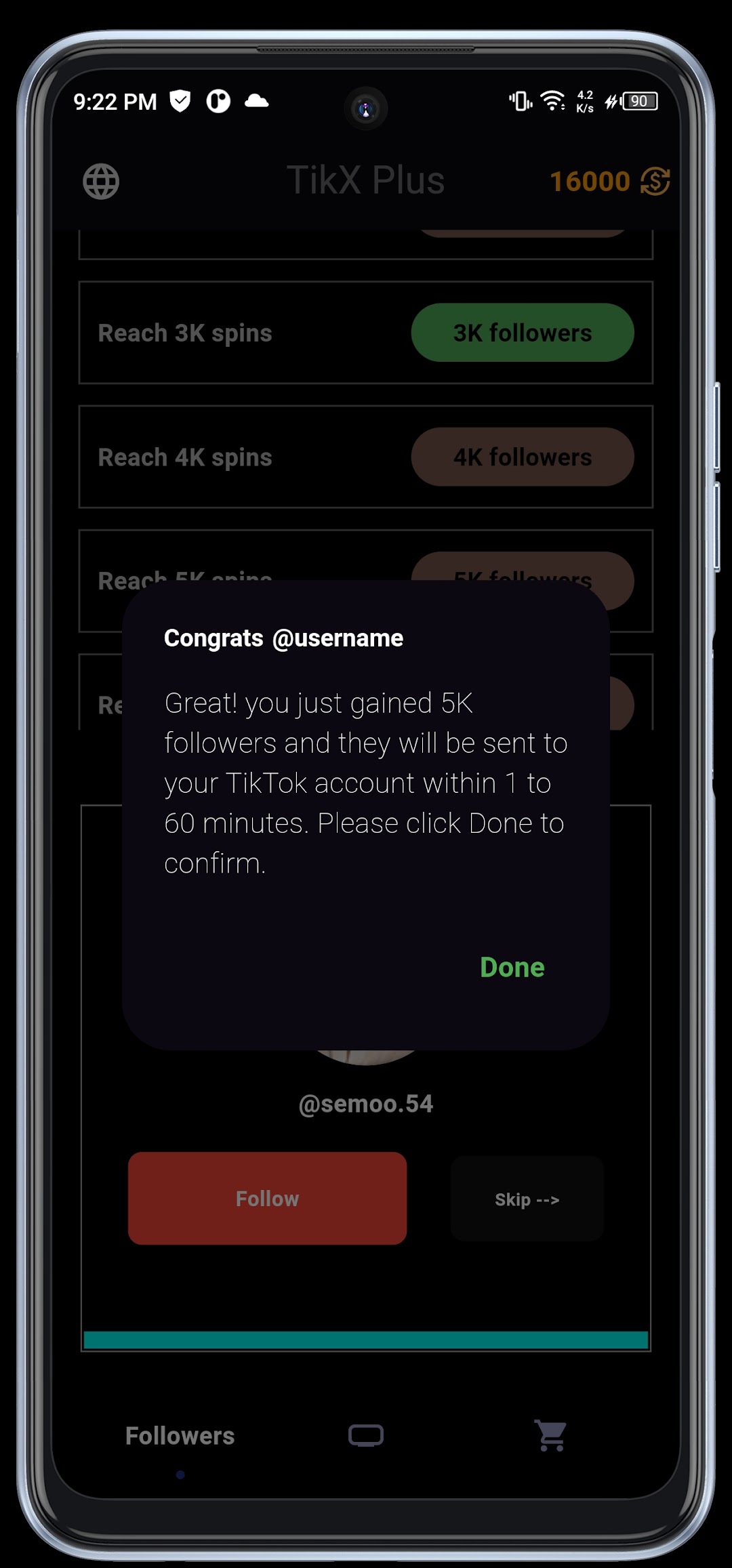
TikX Plus - 1M Followers Likes is a Social application developed by Rooz Co, but with the best Android emulator-LDPlayer, you can download and play TikX Plus - 1M Followers Likes on your computer.
Running TikX Plus - 1M Followers Likes on your computer allows you to browse clearly on a large screen, and controlling the application with a mouse and keyboard is much faster than using touchscreen, all while never having to worry about device battery issues.
With multi-instance and synchronization features, you can even run multiple applications and accounts on your PC.
And file sharing makes sharing images, videos, and files incredibly easy.
Download TikX Plus - 1M Followers Likes and run it on your PC. Enjoy the large screen and high-definition quality on your PC!
TikX Plus The new world to Boost followers, likes, views and comments todayit's waiting for you after downloading the app for free! You will gain more real TikTok fans and likes that you can't even imagine! Boost your content's visibility with just a few clicks.
🔒Security:
We do not ask for your Tik Tok profile password. All your data is protected. This service is completely anonymous and offers real promotion without compromising your profile.
📄 Disclaimer:
TikX Plus is a third party app and is not affiliated with TikTok, Musical.ly or ByteDance.