

TITAN M-M is a Health&Fitness application developed by TITAN M-M, but with the best Android emulator-LDPlayer, you can download and play TITAN M-M on your computer.
Running TITAN M-M on your computer allows you to browse clearly on a large screen, and controlling the application with a mouse and keyboard is much faster than using touchscreen, all while never having to worry about device battery issues.
With multi-instance and synchronization features, you can even run multiple applications and accounts on your PC.
And file sharing makes sharing images, videos, and files incredibly easy.
Download TITAN M-M and run it on your PC. Enjoy the large screen and high-definition quality on your PC!
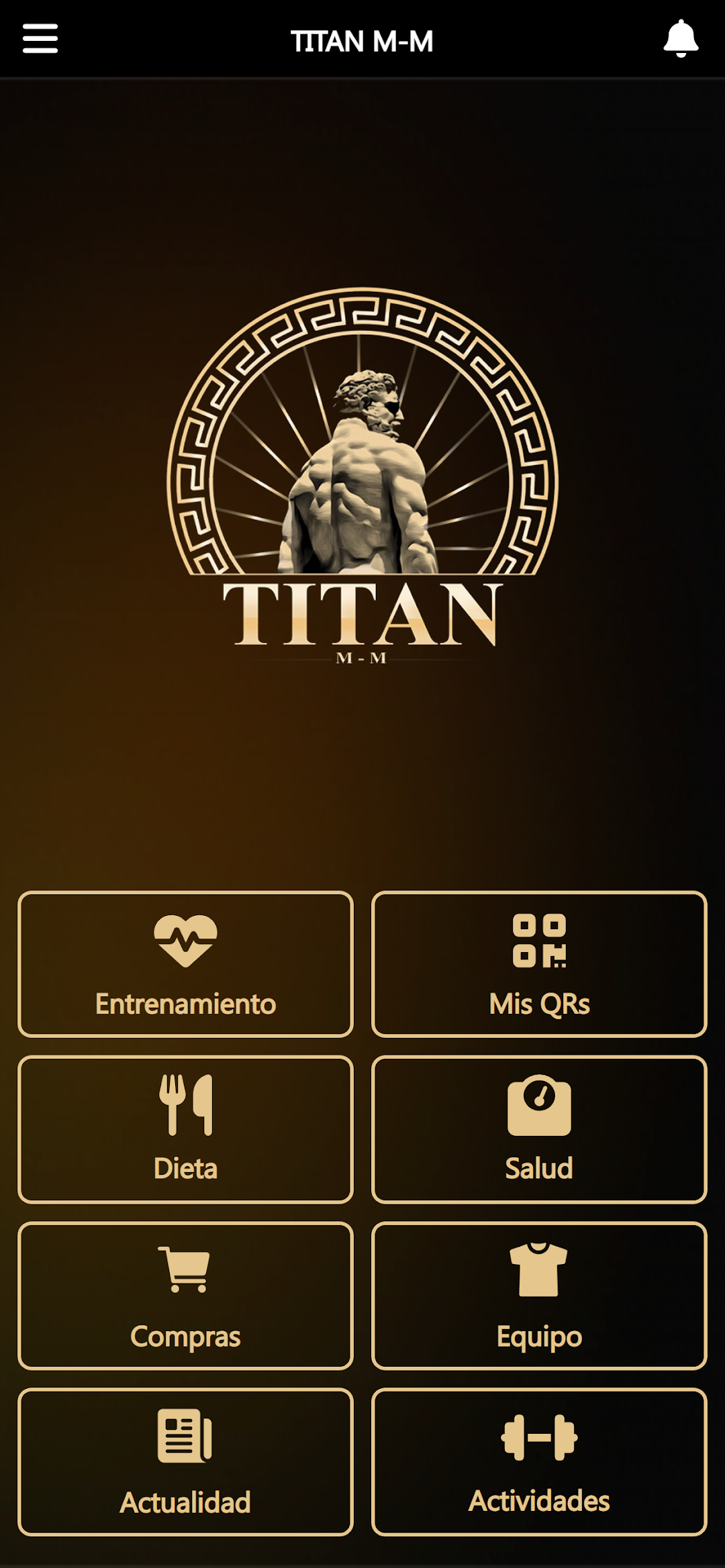
All the activities, classes and services at your disposal, to meet your goals and have fun while taking care of yourself. We help you achieve it, supporting you, motivating you and providing you with the most modern facilities, with extensive hours so that time is no excuse.With our App, you will be able to see the available classes at all times, book and cancel your attendance, check the capacity, recharge your voucher... all from the comfort of your home, just with your mobile. Also, if you prefer, you can have access to our training module developed by highly qualified professionals and personalized for you according to your physical condition and goals.
Do not hesitate, if you set your mind to it, we will help you achieve it. Download our app, and join our team.