
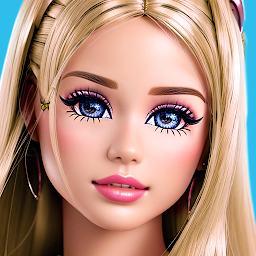


Toon Face app: Princess Camera is a Photography application developed by Hairstyle Photo Apps, but with the best Android emulator-LDPlayer, you can download and play Toon Face app: Princess Camera on your computer.
Running Toon Face app: Princess Camera on your computer allows you to browse clearly on a large screen, and controlling the application with a mouse and keyboard is much faster than using touchscreen, all while never having to worry about device battery issues.
With multi-instance and synchronization features, you can even run multiple applications and accounts on your PC.
And file sharing makes sharing images, videos, and files incredibly easy.
Download Toon Face app: Princess Camera and run it on your PC. Enjoy the large screen and high-definition quality on your PC!
❤️️ Do you want to make a toon face on photo? Dream of photo with big toon eyes?Toon face is cartoon photo editor for girls and boys to make your face toon!
❤️️ Turn your face photo in toon character easy and fast:
● Take a new photo or select photo from gallery.
● Add cartoon stickers from our amazing collection.
● Change your eyes, eyebrows, lips and hairstyles into toon image!
● Save and share toon photo with your friends!
❤️️ Toon face app has huge collection of cartoon stiskers for your face:
● Make big toon eyes like your favourite princess on photo!
● Add cartoon eyebrows in different colors!
● Change your lips in cartoon style!
● Create toon hair on photo!
● Add hearts stickers to decorate your toon photo!
❤️️ Toon face is offline photo app so you can change yourself on photo anytime and anywhere!
● Toon Face is absolutely free photo editor!
● Change yourself and you will love your big toon eyes and toon hairstyles on photo!
● Have fun with Toon Face photo editor for free!


