ToonArt - Cartoon Photo Editor is a Photography application developed by Kenixwin Tech, but with the best Android emulator-LDPlayer, you can download and play ToonArt - Cartoon Photo Editor on your computer.
Running ToonArt - Cartoon Photo Editor on your computer allows you to browse clearly on a large screen, and controlling the application with a mouse and keyboard is much faster than using touchscreen, all while never having to worry about device battery issues.
With multi-instance and synchronization features, you can even run multiple applications and accounts on your PC.
And file sharing makes sharing images, videos, and files incredibly easy.
Download ToonArt - Cartoon Photo Editor and run it on your PC. Enjoy the large screen and high-definition quality on your PC!
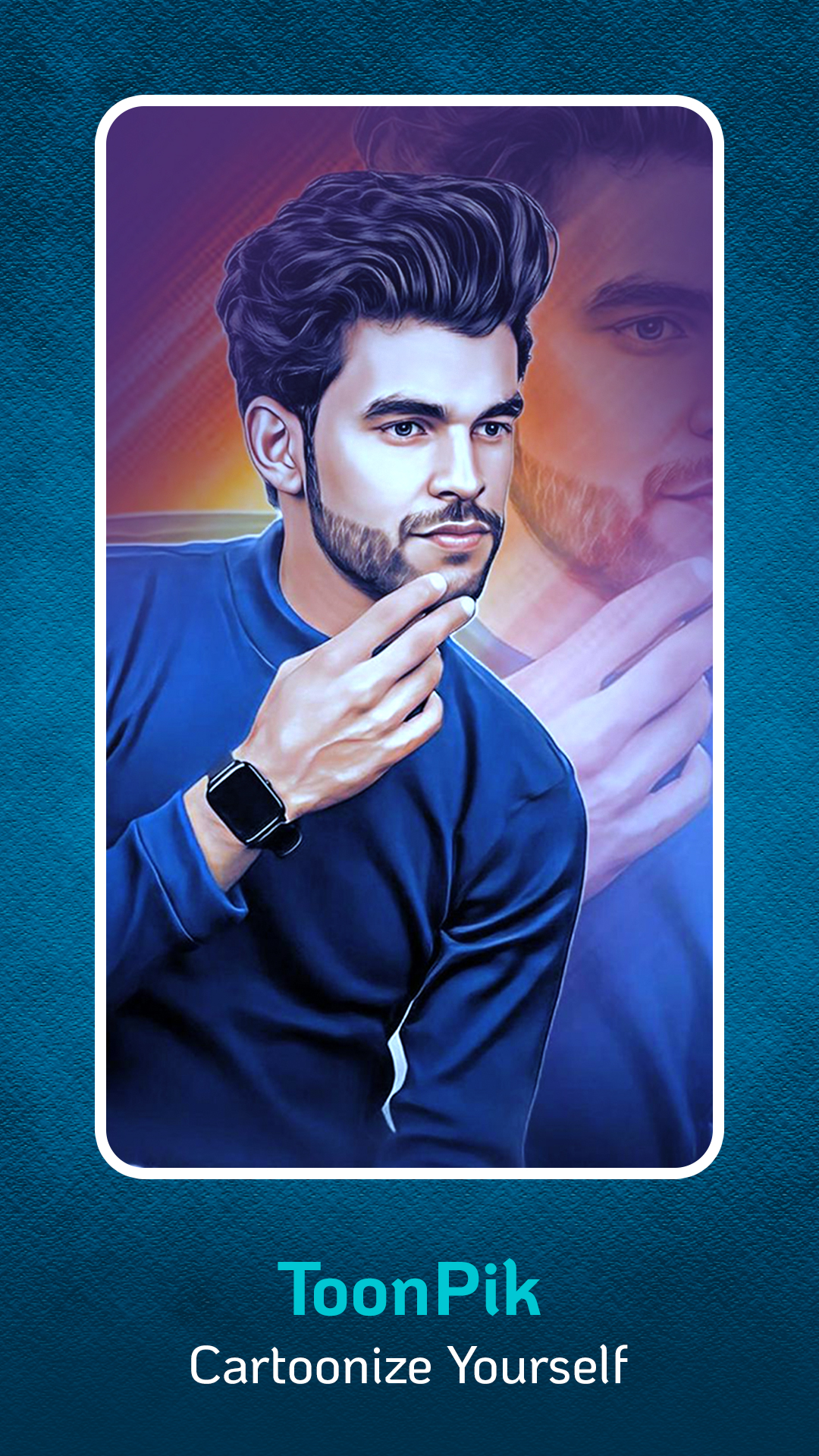
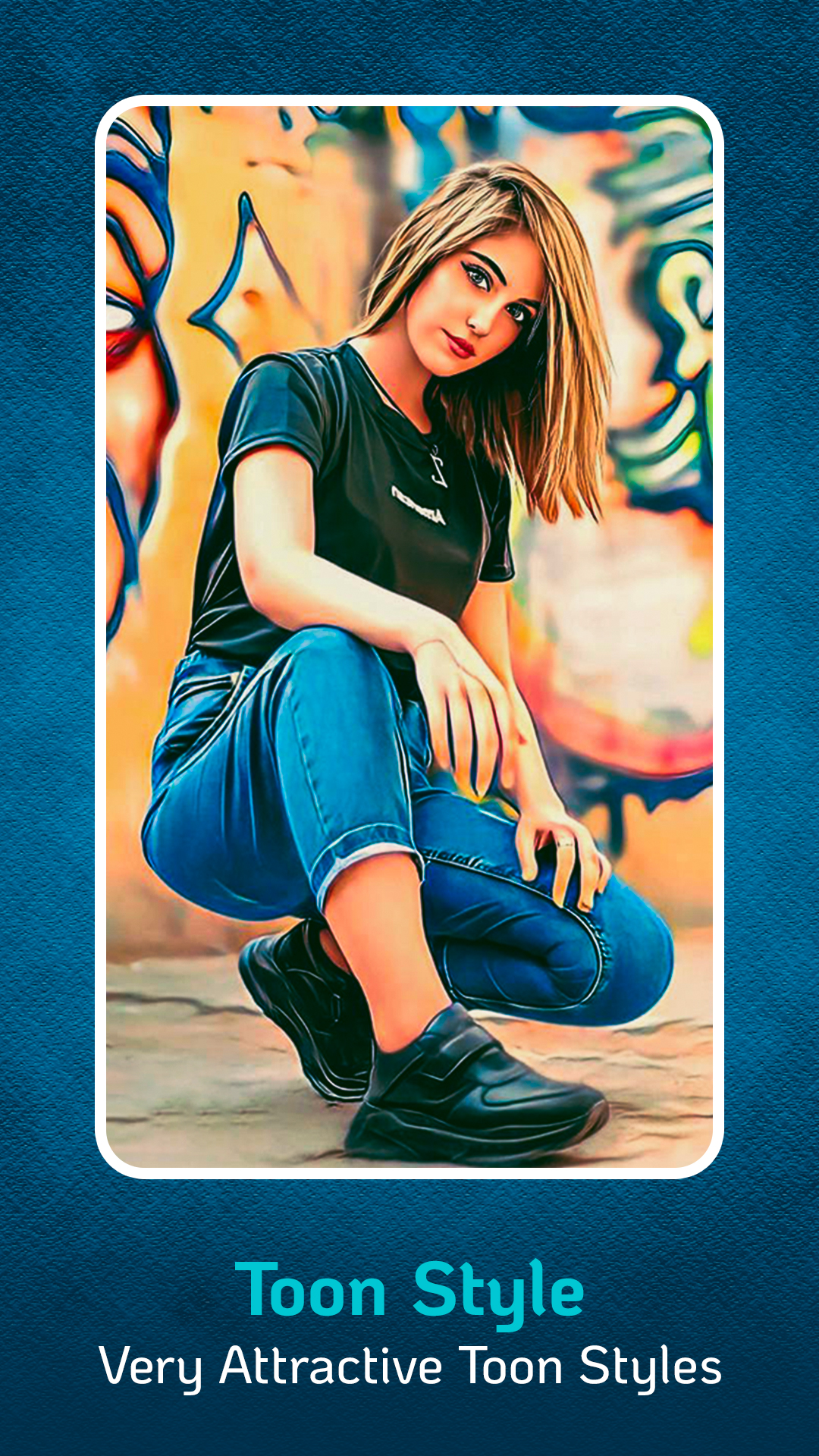
Toonpik photo editor is a cool app to make your cartoon photos, cartoon photo editor which convert your photos into oil painted cartoon effects. Cartoon photo editor is a easy to use app here you need to just select the effect you want to apply to your photo and then select photo and done we will create your photo which you can directly share it on social media apps, pics art has some awesome effects which makes your photo cool looking.Share photos on social media apps directly from the app. We love to hear from you so if you have any suggestions for us then please write us at our contact email.