Total Launcher is a Personalization application developed by Total_Apps, but with the best Android emulator-LDPlayer, you can download and play Total Launcher on your computer.
Running Total Launcher on your computer allows you to browse clearly on a large screen, and controlling the application with a mouse and keyboard is much faster than using touchscreen, all while never having to worry about device battery issues.
With multi-instance and synchronization features, you can even run multiple applications and accounts on your PC.
And file sharing makes sharing images, videos, and files incredibly easy.
Download Total Launcher and run it on your PC. Enjoy the large screen and high-definition quality on your PC!
Total Launcher is the best customizable launcher in Android. Of course, it is still fast, light and easy to use.Do you like a simple home? Use this.
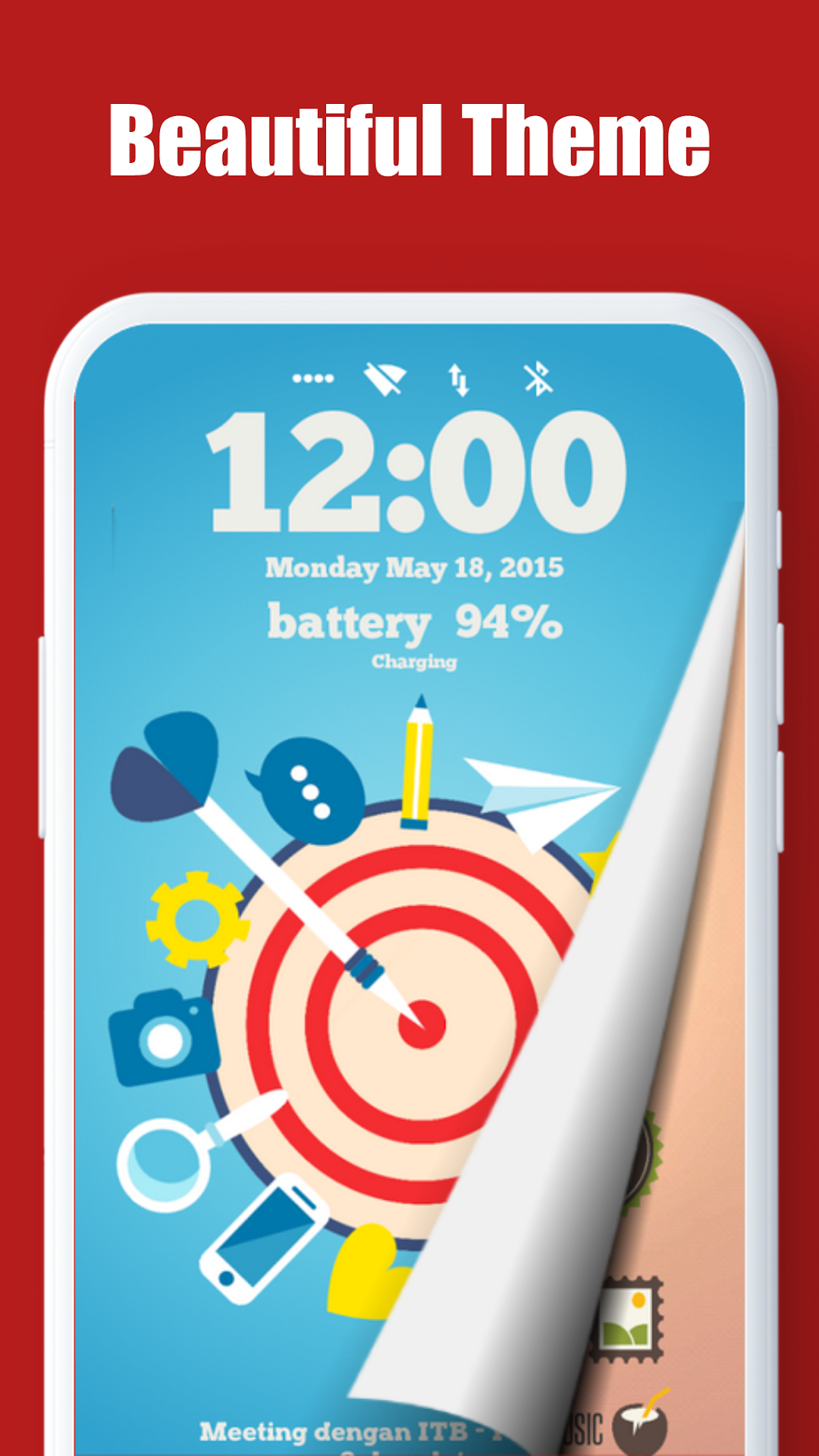
Do you like a beautiful home? Use this.
Do you like a smart home? Use this.
Is there no home launcher you want? Make it with this.
Whatever you want for home, this is it.
I would like to tell you just one phrase.
"Press and hold it to edit it"
You can customize it, whatever it is.
Official blog :
https://total-launcher.blogspot.com
Telegram Groups:
https://t.me/OfficialTotalLauncher
https://t.me/OfficialTotalLauncherThemes
* This app requires Device Admin privileges to implement the "screen lock" launcher action.
* This app uses Accessibility service API for the following Launcher actions only if necessary:
- Open recent apps
- Screen lock
No other information is processed from this permission.