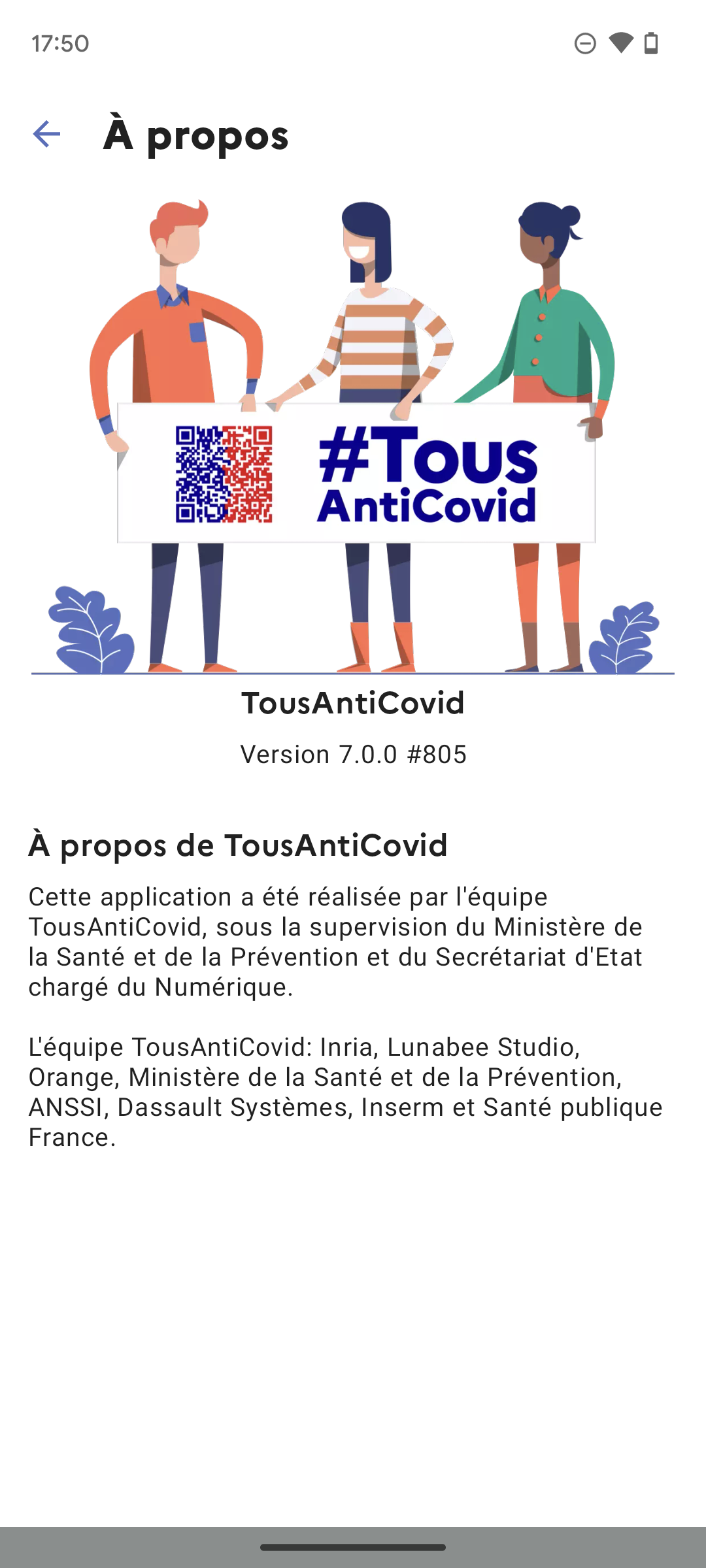
TousAntiCovid is a Medical application developed by Gouvernement, but with the best Android emulator-LDPlayer, you can download and play TousAntiCovid on your computer.
Running TousAntiCovid on your computer allows you to browse clearly on a large screen, and controlling the application with a mouse and keyboard is much faster than using touchscreen, all while never having to worry about device battery issues.
With multi-instance and synchronization features, you can even run multiple applications and accounts on your PC.
And file sharing makes sharing images, videos, and files incredibly easy.
Download TousAntiCovid and run it on your PC. Enjoy the large screen and high-definition quality on your PC!
Let’s protect our loved ones, ourselves and everybody else with TousAntiCovid.# Stay informed
In TousAntiCovid, you can follow the situation regarding Covid.
# TousAntiCovid Wallet
With the Wallet, you can add your COVID-19 certificates (vaccine and test) digitally into the app, for best convenience.
And you can have your favorite certificate in a Widget, or on your Apple Watch!
# My data is protected
Data is stored locally on your iPhone.
You can delete the data stored on your iPhone from the TousAntiCovid settings, whenever you want.
_
The TousAntiCovid application is designed for use in France.
The application has been developed by the TousAntiCovid team under the supervision of the Ministère de la Santé et de la Prévention and the Secrétariat d'Etat chargé du Numérique.