Translate on Screen - Easy Tap is a Tools application developed by RanChod Webi, but with the best Android emulator-LDPlayer, you can download and play Translate on Screen - Easy Tap on your computer.
Running Translate on Screen - Easy Tap on your computer allows you to browse clearly on a large screen, and controlling the application with a mouse and keyboard is much faster than using touchscreen, all while never having to worry about device battery issues.
With multi-instance and synchronization features, you can even run multiple applications and accounts on your PC.
And file sharing makes sharing images, videos, and files incredibly easy.
Download Translate on Screen - Easy Tap and run it on your PC. Enjoy the large screen and high-definition quality on your PC!
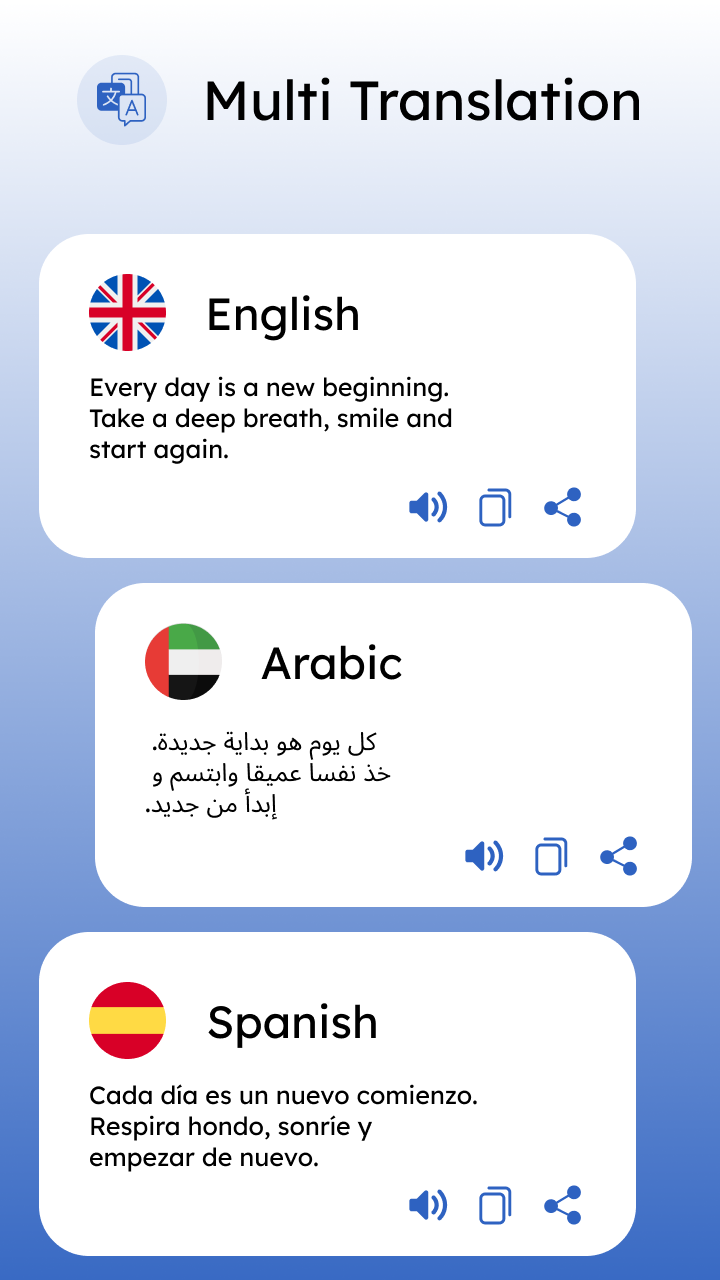
Translate on Screen - Easy Tap is an amazing way to translate your text, conversation, and others by just using this tool. Now find the easiest way to translate your text with different methods. All Screen Translation allows you to translate any written text into your selected language. You can also find the option to speak translate; just tap on the microphone and speak whatever you want to translate with a simple touch. With Screen Translate, you can translate the photos you have taken or from the book in your mobile gallery.All Translate on Screen - Easy Tap also allows the option of chat conversion, in which you can direct your chat by just using the speak button. Get another best option, like multi-language translation, which means you can translate your text into your selected languages at the same time. Use the easy way to find the meaning of your word by just following the different methods.
FEATURES:
It is easy and simple to find the meaning of your words and text
Multiple languages are supported
Translate text easily
Allows to translate your photo and captured image text easily
Mic translation is available to find the direct meaning of your word by using the mic
Multiple translations are available to find the meaning of simple text in different languages at once
Different phrases are available to find the meaning of daily happenings and other moments.