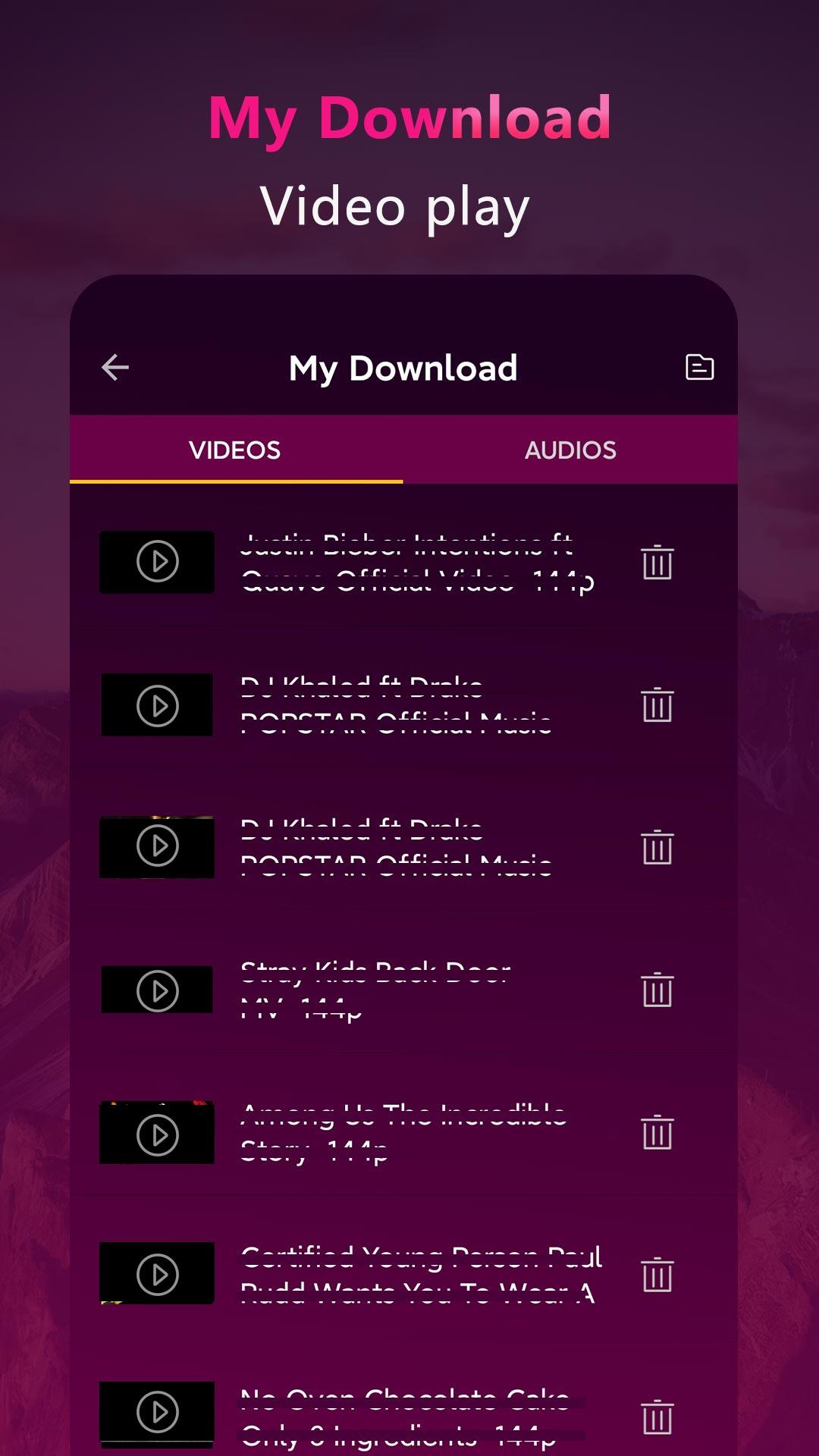
Tube Video & Tube Play & Play is a Music&Audio application developed by tube vido & tube play Inc., but with the best Android emulator-LDPlayer, you can download and play Tube Video & Tube Play & Play on your computer.
Running Tube Video & Tube Play & Play on your computer allows you to browse clearly on a large screen, and controlling the application with a mouse and keyboard is much faster than using touchscreen, all while never having to worry about device battery issues.
With multi-instance and synchronization features, you can even run multiple applications and accounts on your PC.
And file sharing makes sharing images, videos, and files incredibly easy.
Download Tube Video & Tube Play & Play and run it on your PC. Enjoy the large screen and high-definition quality on your PC!
Tube Video & Tube Play is a free and powerful third party client for Tube. This app helps you to easily find hot movie videos and music videos.Tube Video & Tube Play for you search videos and channels, play in both full screen or floating popup window mode.
Mark your favorite videos and music, save the playlist. Tube Video & Tube Play make it much easier.
Go & Install NOW ⏬ ! Tube Video & Tube Play for you
Enjoy unlimited free video and music!
FEATURE:
🚀 Collection of trending videos
🚀 Search videos and channels
🚀 Display detail information about the video and music
🚀 Floating Popup play mode
🚀 Bookmark your favorite video and music, save your playlist.
🚀 Subscribe video channels you like
NOTE:
1. Tube Video & Tube Play using the third-party API source from Tube. All the free video is provided by Tube services. And you can search and play the videos on Tube.
2. By complying with the API Terms of Use, we do not provide caching any tracks