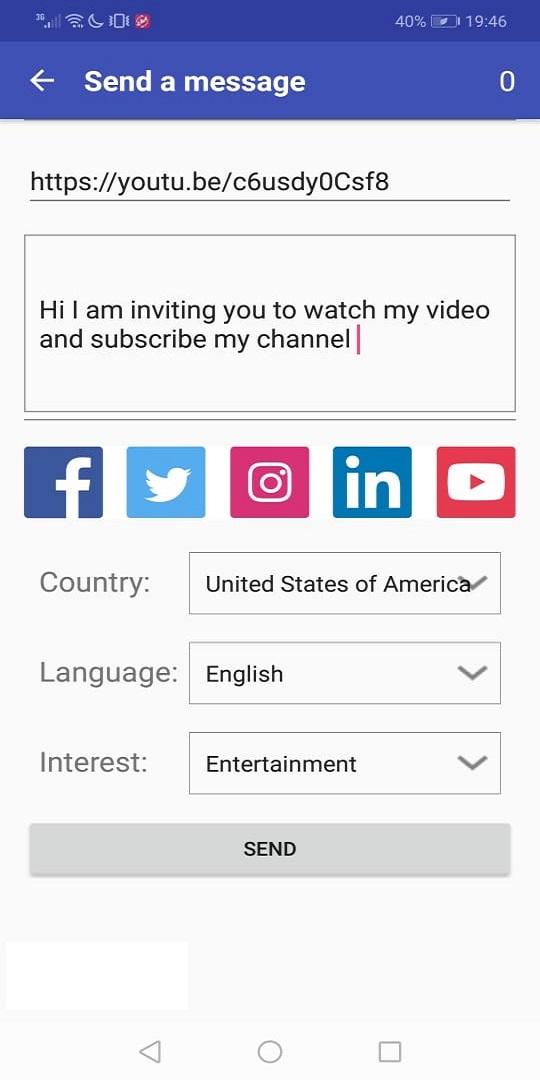
TubeMine is a Social application developed by AVERO INC, but with the best Android emulator-LDPlayer, you can download and play TubeMine on your computer.
Running TubeMine on your computer allows you to browse clearly on a large screen, and controlling the application with a mouse and keyboard is much faster than using touchscreen, all while never having to worry about device battery issues.
With multi-instance and synchronization features, you can even run multiple applications and accounts on your PC.
And file sharing makes sharing images, videos, and files incredibly easy.
Download TubeMine and run it on your PC. Enjoy the large screen and high-definition quality on your PC!
Do you want to get more subscribers, views and likes for your video and channel/account?Do you want your video to become a viral video?
Do you want more followers and subscribers ?
TubeMine is the best application to help you boost your subscribers and make your channel more popular;
boosting your video views, likes and make it viral video. TubeMine is the only social platform for new influencers.
We will promote immediately your channel and video to the people around the world and help your channel get more subscribers, help your video get more views and likes.
You need to collect coin to create your campaign by make a purchase or just view other video from other people.
Please Notes:
TubeMine is a 3rd party app.
TubeMine do NOT offer the ability to buy subscriber, view and like as it is against the policy.
We only a platform to help your video and channel reach out to people,
and they can view and like any channel or video which they feel interested in.