TV cast & mirror screen is a Tools application developed by Synzylorix, but with the best Android emulator-LDPlayer, you can download and play TV cast & mirror screen on your computer.
Running TV cast & mirror screen on your computer allows you to browse clearly on a large screen, and controlling the application with a mouse and keyboard is much faster than using touchscreen, all while never having to worry about device battery issues.
With multi-instance and synchronization features, you can even run multiple applications and accounts on your PC.
And file sharing makes sharing images, videos, and files incredibly easy.
Download TV cast & mirror screen and run it on your PC. Enjoy the large screen and high-definition quality on your PC!
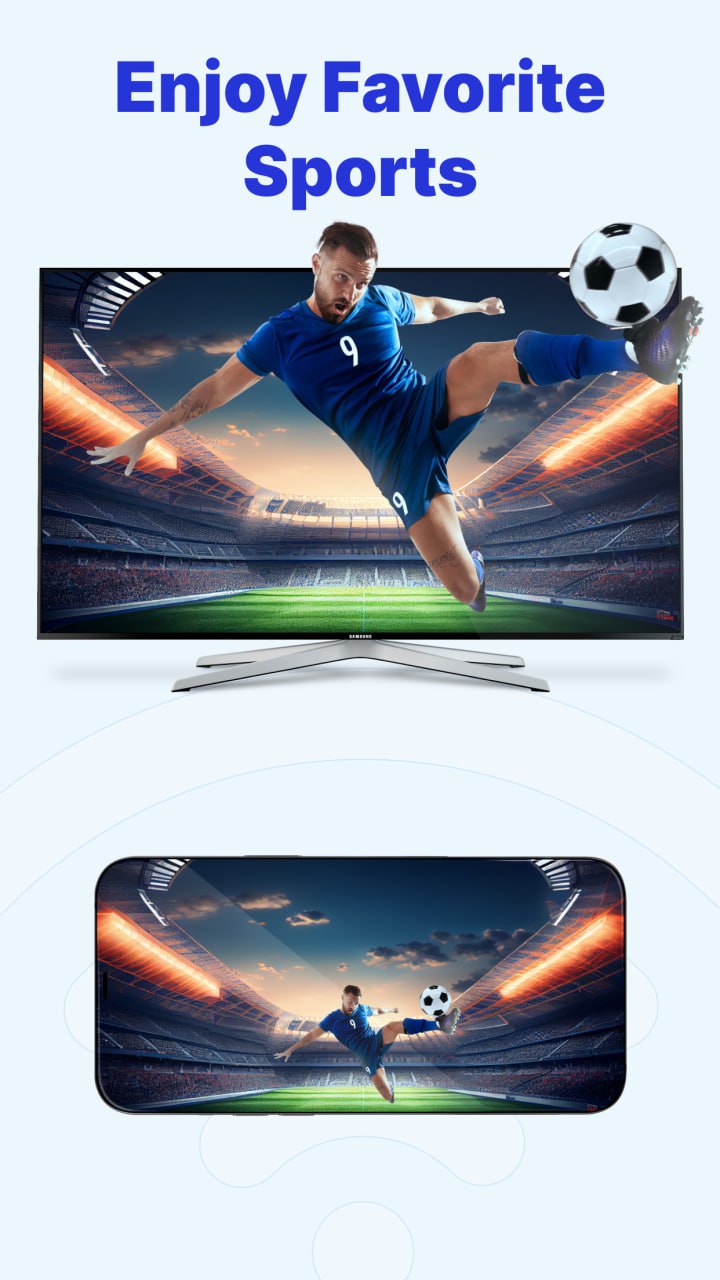
TV cast & mirror screen - a tool that supports presenting and broadcasting images, sound, videos,..., from mobile devices to all types of TVs with great features: cast to TV, screen mirror, remote control, and playlist.Just connect your phone to a TV, PC, or laptop on the same Wi-Fi network, and you can enjoy entertainment on a larger screen with more captivating audio and visuals. With the ability to connect to a variety of smart devices such as TVs, PS5, PCs, and laptops, TV cast & mirror screen ensures it will be a useful tool in all your entertainment experiences. Watch movies, stream music video, view images directly on the TV screen, and enjoy exciting games on a larger display with TV cast & mirror screen.
What we have?
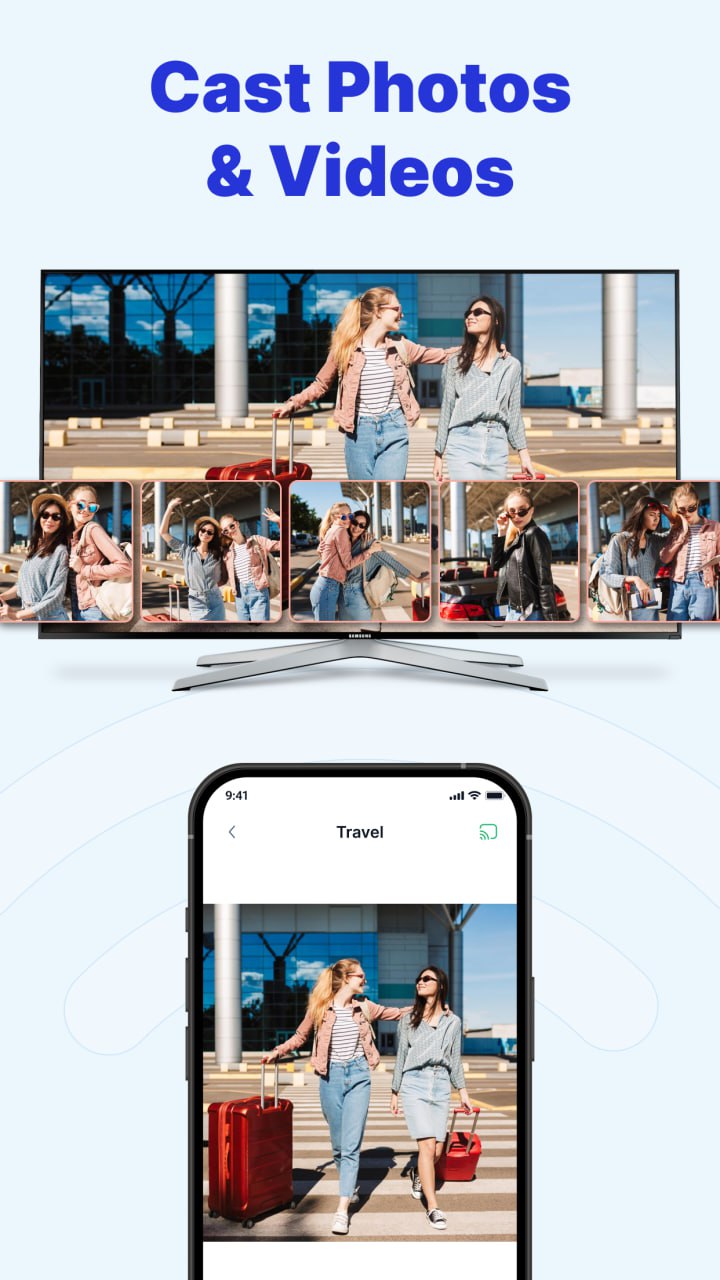
Cast to TV: This application supports connecting and broadcasting to TV. Users can comfortably cast images, videos, and audio from their mobile devices to large screens. Additionally, you can cast websites and document files through the app, making entertainment with friends easier.
Screen Mirror: This application allows you to mirror your phone to connected devices. You can share your phone screen more easily, anytime, anywhere, with anyone, using TV cast & mirror screen.
Remote Control: This application supports controlling TV devices. Simply connect the TV to your mobile device, and your phone can replace TV remote control with all the function buttons and a list of channels for you to choose from.
Playlist: Create and save your own playlists easily with our application.
Theme mode: Users can customize dark mode and light mode to suit their usage experience.
How to use TV cast & mirror screen:
- Connect your TV to your mobile device on the same Wi-Fi network or connect via a web browser with a PC or laptop.
- Select the videos, images, audio, documents, etc., you want to cast and share on the big screen.
- Each feature has specific instruction to help you easily connect and enjoy the great features of the application.
Why should you choose us?
- Simple and easy to use with complete instructions
- User-friendly interface
- Easy resolution adjustment
- Optimizes usage time and user experience