TWG Staff is a Business application developed by The Waiting Game (Bristol) Ltd., but with the best Android emulator-LDPlayer, you can download and play TWG Staff on your computer.
Running TWG Staff on your computer allows you to browse clearly on a large screen, and controlling the application with a mouse and keyboard is much faster than using touchscreen, all while never having to worry about device battery issues.
With multi-instance and synchronization features, you can even run multiple applications and accounts on your PC.
And file sharing makes sharing images, videos, and files incredibly easy.
Download TWG Staff and run it on your PC. Enjoy the large screen and high-definition quality on your PC!
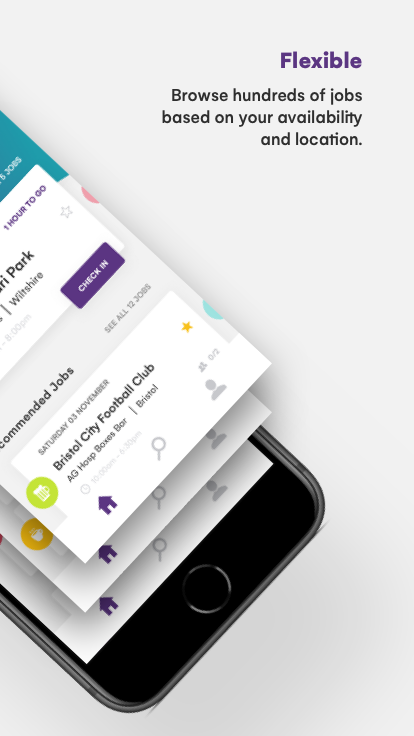
"The Waiting Game offer flexible work in the hospitality industry, specialising in stadiums, music events & festivals. Work for a company that puts you first, supporting you through your time with us whilst working at some of the best events in the country.Sign up in no time and pick the shifts that suit you, whether you’re looking for regular work or the odd top up a shift here and there and get paid quickly! The app also keeps track of what you're earning to help you work towards that goal or just to keep on top of things
Favourite your clients so you can be first to be notified of their new shifts
Financial bonuses available on every shift you work.
Start from scratch or build up your experience with on-app training and access to further face-to-face training."