U TakeMe is a Entertainment application developed by Sky Interactive, but with the best Android emulator-LDPlayer, you can download and play U TakeMe on your computer.
Running U TakeMe on your computer allows you to browse clearly on a large screen, and controlling the application with a mouse and keyboard is much faster than using touchscreen, all while never having to worry about device battery issues.
With multi-instance and synchronization features, you can even run multiple applications and accounts on your PC.
And file sharing makes sharing images, videos, and files incredibly easy.
Download U TakeMe and run it on your PC. Enjoy the large screen and high-definition quality on your PC!
U TakeMe, a platform where lifestyle and entertainment meet seamlessly. Meet all your connection needs through streaming, video calls, and chat 24/7, and access new friendships from around the world in one place.[ Highlight Features ]
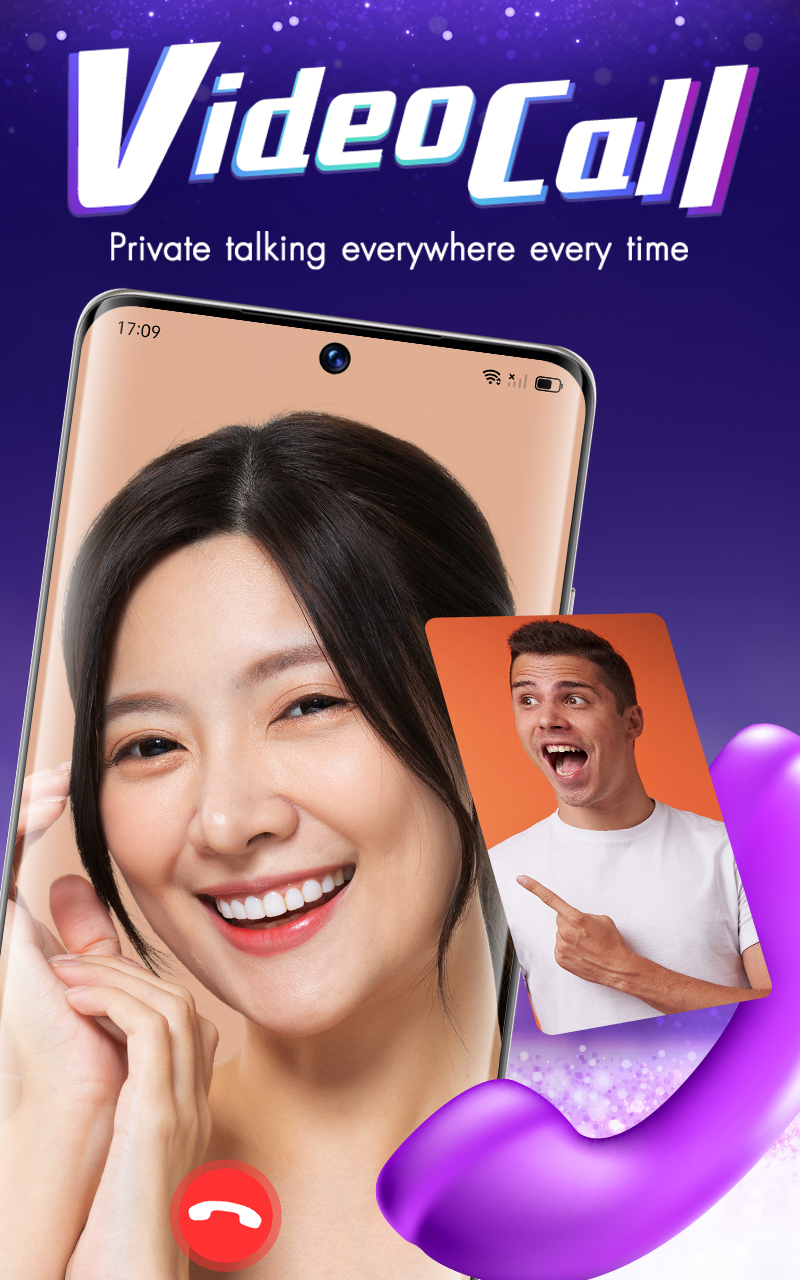
[Private VDO Call]
Connect face-to-face anytime, anywhere. Enjoy your conversations in a private space.
[Private Voice Call]
Share your feelings and lifestyle through voice calls with those who truly understand you.
[Live Streaming]
Show your unique style. Start streaming to build your fanbase and let the world get to know the real you.
[Guest]
Team up for double the fun! Invite friends or someone special to join your stream together.
[Boundless Chat]
Say hello to new friends or message your favorite people instantly without missing a beat.
[Profile & Video]
Showcase your chic lifestyle. Upload videos and customize your profile to share your unique identity.
[Send Gift]
Share your appreciation. Send gifts like hearts, birthday cakes, or angels to support your favorite friends and creators and show your support.
Contact Us:
Email: support@takeme.la
Terms of Service & Privacy Policy:
https://www.takeme.la/notice_v2.php