Uber Chapel is a Productivity application developed by Students in Demand Inc., but with the best Android emulator-LDPlayer, you can download and play Uber Chapel on your computer.
Running Uber Chapel on your computer allows you to browse clearly on a large screen, and controlling the application with a mouse and keyboard is much faster than using touchscreen, all while never having to worry about device battery issues.
With multi-instance and synchronization features, you can even run multiple applications and accounts on your PC.
And file sharing makes sharing images, videos, and files incredibly easy.
Download Uber Chapel and run it on your PC. Enjoy the large screen and high-definition quality on your PC!
Take your church to the next level 🚀 with Uber Chapel !!!Why choose Uber Chapel?
1. Access all members information in your church including their phone number, residence and church attendance history
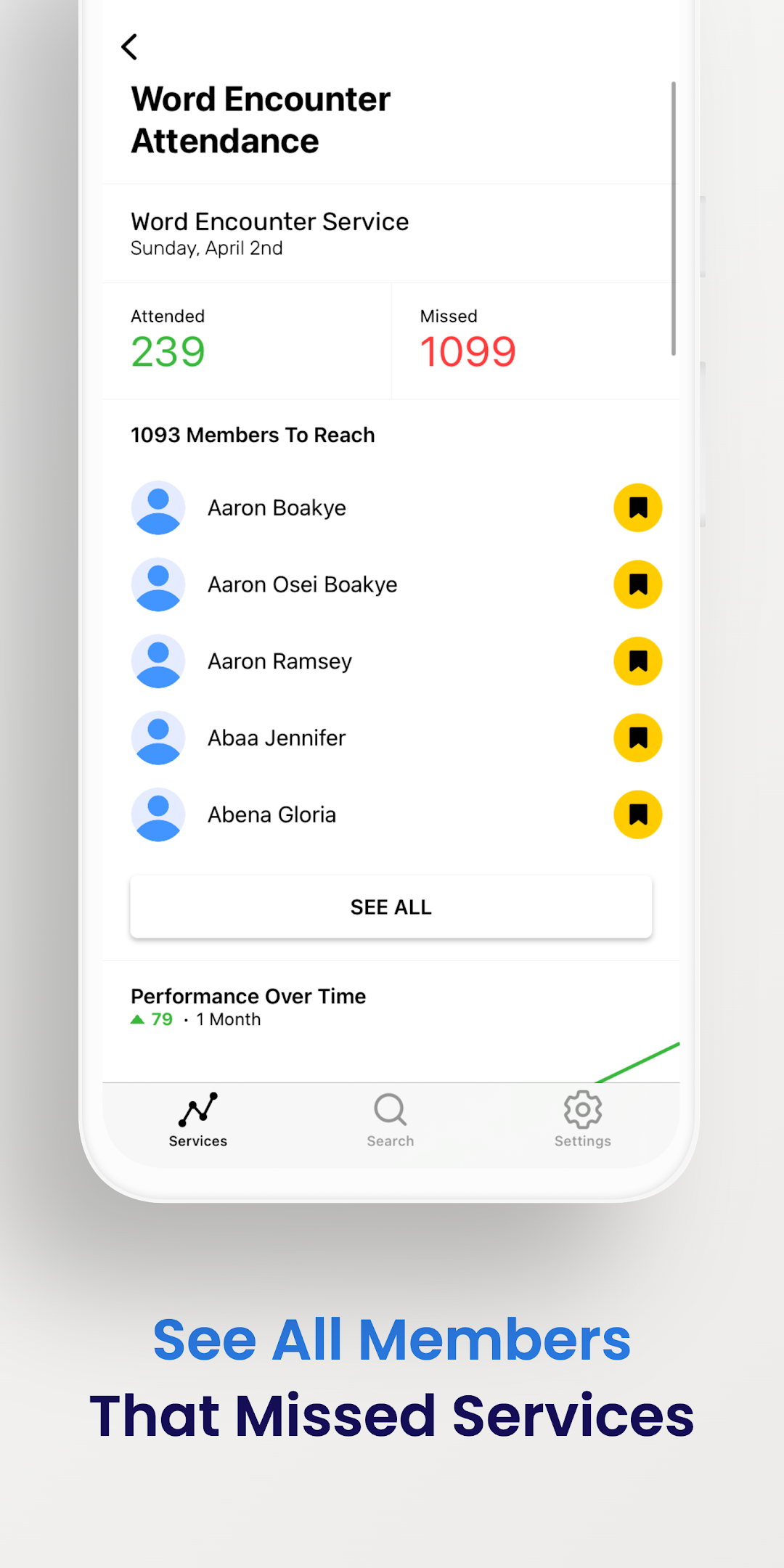
2. Track attendance effortlessly
3. Create membership cards for members
4. Get insights into church growth with intuitive charts
5. Add and monitor branches, ministries, sub churches, cells & bacentas, church groups, etc
6. Create accounts for all church leaders
7. Identify members who need attention the most
8. Visitation & Call tracking for members
9. Onboard First Timers, New Converts, etc
10. And many more !!!
Currently used by True Vine Cathedral, First Love, etc.