Full HD Video Player is a Video Players&Editors application developed by ADevStudio, but with the best Android emulator-LDPlayer, you can download and play Full HD Video Player on your computer.
Running Full HD Video Player on your computer allows you to browse clearly on a large screen, and controlling the application with a mouse and keyboard is much faster than using touchscreen, all while never having to worry about device battery issues.
With multi-instance and synchronization features, you can even run multiple applications and accounts on your PC.
And file sharing makes sharing images, videos, and files incredibly easy.
Download Full HD Video Player and run it on your PC. Enjoy the large screen and high-definition quality on your PC!
The Full HD Video Player is for playing all media formats including 4K, 4K Ultra HD, Full HD, 1080p HD media files. It has small installation size. This 16K Ultra HD Video Player is full of Unique Features, Catchy UI & Support faster HD player streaming, HD Video Player is using most of the tools to support All formats of videos media visibility & enhance quality of videos for Smoothly playing 1080p HD resolution & Playback experience.Introducing APlayer, the ultimate video player for Android! With a sleek and intuitive design, Full HD Video Player provides an unparalleled video playback experience. Enjoy seamless, high-definition playback of all your favorite movies, TV shows, and other video content. With this Media Player, you have complete control over your video playback, allowing you to fully customize your viewing experience.
Easily navigate your video library and choose from a variety of playback settings, including multi-format support, playback speed control, and a sleep timer. Full HD Video Player is designed to cater to your every need, whether you're looking to watch a quick video or binge-watch your favorite TV series.
One of the standout features of APlayer is its support for a wide range of video formats, ensuring that you never run into compatibility issues. With HD Video Player, you can enjoy your videos without any interruptions, regardless of the file format.
But that's not all! Video Player also provides a variety of customization options, allowing you to tailor your viewing experience to your liking. You can adjust the playback speed, choose from multiple subtitle options, and even customize the sleep timer to match your needs.
Key Features:
● Light weight Full HD Video Player
● Video Player loads all formats of Video and Audio files from SD card automatically in no time
● Search HD, Full HD & 4K videos and any type of audios in specific folder or whole device
● Best Audio Player and Music Player
● Night Mode
● Sleep Timer
● Equalizer
● Quick Mute
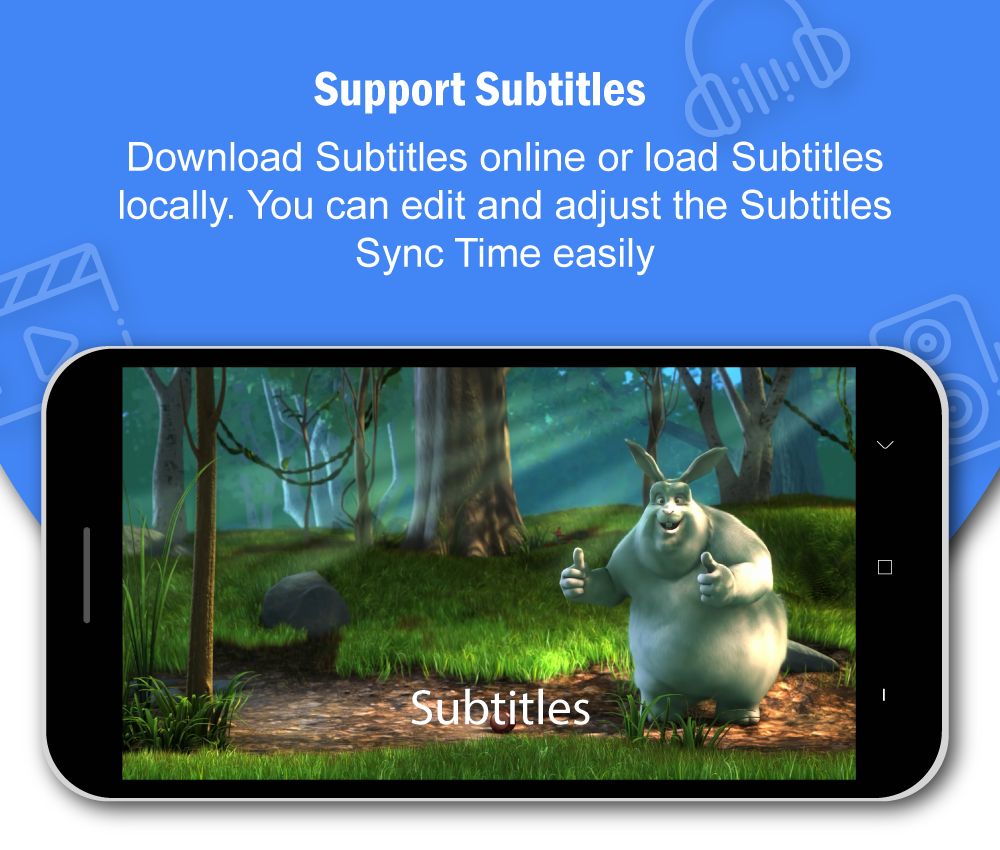
● Subtitle Support
● Zoom In / Zoom Out 16K Ultra HD Videos with pinch gesture
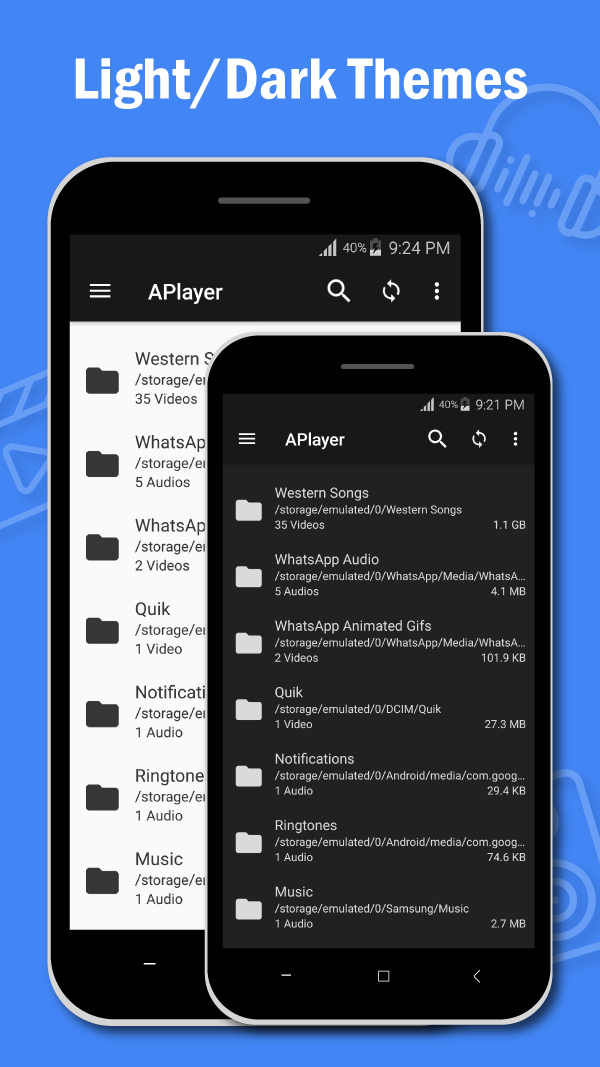
● All formats MX video player has Light & Dark Themes
● HD Video Player has List + Grid view to display audio and video content
● Control background playback with notification even on lock screen
● Displays Videos and Audios in Specific Folders
● Gesture Controls to change Volume, Brightness, seek media Smoothly
● View audio/video details e.g. Resolution, Mime etc.
● Play video from SD Card, USB, Pen Drive
● MAX video player with multi-core decoding Features
● Allows you to Watch Unlimited TV Serials easily in Telugu, Tamil, Kannada, Marathi, Bengali, Gujarati, Hindi & English
● Playit can be used to play any type of media file
● Watch you favorite movie on Real Video Player
● Easy to use Playit Video Player for Android phones and Tablets
● Supports All Formats: AVI, MP3, WAV, MOV, MP4, WMV, 3GP, M4V, MKV, Rm, TS, MPG, FLV
Perfect Music Player for Android
Play MP3 audio files in background with a sleek interface. All in one multimedia player to play all kind of video and audio files.
HD Video Player with Background Play
Play HD Video and Audio files in background and control it just with a notification even on Lock Screen.
Full HD Video Player has Sleep Timer
Automatically turn off video or audio playback by setting sleep timer inside Real Video Player.
Full HD Video Player is Video Player for android, simple, tiny and powerful. Any Video formats are supported. Full HD Video Player is All-in-one playit media Player for different formats. We are open to any suggestions for better user experience. You can contact us at contact.adevstudio@gmail.com
Disclaimer: Full HD Video Player is a legal android application built using android's MediaPlayer Api Some of the screenshots are from the Big Buck Bunny licensed under the Creative Commons Attribution 3.0.