
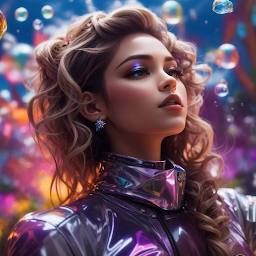


AI Wallpaper is a Tools application developed by M-OGA, but with the best Android emulator-LDPlayer, you can download and play AI Wallpaper on your computer.
Running AI Wallpaper on your computer allows you to browse clearly on a large screen, and controlling the application with a mouse and keyboard is much faster than using touchscreen, all while never having to worry about device battery issues.
With multi-instance and synchronization features, you can even run multiple applications and accounts on your PC.
And file sharing makes sharing images, videos, and files incredibly easy.
Download AI Wallpaper and run it on your PC. Enjoy the large screen and high-definition quality on your PC!
AI Wallpaper is a revolutionary background app that brings artificial intelligence (AI) to your device's screen. We are proud to present a unique and original collection of background images, all generated by advanced AI Image Generation Technology.About Our AI Technology:
At AI Wallpaper, we use artificial intelligence to create images like you've never seen before. Our AI Image Generation Technology analyzes elements such as color, shape and style and combines them into stunning visual creations. Every background image is the result of infinite computational imagination.
AI Wallpaper's Main Features:
- Updated Collection: Enjoy regular updates with new AI-generated images, so you always have a fresh selection to decorate your device screen.
- Various Categories: Find background images in various categories, from nature, to abstract art, to futuristic landscapes.
- Best Quality: We provide high resolution images to give a sharp and clear look on your device screen.
- Save Your Favorites: Save the pictures you like into your favorite collection to easily access them anytime.
We are proud to bring a new experience in selecting and using background images. AI Wallpaper combines human creativity and artificial intelligence to create something special and stunning. Thank you for choosing AI Wallpaper as your preferred background app.
Regards,
Team AI Wallpapers


