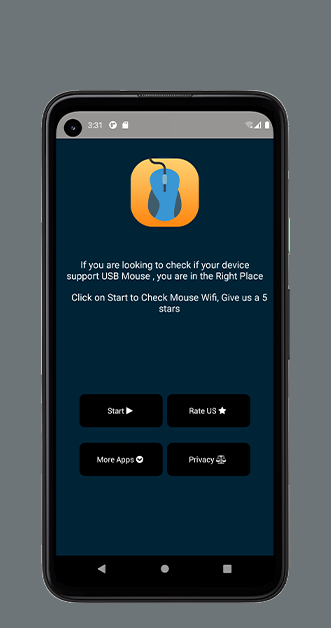
Usb Mouse Wifi Connector is a Libraries&Demo application developed by MGStudio, but with the best Android emulator-LDPlayer, you can download and play Usb Mouse Wifi Connector on your computer.
Running Usb Mouse Wifi Connector on your computer allows you to browse clearly on a large screen, and controlling the application with a mouse and keyboard is much faster than using touchscreen, all while never having to worry about device battery issues.
With multi-instance and synchronization features, you can even run multiple applications and accounts on your PC.
And file sharing makes sharing images, videos, and files incredibly easy.
Download Usb Mouse Wifi Connector and run it on your PC. Enjoy the large screen and high-definition quality on your PC!
Watching an online movie? Giving a presentation? Or shutting down computer with one click? Nothing can be more convenient than a mobile phone remote that is right at your fingertips.Transform your Android phone into a wireless mouse, keyboard and trackpad for your computer. Android control media player, file browser and remote desktop(RDP) are included.
Free remote control app, try it now!
WiFi Mouse features:
* Mouse movement and click
* Make scrolling
* Android keyboard or simulate full screen computer keyboard
* Voice to text to computer
* Many gestures
Tap,double tap,two fingers slide, three fingers drag and drop, four fingers slide
* Computer applications list and start
* Media controller
Control many media player applications.
* Presentation controller