Verint WFM for Branch is a Business application developed by Verint Systems Inc., but with the best Android emulator-LDPlayer, you can download and play Verint WFM for Branch on your computer.
Running Verint WFM for Branch on your computer allows you to browse clearly on a large screen, and controlling the application with a mouse and keyboard is much faster than using touchscreen, all while never having to worry about device battery issues.
With multi-instance and synchronization features, you can even run multiple applications and accounts on your PC.
And file sharing makes sharing images, videos, and files incredibly easy.
Download Verint WFM for Branch and run it on your PC. Enjoy the large screen and high-definition quality on your PC!
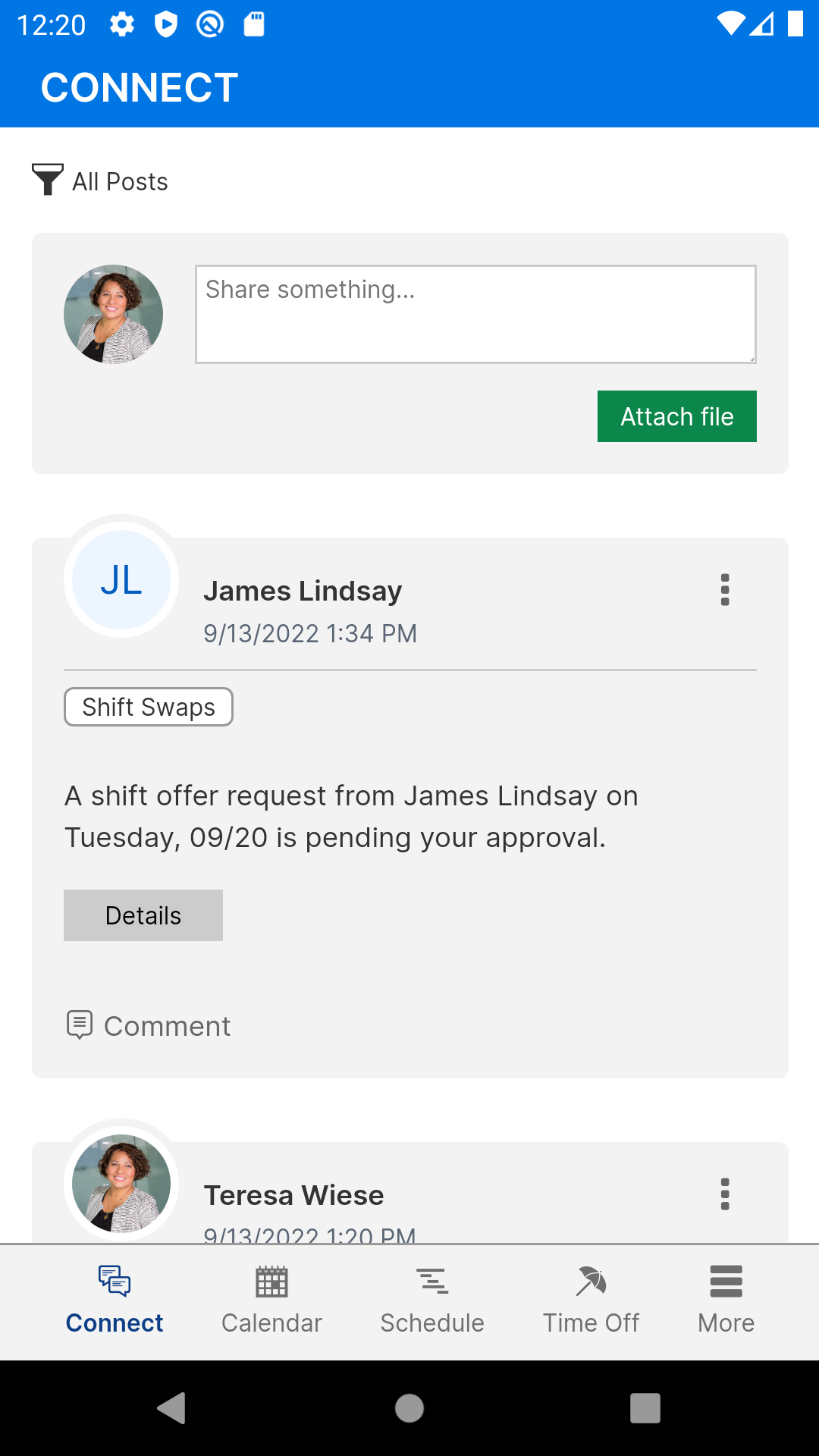
Verint WFM for Branch increases workforce engagement and collaboration with easy to use mobile features. The app is an extension of the core solution. Users can submit time off requests, swap and offer shifts, and set their unavailability preferences on-the-go from their mobile devices. Communication within the organization is made easy through our Connect platform.Users can:
View daily schedules for all employees from the Branch Schedule report
View employee monthly calendars from the Connect Calendar
Employees can submit their time off requests and unavailability preferences
Employees can swap and offer shifts
Managers can review and respond to all employee requests