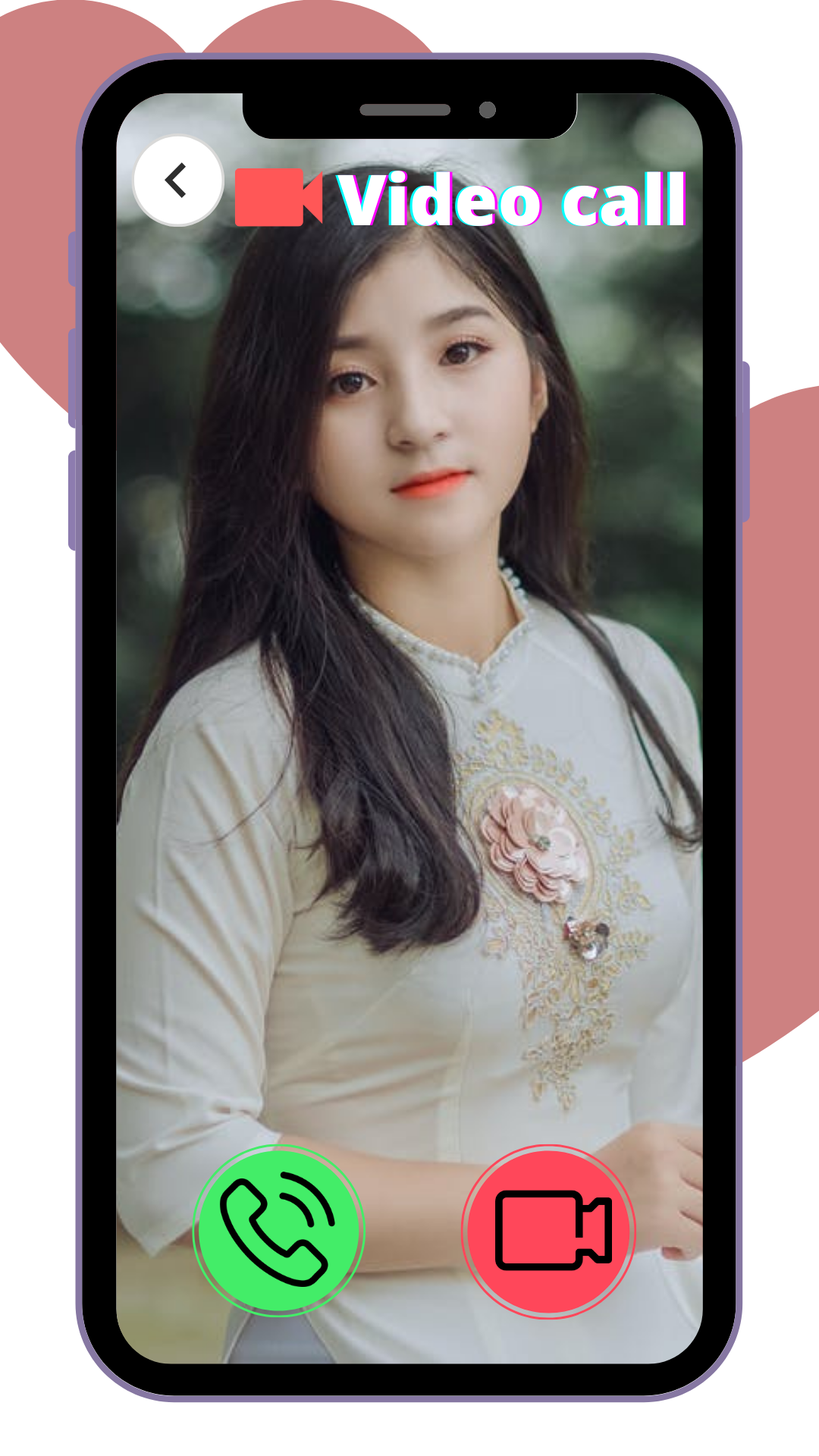
VICQ - Live Video Chat Love is a Social application developed by VICQ Team, but with the best Android emulator-LDPlayer, you can download and play VICQ - Live Video Chat Love on your computer.
Running VICQ - Live Video Chat Love on your computer allows you to browse clearly on a large screen, and controlling the application with a mouse and keyboard is much faster than using touchscreen, all while never having to worry about device battery issues.
With multi-instance and synchronization features, you can even run multiple applications and accounts on your PC.
And file sharing makes sharing images, videos, and files incredibly easy.
Download VICQ - Live Video Chat Love and run it on your PC. Enjoy the large screen and high-definition quality on your PC!
VICQ is a live video chat app to help you discover fun friends all over the world.We have verification process to make sure verified users are all the actual persons shown in the Avatar (Profile Image). With VICQ, you can say Goodbye to horrible surprises hiding behind a beautiful profile picture. As all verified users here are verified with our advanced technology to be the actual person same as the profile image.
With features like live video chat, random match, voice chat, timeline, gifting etc, we try every way to help you easily make new fun friends here.
Discover fun friends through VICQ Now!