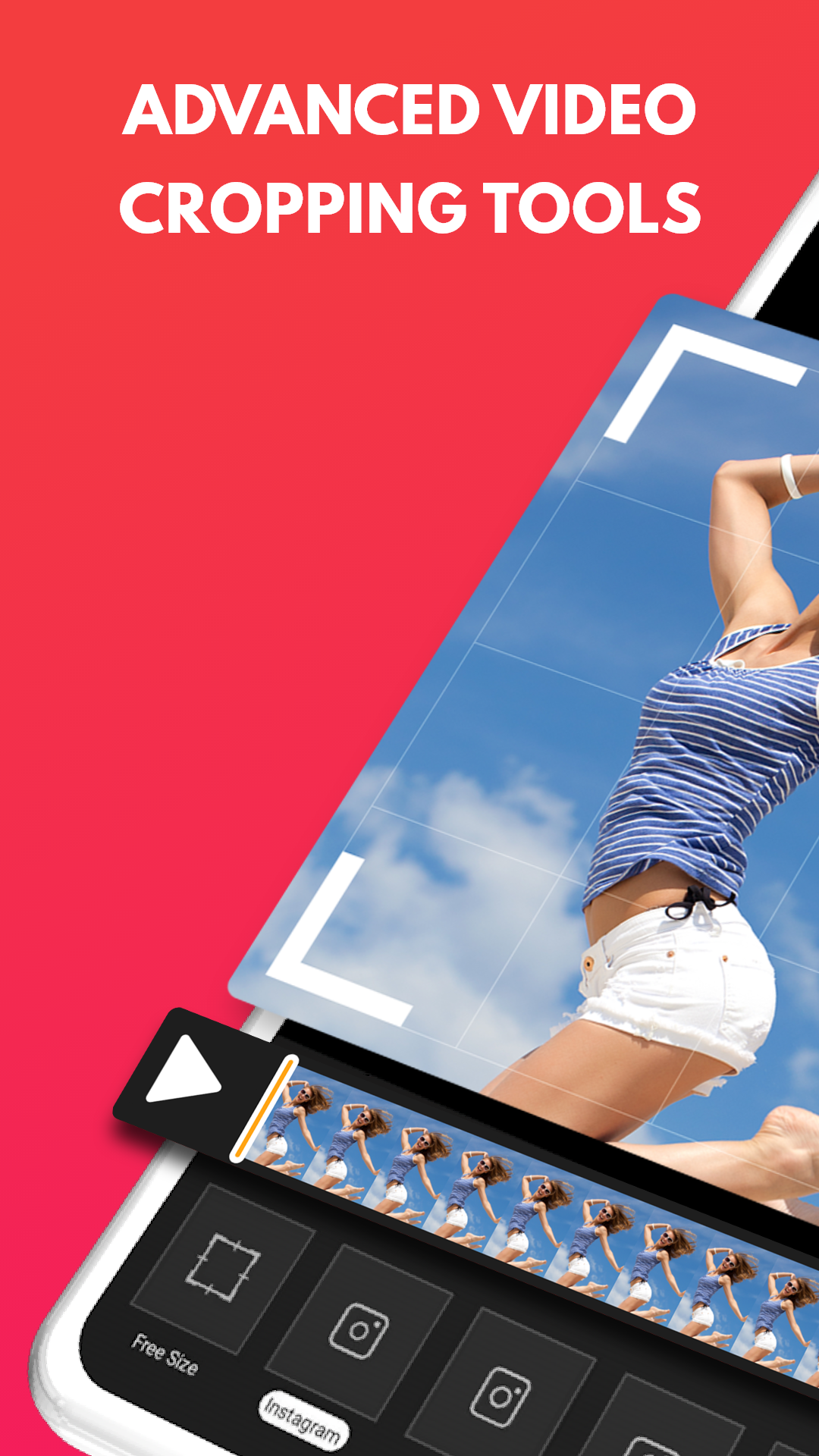
Video Crop :editor, trim & cut is a Video Players&Editors application developed by Brain Craft Limited, but with the best Android emulator-LDPlayer, you can download and play Video Crop :editor, trim & cut on your computer.
Running Video Crop :editor, trim & cut on your computer allows you to browse clearly on a large screen, and controlling the application with a mouse and keyboard is much faster than using touchscreen, all while never having to worry about device battery issues.
With multi-instance and synchronization features, you can even run multiple applications and accounts on your PC.
And file sharing makes sharing images, videos, and files incredibly easy.
Download Video Crop :editor, trim & cut and run it on your PC. Enjoy the large screen and high-definition quality on your PC!
"Pro video editor tool, if clip edition and movie making is what you love this is the perfect free mobile crop video app for the job.This mobile app has been designed both for beginner and pro video editor.
The app offers the best video crop app tools for social networks like Instagram and TikTok. You can also use features like merge clips, music, cut, effects for movies, filters, trim or crop video from your mobile.
You can change the length or crop videos or cut unwanted areas. This is an incredible tool if you are an influencer who has to create, crop, trim, or cut mobile videos constantly for your stories or youtube like a pro.
>>>Best of all, Hd video crop app clips with great music and no watermark, all on your mobile phone!<<<
Create incredible videos easily and become the best pro video editor.
If you want to create movies, video crop, cut, or merge clips to share on Instagram or TikTok, the video crop app is the best free offline video editor app there is for your mobile.
Including movie editing tools that are always updated and great video clips, also crop features that make your video editor skills be off the charts.
Use this movie maker to create memes, create movies, cut or edit photos, crop video, music, and forget the watermark. Moviemakers will be able to use, effects, GIFs, filters, transition, trim, and much more in this video crop app.
Edit and crop video, add fx to a movie, crop, cut and create your films, add music, and highlight projects on social networks. Effects and crop video tools are there for you to make every video look professional.
The simple mobile version of this video editor includes:
■ Resize, trim, and Crop Video.
■ Advanced Frame by Frame crop video editor. Trim & Cut.
■ Rotate and Flip Videos.
■ Mute Video Music and sound.
■ Add Music over Video.
■ Fade In / Out Effect for Music.
■ No watermark.
■ Video cutter
⁃ File Type: Mp4 (Default), Mov
⁃ Qualities: Highest(Default), Medium, Low
⁃ Optimize For social network use.
Mobile paid Features:
===========
• Add Music over crop Videos.
• 250+ Background Music Tracks. (Regular Updates)
• Edit Unlimited clips.
• Remove Ads.
• No watermark."