Video To Audio & Mp3 Cutter is a Music&Audio application developed by Easy To Use (oneTap), but with the best Android emulator-LDPlayer, you can download and play Video To Audio & Mp3 Cutter on your computer.
Running Video To Audio & Mp3 Cutter on your computer allows you to browse clearly on a large screen, and controlling the application with a mouse and keyboard is much faster than using touchscreen, all while never having to worry about device battery issues.
With multi-instance and synchronization features, you can even run multiple applications and accounts on your PC.
And file sharing makes sharing images, videos, and files incredibly easy.
Download Video To Audio & Mp3 Cutter and run it on your PC. Enjoy the large screen and high-definition quality on your PC!
🌟 Fast, Easy and All-in-one Video Converter 🌟Welcome to Video To Audio & MP3 Cutter, the ultimate app to convert your videos into high-quality MP3 and audio in seconds! Whether you're looking to extract music from a favorite video, trim a song for a custom ringtone, or simply convert video to audio fast and effortlessly - this app is built just for you.
🎶 Convert Video to Audio:
- Turn any video into an audio file instantly. Just select your video and choose the output format. In one tap, your video becomes a clear, high-quality audio file.
- Fast conversion speed. Convert video to MP3 with stunning clarity
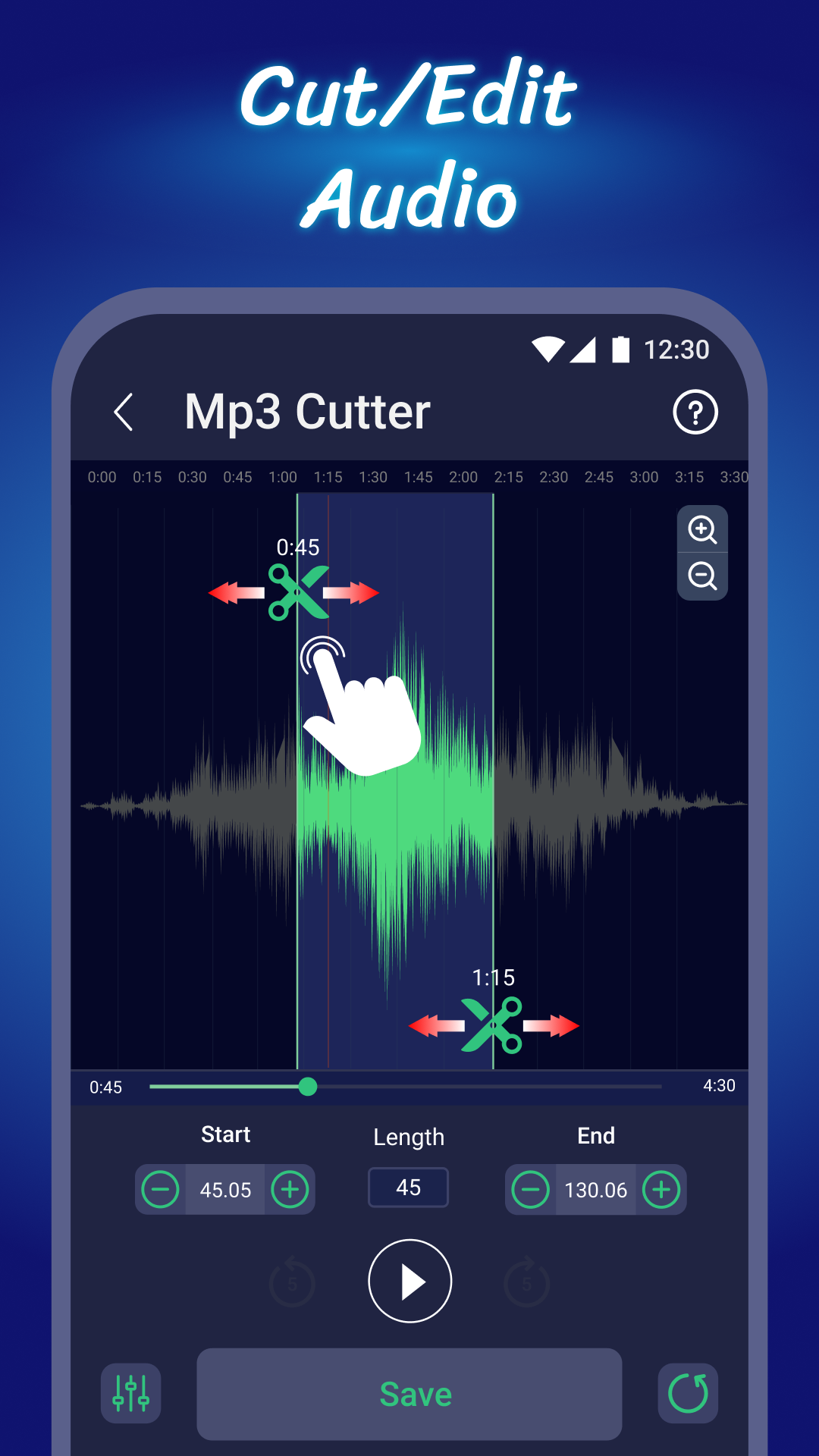
✂️ MP3 Cutte Audio Trimmerr:
- Cut any section of an MP3 or audio file
- Play preview before saving the cut
- Save as ringtone, notification sound, or alarm
Why should you choose our Video converter app?
✅ Ultra-fast to convert audio from video
✅ Easy to convert video to mp3, 1-tap conversion
✅ Export high quality sound
✅ Instantly set any sound as ringtone, alarm, or notification
✅ Organized file management
Start using the video to audio extractor app today: convert mp4 to mp3, video to audio, cut video and audio, merge music and create your own ringtone for free! Whether you're a music enthusiast, a video junkie, or just need a great ringtone, Video To Audio & MP3 Cutter has everything you need.