Videos Downloader - Download is a Video Players&Editors application developed by Scriptnation, but with the best Android emulator-LDPlayer, you can download and play Videos Downloader - Download on your computer.
Running Videos Downloader - Download on your computer allows you to browse clearly on a large screen, and controlling the application with a mouse and keyboard is much faster than using touchscreen, all while never having to worry about device battery issues.
With multi-instance and synchronization features, you can even run multiple applications and accounts on your PC.
And file sharing makes sharing images, videos, and files incredibly easy.
Download Videos Downloader - Download and run it on your PC. Enjoy the large screen and high-definition quality on your PC!
In 2023, experience the ultimate fast, safe, and 100% free video downloader app: Video Downloader. Seamlessly download and save videos, images, and music from various social media platforms with ease. Say goodbye to the hassle of searching for a reliable downloader because Video Downloader & All Downloader App is your perfect match.With Video Downloader, Save Videos, you can effortlessly download captivating videos, collect amazing ideas, and store anything that catches your interest directly on your phone. Our powerful video downloader and saver app supports multiple formats and ensures a fast download speed. Seamlessly transition between downloading and enjoying your content with our built-in browser and multi-functional player.
Here's why you'll love our free all video downloader app - Video Downloader, Save Videos:
- Download multiple videos and files simultaneously
- Enable multi-threading video download for accelerated speeds
- Support for different video resolutions
- Wide range of compatible file formats including MP4, M4A, M4V, AVI, WMV, MOV, JPG, JPEG, PNG, and more
- Built-in player for offline playback
- Automatic detection of videos and files
- Seamlessly share downloaded videos with friends and family
- Bookmark your favorite posts for easy access
- Clean, user-friendly interface
- 100% safe and free to use
Using Video Downloader is a breeze:
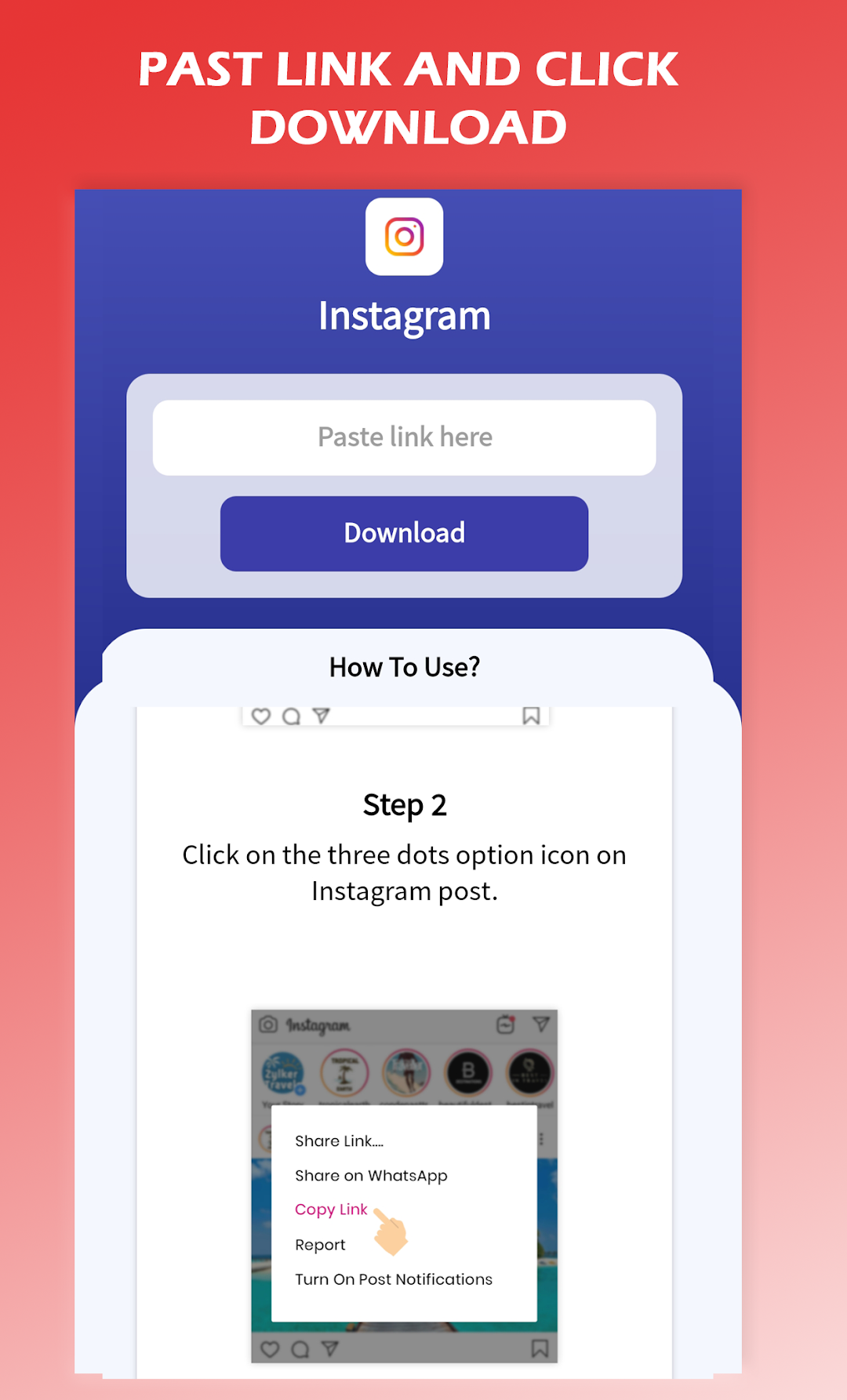
1. Copy and paste the post link
2. Log in to your platform account if necessary
3. Tap the video download button and choose your desired resolution
4. Enjoy your downloaded videos with the best video mate!
Disclaimer:
* Always obtain permission from content owners before reposting videos.
* We do not condone unauthorized reposts of videos that may infringe on intellectual property rights.
* This app is not affiliated with Instagram, Facebook, Twitter, TikTok, or any other social media platform.
* YouTube video downloads are not supported due to YouTube's terms of service.
Download and save videos for free with Video Downloader, the ultimate companion for your media needs. Supercharge your browsing experience and enjoy HD videos like never before!