VidTrim - Video Editor is a Video Players&Editors application developed by Goseet, but with the best Android emulator-LDPlayer, you can download and play VidTrim - Video Editor on your computer.
Running VidTrim - Video Editor on your computer allows you to browse clearly on a large screen, and controlling the application with a mouse and keyboard is much faster than using touchscreen, all while never having to worry about device battery issues.
With multi-instance and synchronization features, you can even run multiple applications and accounts on your PC.
And file sharing makes sharing images, videos, and files incredibly easy.
Download VidTrim - Video Editor and run it on your PC. Enjoy the large screen and high-definition quality on your PC!
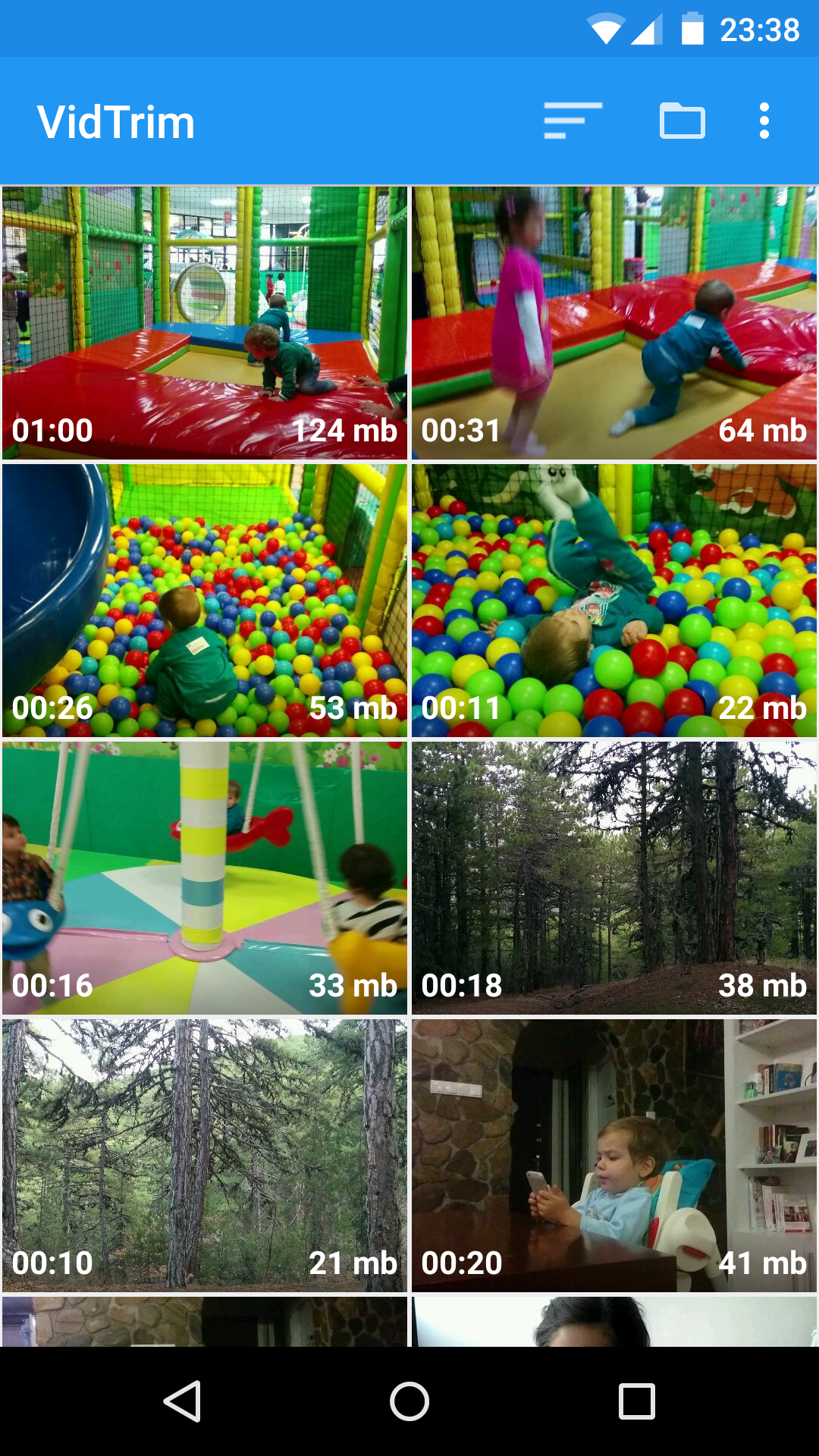
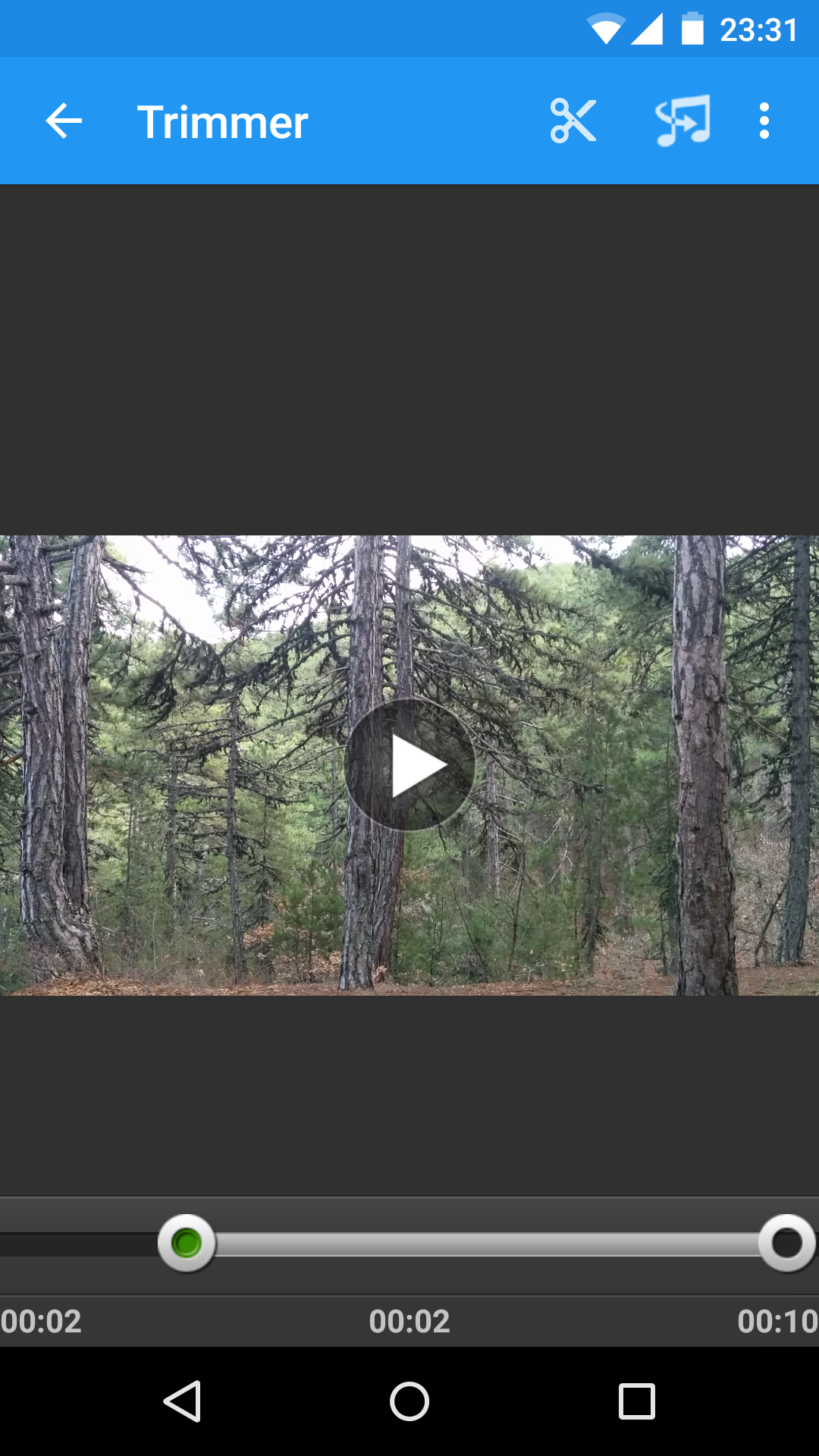
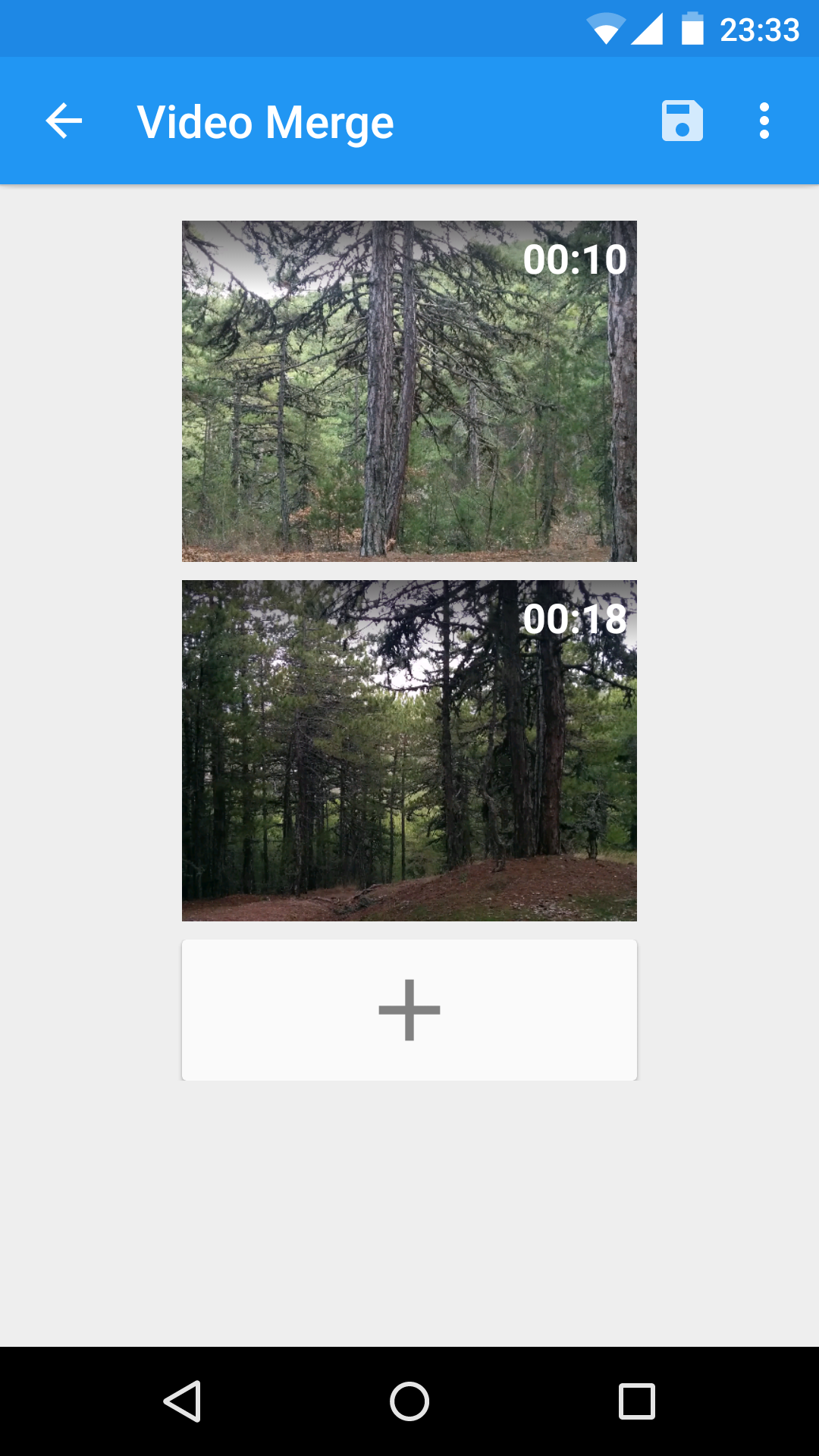
VidTrim is a video editor and organizer for Android. It includes multiple features like trimming, merging, frame grabbing, video effects, extract audio (convert to MP3) and transcoding (compress and convert to MP4). You can also share your videos with your friends directly through the app.This is the free ad supported version of VidTrim Pro.
Features of VidTrim:
- Video trimmer. Trim video clips right on your device
- Merge video clips. Join (concatenate) multiple video clips into one.
- Convert video files to MP3 audio files.
- Rotate videos (Quick rotation without encoding or true rotation by encoding)
- Frame grabber (save image from videos)
- Share video clips.
- Play video clips
- Rename video clips
- Delete video clips
- Supports both ARM and x86 CPUs in one package.
- Contains optimizations for ARMv7 NEON when available.
TRIAL Features in this Free version (watermark will be applied to the result video):
- Effects. Apply cool video effects like B/W, Negate, Vintage, Vignette, Blur, Sharpen, Edge detect, Luma, SwapUV.
- Transcode video clips. The transcoder allows you to convert video to MP4, resize and compress.
- Add music soundtrack to your videos through transcoding feature.
All videos/frames/mp3s are stored under "VidTrim" folder on the internal storage.
Supported languages:
- English
- Turkish
- German
- French
- Italian
- Portuguese
- Russian
- Greek
- Hebrew
- Dutch
- Czech
- Polish
- Arabic
- Chinese (Simplified)
If you have any problems or suggestions please contact us at: support@goseet.com
Uses FFmpeg under permission of LGPL.