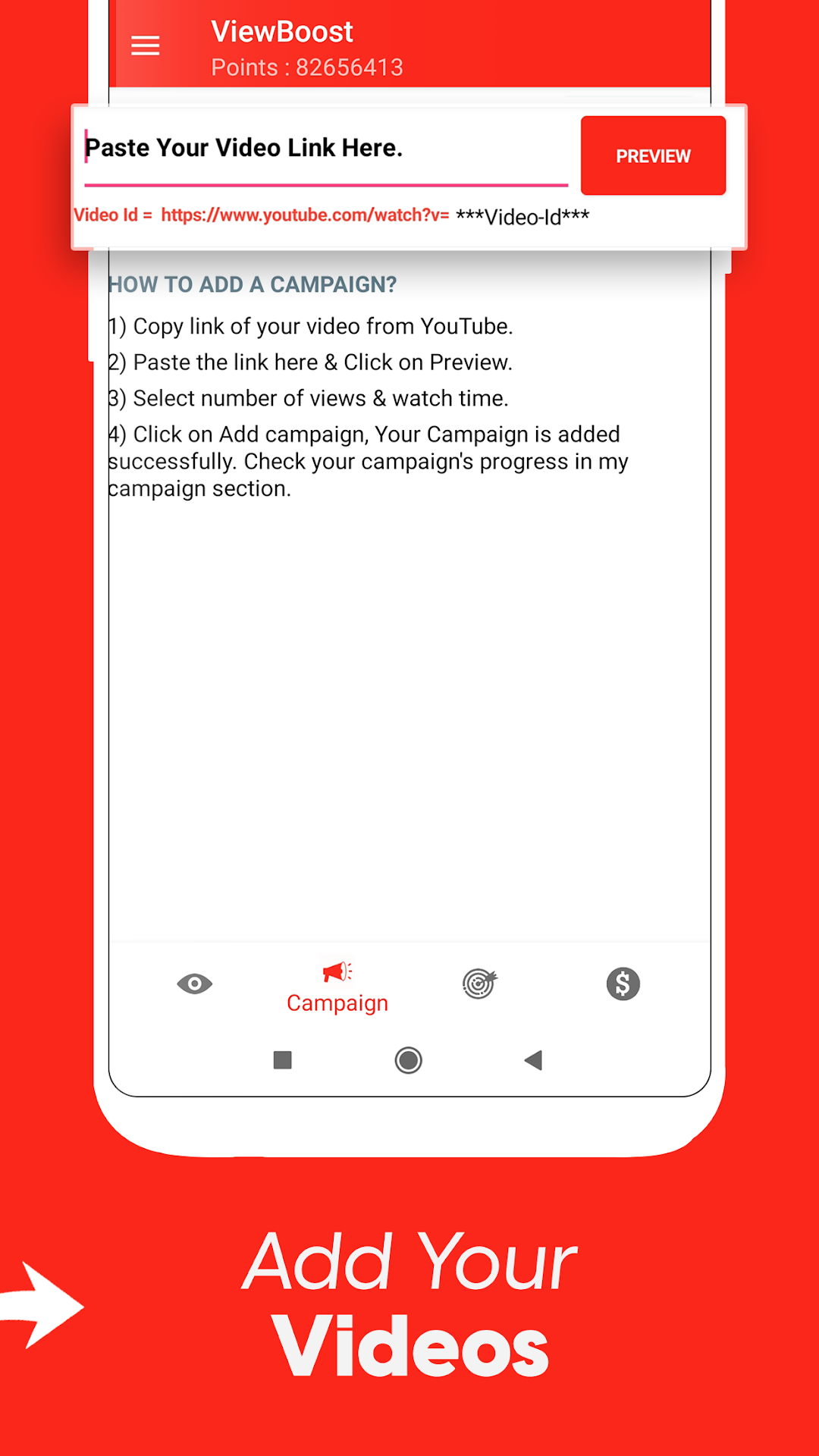
View4View - Get Video Views is a Tools application developed by Nirbhai Singh, but with the best Android emulator-LDPlayer, you can download and play View4View - Get Video Views on your computer.
Running View4View - Get Video Views on your computer allows you to browse clearly on a large screen, and controlling the application with a mouse and keyboard is much faster than using touchscreen, all while never having to worry about device battery issues.
With multi-instance and synchronization features, you can even run multiple applications and accounts on your PC.
And file sharing makes sharing images, videos, and files incredibly easy.
Download View4View - Get Video Views and run it on your PC. Enjoy the large screen and high-definition quality on your PC!
🔥 Grow Faster With View4View – Get Video ViewsStruggling to get more views and subscribers on videos? Want to get views fast, boost views naturally and grow your channel among real viewers & subscribers? This powerful view4view booster app helps creators gain views for views so you can get more views, build reach, and boost your audience through real watch time from real people. Many creators use this view for view platform to grow channel watch time and reach milestones like 1000 subscribers and 4000 hours of real watch duration.
View4View is not fake. You watch videos, earn points, and boost your video views using the points you earn. As you get discovered by the right viewers, your content starts getting natural likes, viewers and subscribers, just because real people watch your videos.
🚀 Why You Need This View Booster
This video views app is designed to:
✔ Get views fast using views for views
✔ Boost views faster using a views increaser & video boost app
✔ Promote shorts video or long videos safely with real watch time
✔ Increase views naturally with real watch time
✔ Grow channel visibility and gain subscribers from real viewers
✔ Boost likes naturally when real people watch and enjoy your content
✔ Use a safe views app, not fake bots
✔ Promote channel content using view4view
✔ Build real reach and video boost opportunities
Creators who use this view increaser & video boost app get discovered more often, which leads to real views, likes and subscribers over time.
🔥 View Booster + Channel Promote App
This is not a promise of fake growth. You watch videos, earn coins, and redeem them for free views and real watch time. This channel promote app helps you gain views through real viewer exchange. When your content is seen by actual people, your channel has a better chance to:
⭐ Gain subscribers and likes naturally when real people watch your videos
⭐ Get more likes from real viewers
⭐ Reach Shorts video audiences
⭐ Boost video reach without buying fake views
Works perfectly for:
🎬 Shorts video creators
🎥 New creators trying to grow
📈 Creators aiming for 10k to 50k views
📣 Anyone who wants to promote channel content
⚡ How This View4View App Works
1. Watch videos and earn points
2. Use points to increase video views
3. Exchange real watch time in this views for views system
4. Get discovered, grow channel and gain real engagement
It’s a simple, powerful views increaser + sub4sub alternative designed to boost reach safely. Unlike fake services, your views come from real viewers and subscribers, not bots.
💥 Features of This Views Booster App
🔥 View4View exchange system
📌 Real video views booster
📈 Boost views without fake promises
⭐ Channel promoter & video boost app
💎 Free views through watch time
💬 Promote channel using viewer engagement
🎉 Earn viewers and subscribers naturally
🚀 Get views fast using coins
🔔 Views app for creators who want growth
📌 This views app works as a safe sub 4 sub alternative
📌 A channel promoter + booster app designed for real viewers
💡 Why Real Views Matter
When you get video views from actual people, platforms recommend your videos to more viewers. This can lead to:
✨ Real subscribers
✨ Genuine likes
✨ Organic video boost
✨ Massive visibility for your channel
📢 Start Growing Today
Whether you are trying to reach 1k or aiming for 50k views, this view for view system helps you grow channel visibility with real views for you.
Download this View4View booster app and start boosting your channel with real view exchange, powerful video boost tools, free views rewards, and a safe way to get more views.
🔥 Stop waiting. Get views. Grow channel. Boost reach now!
🚀 Install today and increase views with real engagement!
Disclaimer:
- ViewBoost - View4View is a 3rd party app.
- We do not offer the ability to buy views as it is against the policy. We only provide a platform to help your video reach real audiences, and users can choose to watch any video they find interesting.