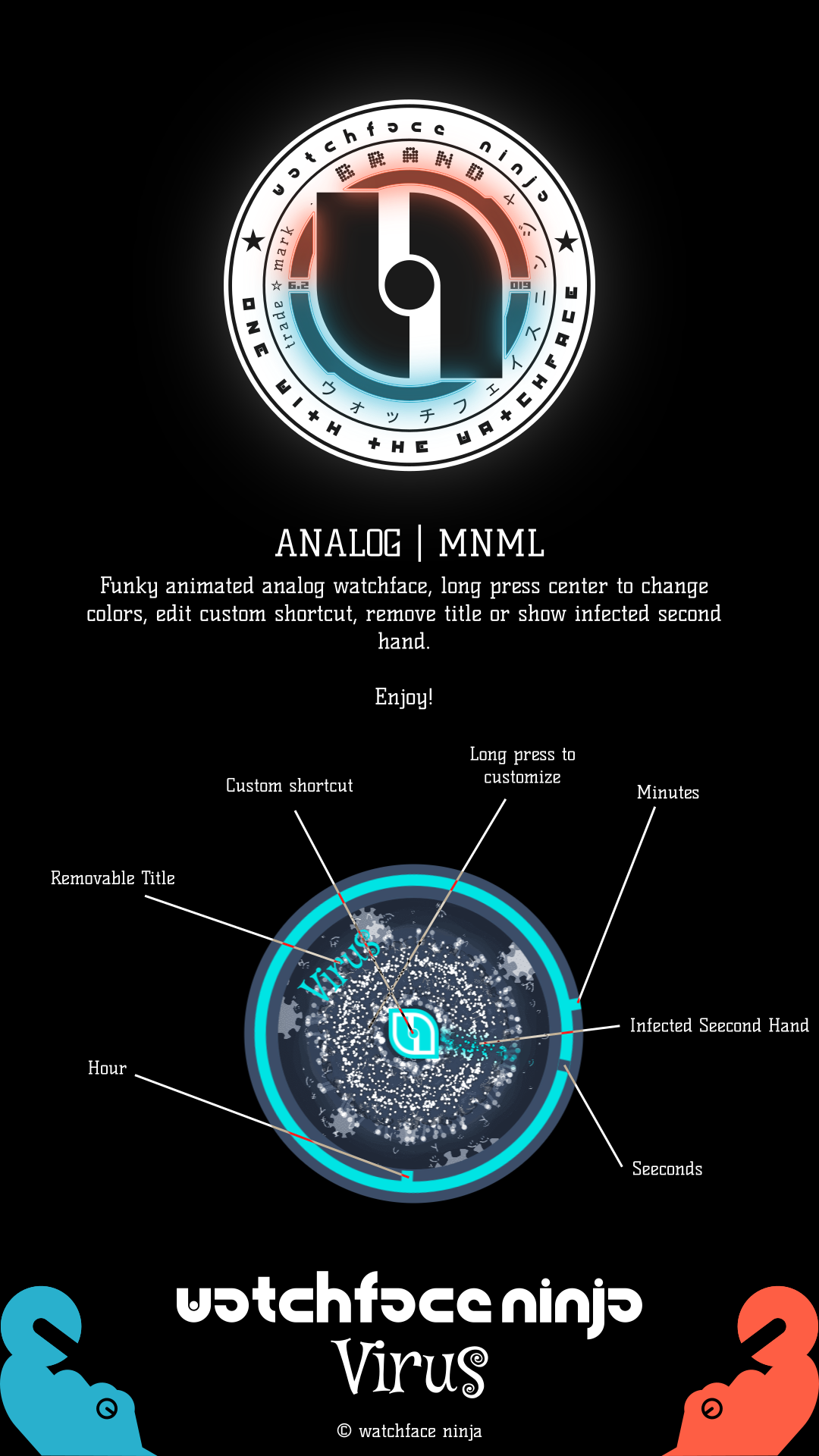
Virus is a Personalization application developed by watchface ninja™, but with the best Android emulator-LDPlayer, you can download and play Virus on your computer.
Running Virus on your computer allows you to browse clearly on a large screen, and controlling the application with a mouse and keyboard is much faster than using touchscreen, all while never having to worry about device battery issues.
With multi-instance and synchronization features, you can even run multiple applications and accounts on your PC.
And file sharing makes sharing images, videos, and files incredibly easy.
Download Virus and run it on your PC. Enjoy the large screen and high-definition quality on your PC!
watchface ninja | Virus is my first first watchface ever, but I have never published it, I created it way back in july 2019 as you can see on an old video [ https://youtu.be/TXfDT05YiL8 ] but I never posted it and then virus came out and i got sidetracked, well here it is. It features amazing virus animation and 30 unique custom themes and K.I.S.S. ofc...Enjoy!
- Time
- Full Brightness AOD
- Minimalist
- Infected Second Hand [it is created with virus particles it can be shown or hidden]
- Removable title
- Dynamic Ambient [Animated | Virus]
- Spectrum [30 unique hand picked color palettes]
Konnichiwa
こんにちは
watchface ninja
ウォッチフェイス ニンジャ
https://watchface.ninja
@watchfaceninja
Created with ♥ by watchface ninja
© watchface ninja