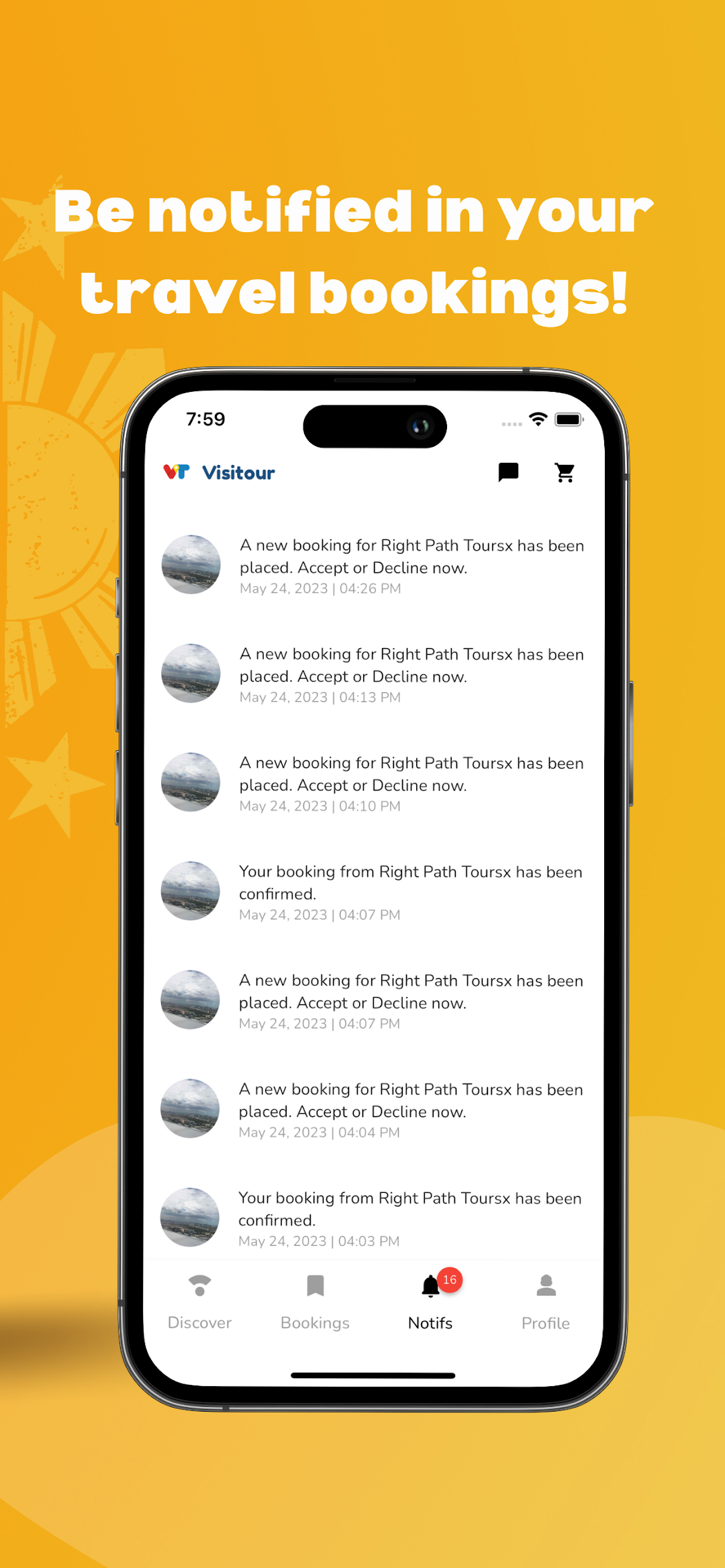
Visitour.ph is a Travel&Local application developed by VISITANT PH CORPORATION, but with the best Android emulator-LDPlayer, you can download and play Visitour.ph on your computer.
Running Visitour.ph on your computer allows you to browse clearly on a large screen, and controlling the application with a mouse and keyboard is much faster than using touchscreen, all while never having to worry about device battery issues.
With multi-instance and synchronization features, you can even run multiple applications and accounts on your PC.
And file sharing makes sharing images, videos, and files incredibly easy.
Download Visitour.ph and run it on your PC. Enjoy the large screen and high-definition quality on your PC!
Welcome to Visitour.Any day is a good day to take a trip and explore. Here, we present to you the "Pearl of the Orient Seas", Philippines. From natural wonders, culture and cuisine, we have it all for you. Browse through a gallery of not only famous tourist destinations but get to see hidden paradises, too.
Download and get updates and information on Philippine tourism so you'll know where you should visit in your next vacay. Discover the beauty of the Philippines with us!