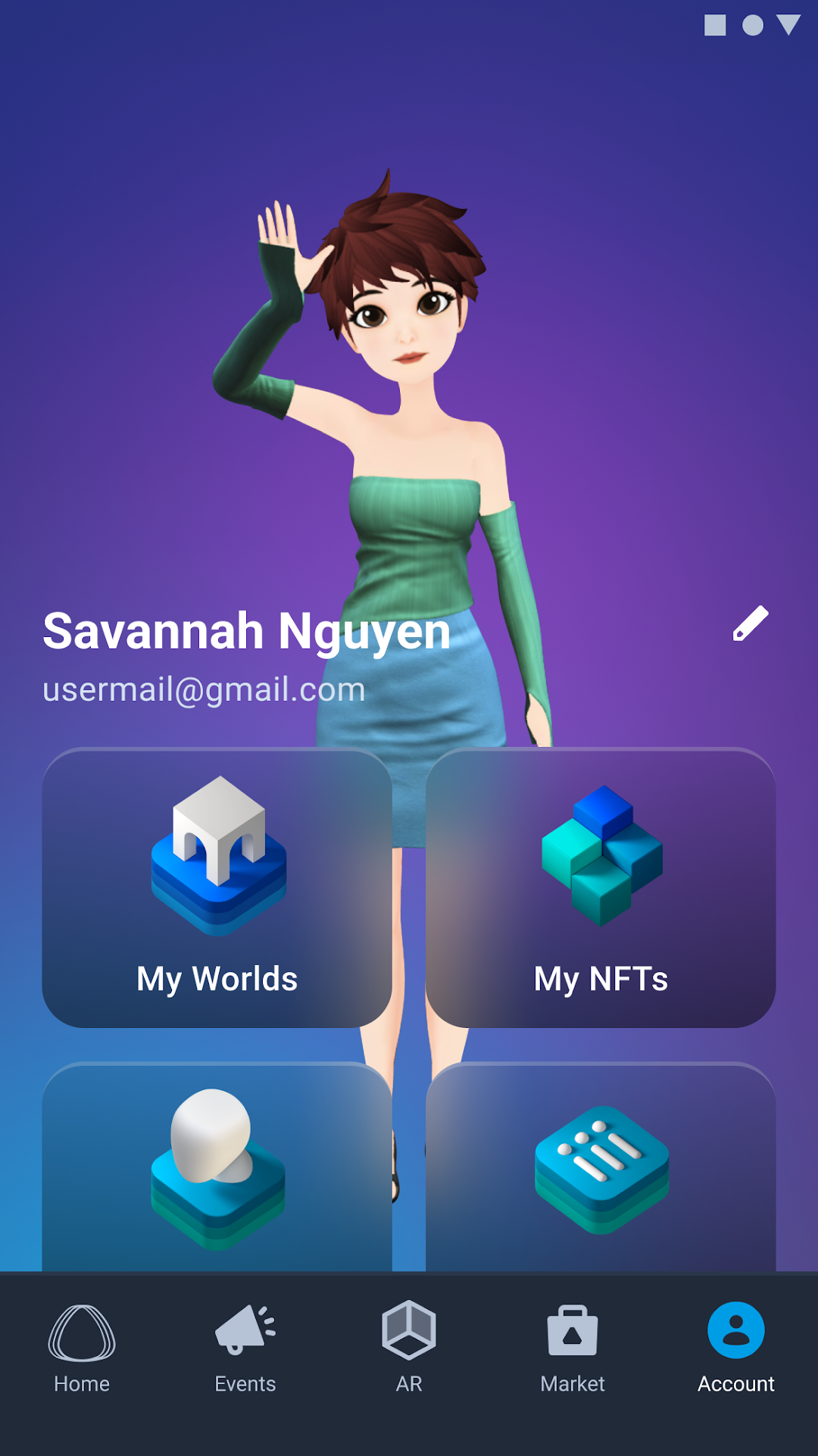


VIVERSE is a Business application developed by HTC Corporation, but with the best Android emulator-LDPlayer, you can download and play VIVERSE on your computer.
Running VIVERSE on your computer allows you to browse clearly on a large screen, and controlling the application with a mouse and keyboard is much faster than using touchscreen, all while never having to worry about device battery issues.
With multi-instance and synchronization features, you can even run multiple applications and accounts on your PC.
And file sharing makes sharing images, videos, and files incredibly easy.
Download VIVERSE and run it on your PC. Enjoy the large screen and high-definition quality on your PC!
VIVERSE WorldExplore the Immersive Worlds. Connecting individuals and communities together in the metaverse, enabling the creation and exploration of virtual worlds from any device. Explore the diverse worlds within VIVERSE, including exciting collaborations and exhibitions with partners. Stay up-to-date on what’s going around the VIVERSE. Connect with people via exhibitions, experiences, and much more.
VIVERSE Avatar
A open-platform Avatar creator built for VIVERSE. Create and personalize your avatar to navigate the many worlds of VIVERSE. Create, Customize, Import, Or Select An Avatar From Our Library! If You Can Dream It You Can Be It. Download The VIVE Avatar App For Deeper Customization And Full Body Avatars.
VIVERSE AR
Use your own avatar and action to connect your friends with customized action and individual text/video AR messages.
VIVERSE Market
Full of digital artifacts and art created by renowned artists, brands and a wide range of creators where you can buy, sell or trade.
Want To Build Worlds On VIVERSE Immediately?
Viverse is the best platform to unleash your 3D creations into an immersive World . your creations with the World. Visit “viverse.com” to “Get a Free World” .
Create Your Experiences: https://www.viverse.com
Support: https:https://support.viverse.com/hc/zh-tw
Terms of Use: https://www.viverse.com/static-assets/terms-of-use.pdf