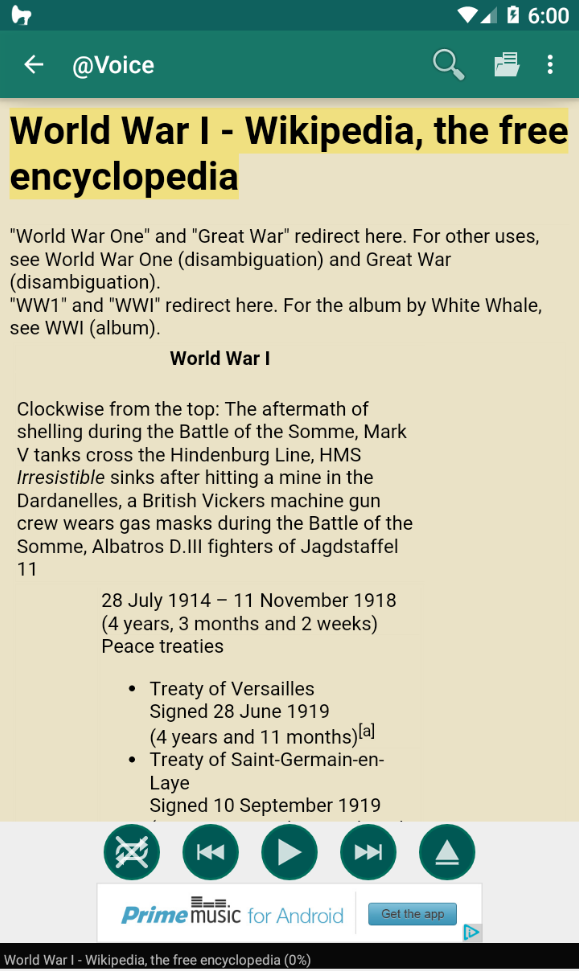
@Voice Aloud Reader (TTS) is a Books&Reference application developed by Hyperionics Technology, but with the best Android emulator-LDPlayer, you can download and play @Voice Aloud Reader (TTS) on your computer.
Running @Voice Aloud Reader (TTS) on your computer allows you to browse clearly on a large screen, and controlling the application with a mouse and keyboard is much faster than using touchscreen, all while never having to worry about device battery issues.
With multi-instance and synchronization features, you can even run multiple applications and accounts on your PC.
And file sharing makes sharing images, videos, and files incredibly easy.
Download @Voice Aloud Reader (TTS) and run it on your PC. Enjoy the large screen and high-definition quality on your PC!
Transform your reading experience with @Voice Aloud Reader - the ultimate accessibility and productivity app that lets you listen to any text in any language while you multitask!🎧 PERFECT FOR: • Busy professionals reading emails and documents during commutes • Language learners listening to foreign texts with translation • Students listening to textbooks and research papers while exercising
• Accessibility users who need audio content • Multitaskers who want to consume content hands-free • Anyone with reading difficulties or eye strain
📚 READS EVERYTHING: ✓ PDFs, Word docs, ePub eBooks, HTML, RTF ✓ Web pages and news articles (built-in browser) ✓ Long emails and text messages ✓ Clipboard content from any app ✓ 50+ file formats supported
🌍 TRANSLATION & MULTILINGUAL: • Real-time Translation - Translate and listen to foreign content • 100+ Languages supported for reading and translation • Auto Language Detection - Seamlessly switches between languages • Perfect for Language Learning - Hear pronunciation while reading
🎭 ADVANCED VOICE FEATURES: • Multiple Voice Characters - Change voices for different speakers/dialog • Voice Definitions - Assign specific voices to characters in stories • Smart Voice Management - Local, cloud, and premium voices • Dialog Enhancement - Perfect for audiobook-style listening • Custom Pronunciation - Edit how words are spoken
🚀 PRODUCTIVITY FEATURES: • Background Reading - Listen while using other apps • Customizable Speech - Adjust speed, pitch, and pronunciation • Sleep Timer - Perfect for bedtime listening • Bookmarks & Navigation - Never lose your place • Cloud Integration - Google Drive, Dropbox sync
⭐ HIGHLY RATED by users for:
- Excellent translation and multilingual support
- Unique voice changing capabilities for dialog
- Reliable performance for long documents
- Great multitasking capabilities
- Intuitive interface design
🔒 PRIVACY FIRST: No user data collection, secure local processing
💎 Premium Features: Remove ads, advanced voice controls, pronunciation editor, dialog voice management
Turn any text into engaging multilingual audio content. Perfect for language learning, accessibility, and hands-free productivity!
Download @Voice and experience the freedom of listening to the world's content in your preferred language and voice!