Voice.ai - Voice Universe is a Tools application developed by Voice AI, but with the best Android emulator-LDPlayer, you can download and play Voice.ai - Voice Universe on your computer.
Running Voice.ai - Voice Universe on your computer allows you to browse clearly on a large screen, and controlling the application with a mouse and keyboard is much faster than using touchscreen, all while never having to worry about device battery issues.
With multi-instance and synchronization features, you can even run multiple applications and accounts on your PC.
And file sharing makes sharing images, videos, and files incredibly easy.
Download Voice.ai - Voice Universe and run it on your PC. Enjoy the large screen and high-definition quality on your PC!
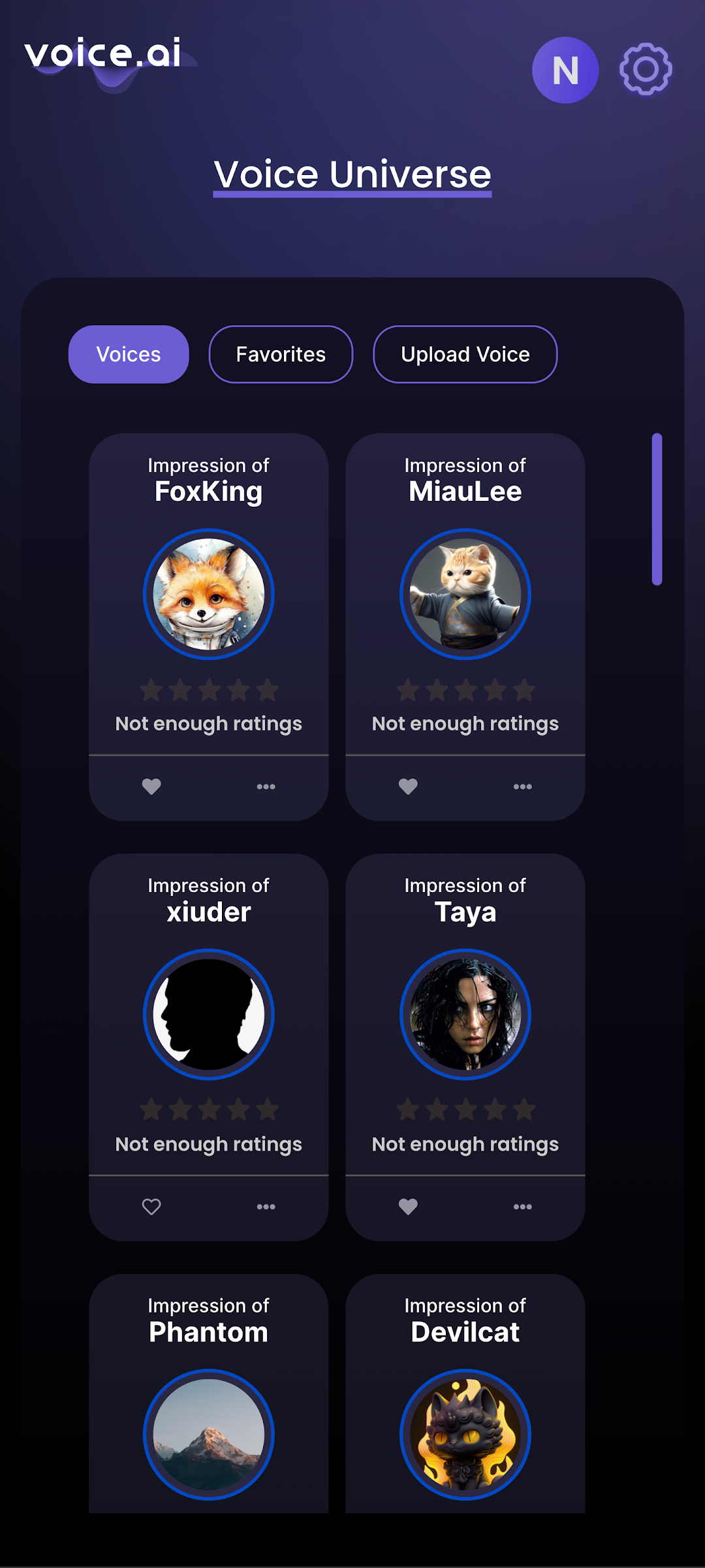
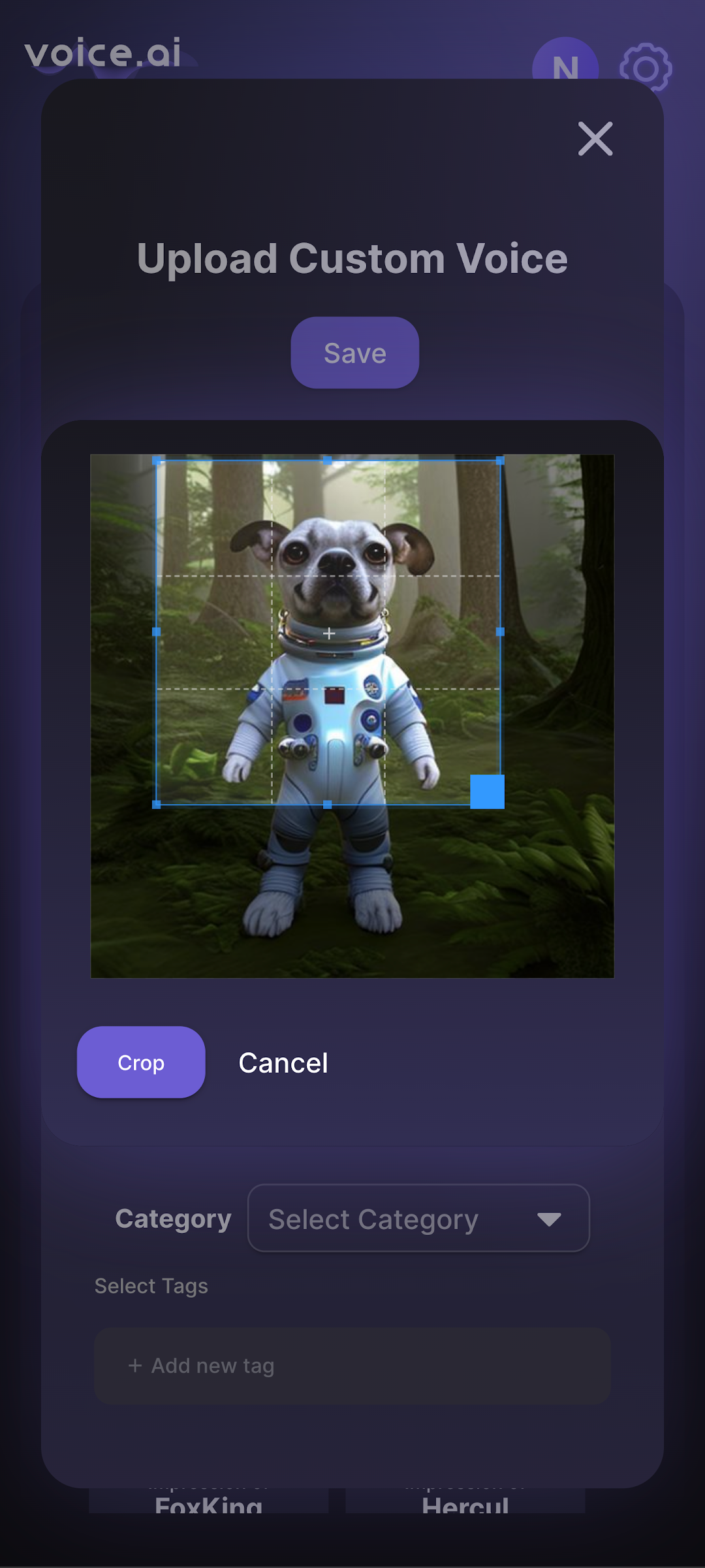
Voice.ai Voice Builder is an innovative app available on the Google Playstore that allows you to build custom voices on the go, specifically designed for use with Voice.ai. With this app, you can easily upload your voice recordings and submit them to the queue for processing. Once the voices are built, you can seamlessly use them on your computer, opening up endless possibilities for voice-enabled applications.The app is user-friendly and designed with simplicity in mind, making it easy for anyone to use, regardless of technical expertise. Simply record your voice, upload it through the app, and let the Voice.ai Voice Builder take care of the rest. The app also offers real-time updates on the status of your voice-building process, allowing you to keep track of progress and plan your work accordingly.
Voice.ai Voice Builder is an excellent tool for businesses and individuals who rely on voice-enabled applications, such as voice assistants, interactive voice response systems, and automated speech recognition. By building custom voices, you can create unique and engaging experiences for your users, enhancing the user experience and improving engagement.
Overall, Voice.ai Voice Builder is an essential app for anyone looking to build custom voices for use with Voice.ai. With its intuitive design and seamless functionality, it's a must-have tool for businesses, developers, and individuals alike.