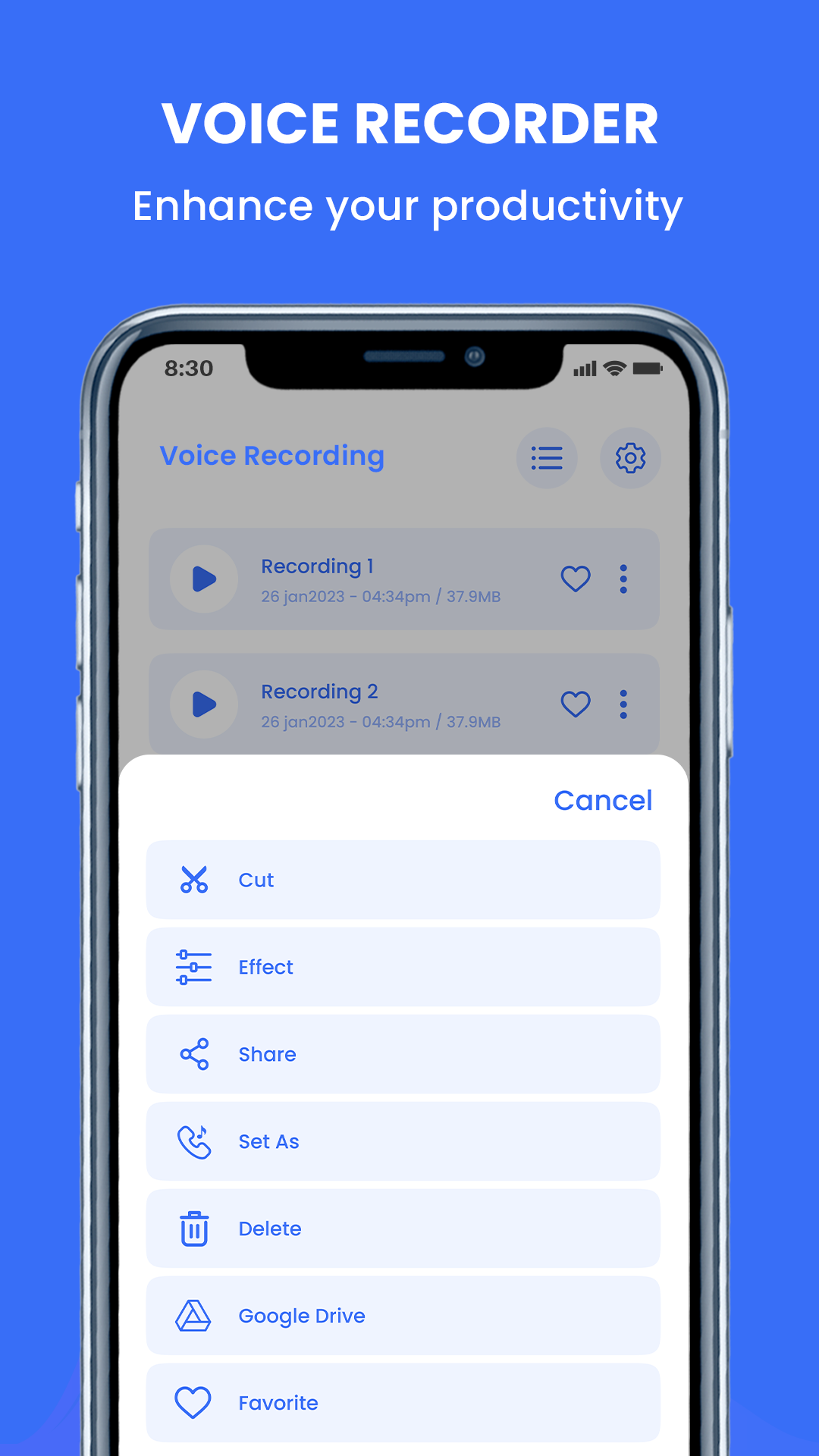
VoiceX - Voice Recorder is a Music&Audio application developed by Polex World, but with the best Android emulator-LDPlayer, you can download and play VoiceX - Voice Recorder on your computer.
Running VoiceX - Voice Recorder on your computer allows you to browse clearly on a large screen, and controlling the application with a mouse and keyboard is much faster than using touchscreen, all while never having to worry about device battery issues.
With multi-instance and synchronization features, you can even run multiple applications and accounts on your PC.
And file sharing makes sharing images, videos, and files incredibly easy.
Download VoiceX - Voice Recorder and run it on your PC. Enjoy the large screen and high-definition quality on your PC!
Experience the ultimate voice recording app for Android! Capture crystal-clear audio with ease and precision. Whether you're recording lectures, interviews, personal memos, or just capturing your thoughts on the go, our feature-rich voice recorder has you covered.Key Features:
🎙️ High-quality recording: Enjoy clear and crisp sound recordings, perfect for professional use or personal notes.
📁 Organize and manage: Easily organize your recordings into custom folders for effortless access and management.
🔍 Search function: Quickly find specific recordings using our convenient search tool.
⏱️ Timer recording: Schedule recordings to start and stop at your desired time, making hands-free recording a breeze.
📧 Share and export: Seamlessly share your recordings via email, messaging apps, or cloud storage platforms.
🎧 Playback controls: Adjust playback speed, skip or rewind segments, and add bookmarks for easy referencing.
📈 Built-in audio editor: Trim, cut, and edit your recordings to perfection, ensuring only what you need is kept.
🌐 Cloud backup: Safeguard your recordings with automatic cloud backup, never worry about losing your files.
🔒 Privacy protection: Keep your recordings secure with optional passcode protection.
Download our voice recorder app now and unlock the power of seamless audio recording and organization on your Android device. Record important moments, capture ideas, and stay organized effortlessly with our top-notch voice recording app!