

VpMobil24 is a Tools application developed by Indiware, but with the best Android emulator-LDPlayer, you can download and play VpMobil24 on your computer.
Running VpMobil24 on your computer allows you to browse clearly on a large screen, and controlling the application with a mouse and keyboard is much faster than using touchscreen, all while never having to worry about device battery issues.
With multi-instance and synchronization features, you can even run multiple applications and accounts on your PC.
And file sharing makes sharing images, videos, and files incredibly easy.
Download VpMobil24 and run it on your PC. Enjoy the large screen and high-definition quality on your PC!
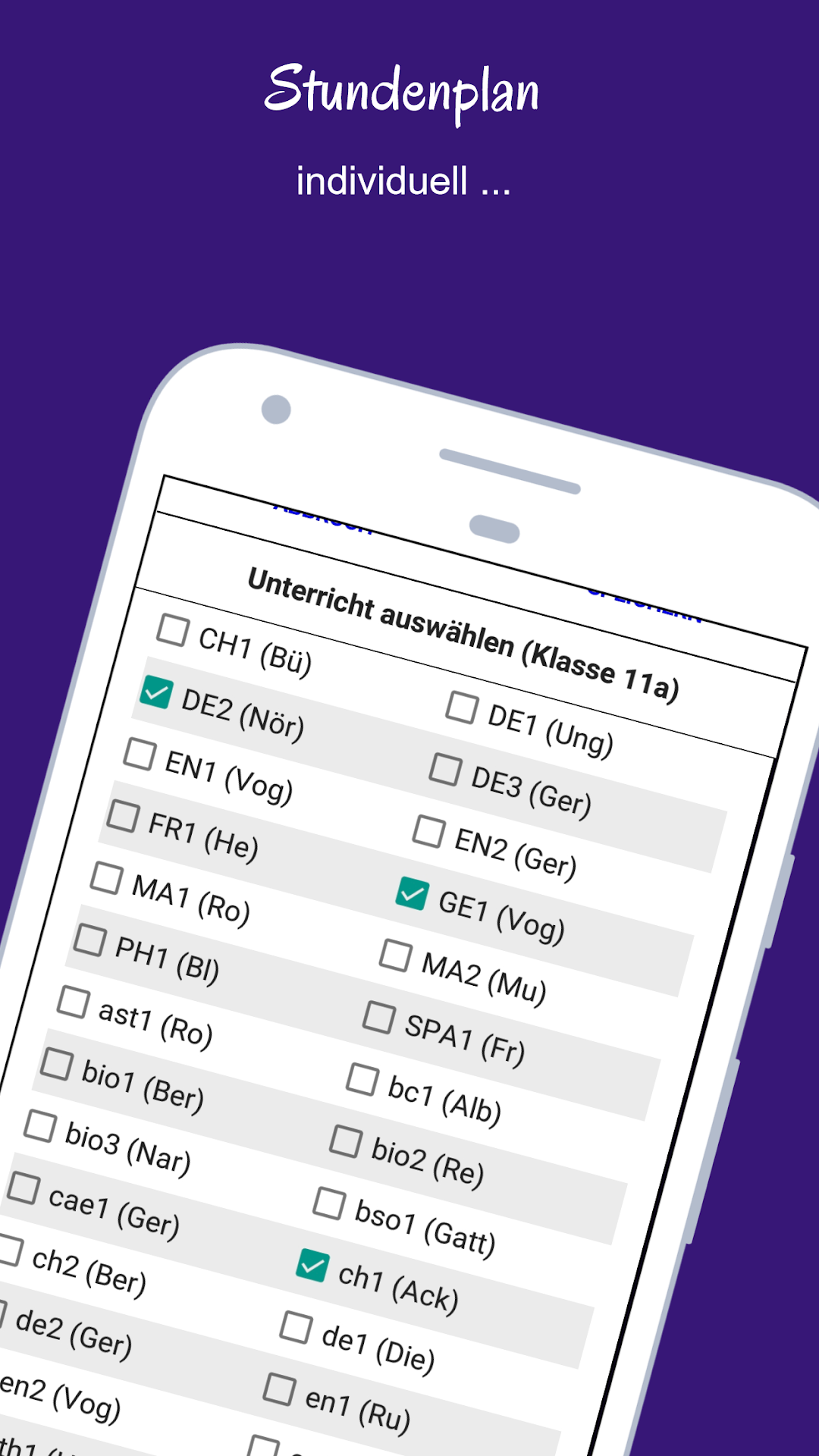
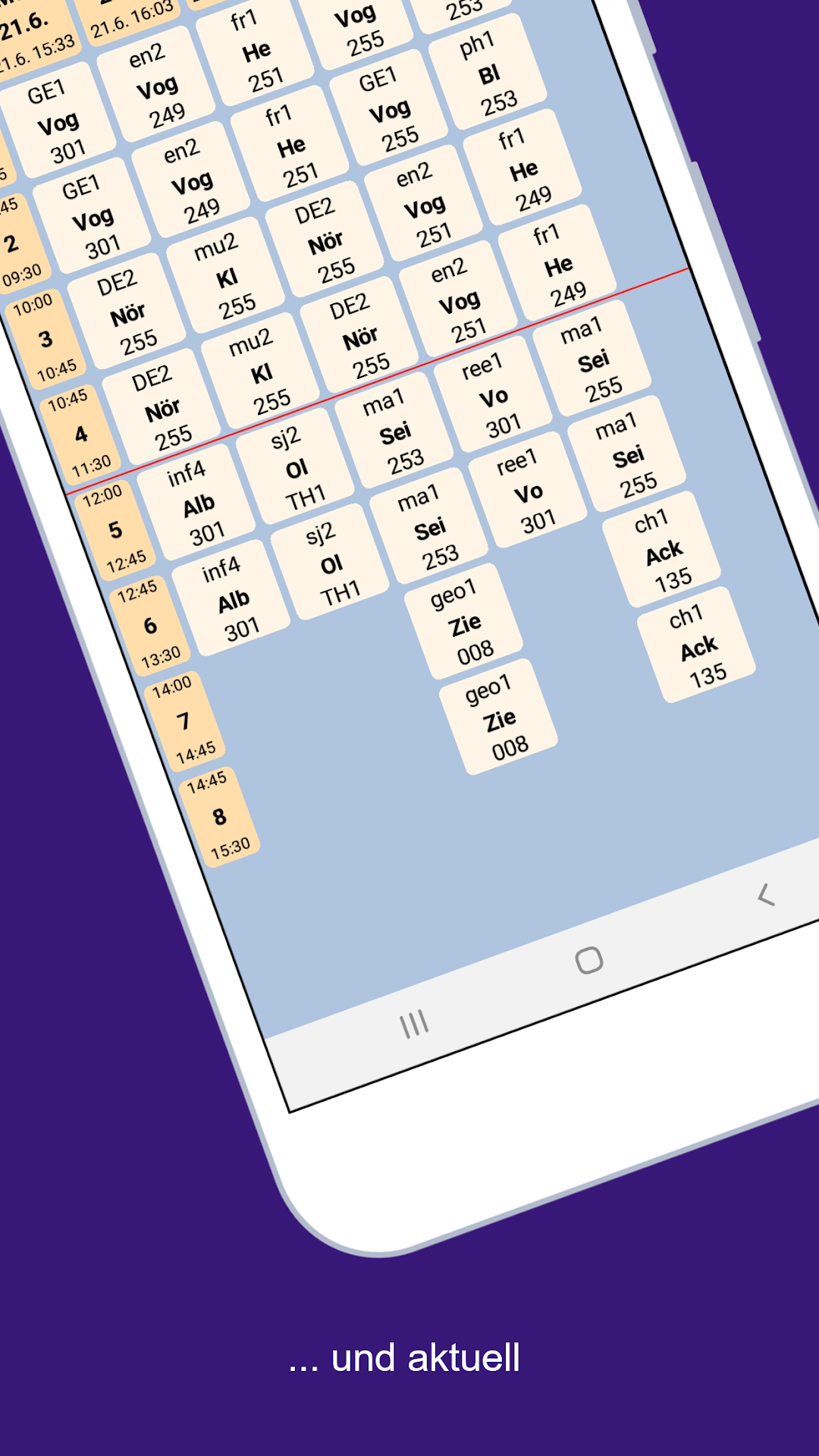
With the app, the current timetable of a class, a teacher or a room - including all substitutions - can be called up for schools that use the Indiware lesson planner and the Indiware mobile module to provide the necessary data. Changes are highlighted in red. A student's courses can be set individually so that the display can be limited to their own lessons.3 schools can be managed.
Up to 5 favorites can be selected for quick switching between different class, teacher or room plans.
The plans can be displayed either as a daily or weekly view.
The school number and the password for the teacher or student version can be obtained from the school.
Important: The app only works for schools that host their data on timetable24.de.