Eye4 is a Tools application developed by vpio tech, but with the best Android emulator-LDPlayer, you can download and play Eye4 on your computer.
Running Eye4 on your computer allows you to browse clearly on a large screen, and controlling the application with a mouse and keyboard is much faster than using touchscreen, all while never having to worry about device battery issues.
With multi-instance and synchronization features, you can even run multiple applications and accounts on your PC.
And file sharing makes sharing images, videos, and files incredibly easy.
Download Eye4 and run it on your PC. Enjoy the large screen and high-definition quality on your PC!
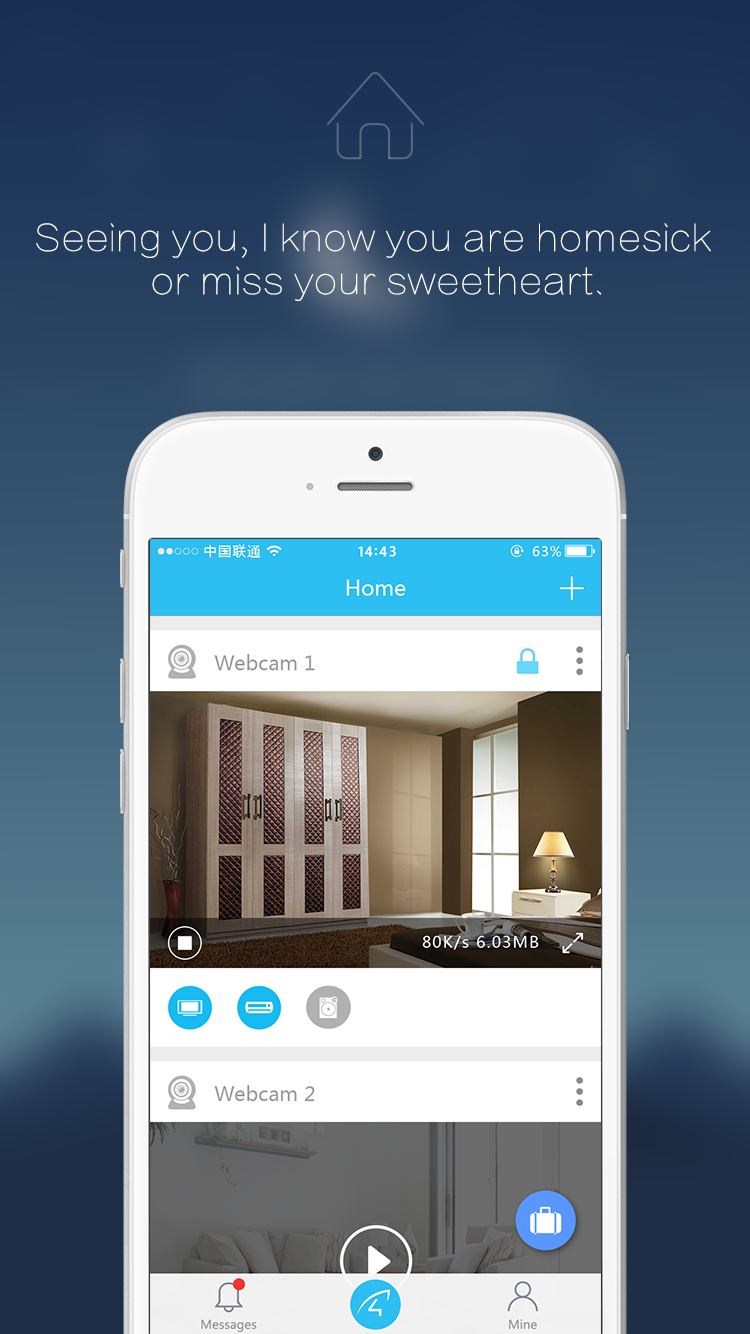
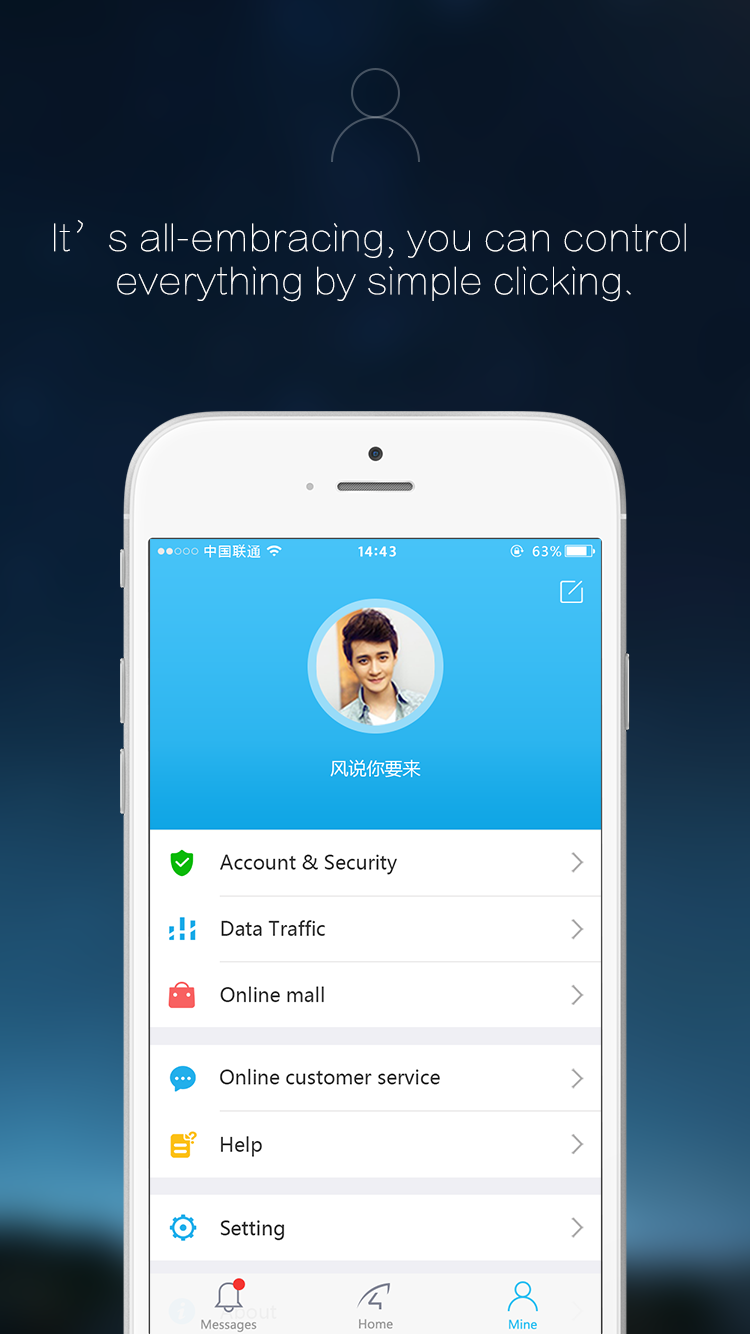
Eye4 is a remote video system that developed for civil consumer market, including cloud sever platform, IP camera, and various platform client software.Technology change life, technology change your vision!
Eye4 system features:
1, Advanced cloud structure, massive storage, high reliability, and high security.
2, Plug & play: easy to operate, no special network knowledge required.
3, Wide application: can be applied in baby, pet care, staff management, anti- burglar ect.
4, Powerful function: real time view, snapshot, talk-back, motion detection, wireless connection ect.
5, Cost effective: adopted the highly integrated hardware, high cost effective.
6, support multi-platform:Android, computer, with one account, you can view at anytime anywhere.