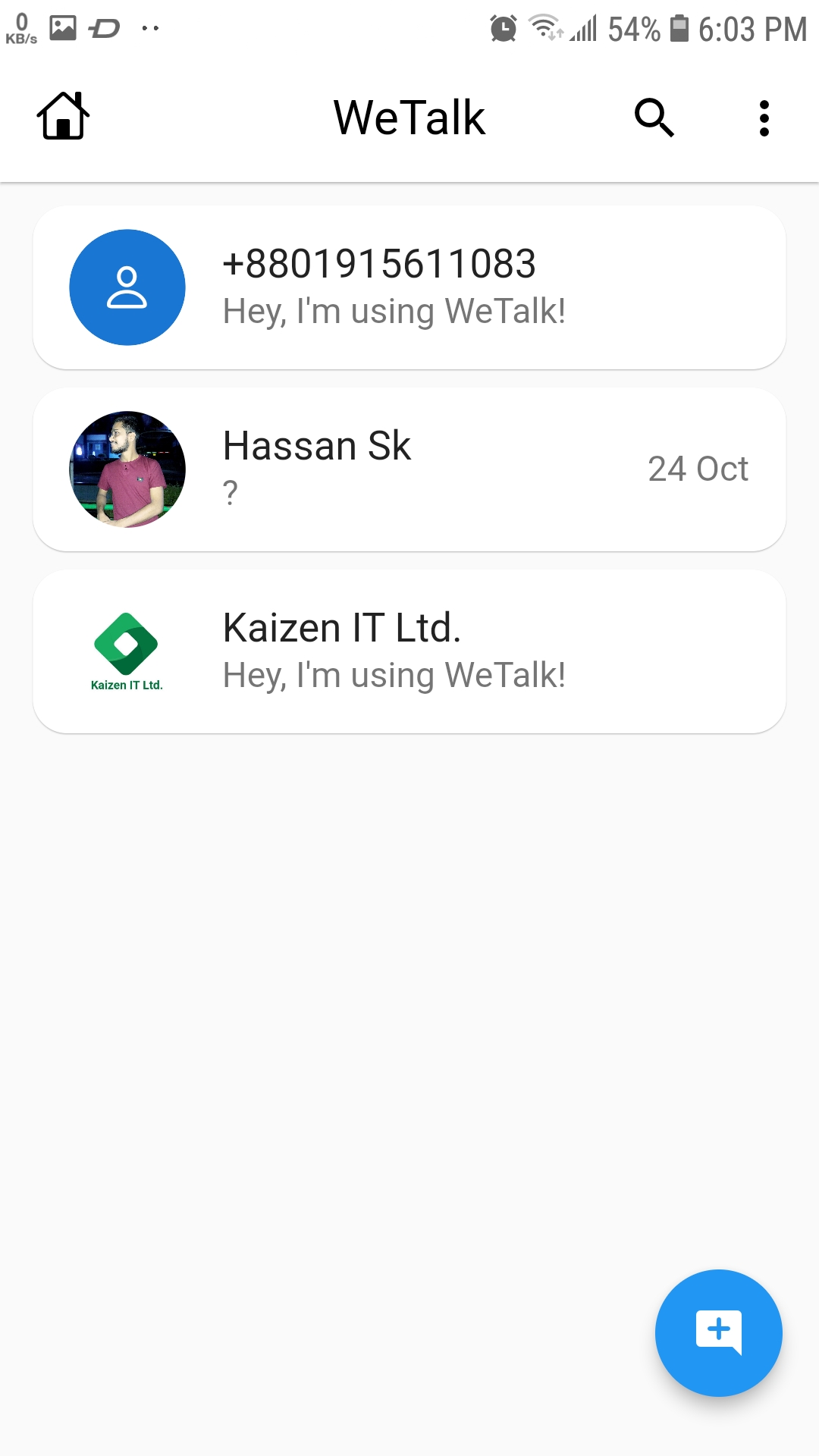
WeTalk is a Social application developed by Kaizen IT Ltd., but with the best Android emulator-LDPlayer, you can download and play WeTalk on your computer.
Running WeTalk on your computer allows you to browse clearly on a large screen, and controlling the application with a mouse and keyboard is much faster than using touchscreen, all while never having to worry about device battery issues.
With multi-instance and synchronization features, you can even run multiple applications and accounts on your PC.
And file sharing makes sharing images, videos, and files incredibly easy.
Download WeTalk and run it on your PC. Enjoy the large screen and high-definition quality on your PC!
Are you looking for a versatile and user-friendly chatting app that lets you connect with friends and family seamlessly, just like WhatsApp and WeChat? Look no further than WeTalk!*Key Features:*
- *Chat with Ease:* Send and receive text messages quickly and efficiently. Stay connected with your loved ones.
- *Share Moments:* Share photos, videos, and documents effortlessly within the app. Keep those special moments alive.
- *Group Chats:* Create and join group chats with friends or colleagues. Collaborate and connect with ease.
- *Express Yourself:* Choose from a wide variety of stickers and emojis to add fun and emotion to your conversations.
- *Privacy Matters:* WeTalk takes your privacy seriously with end-to-end encryption to keep your conversations secure.
- *Cross-Platform:* Available on both Android and iOS devices, ensuring that no one is left out.
With WeTalk, you'll enjoy all the features you love in a chatting app, ensuring you can stay in touch, share experiences, and communicate effortlessly. Download WeTalk today and explore a world of seamless communication