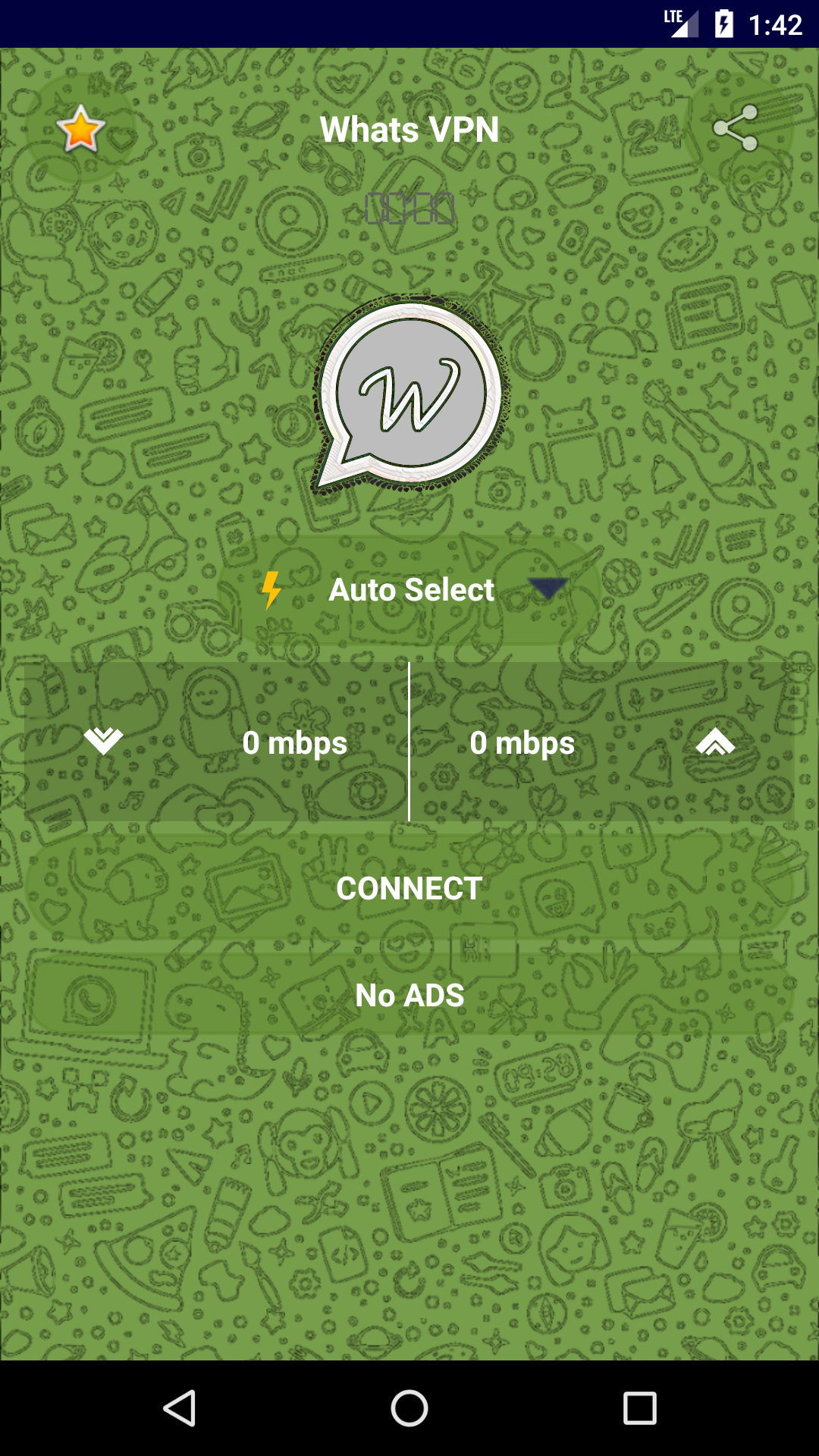


Whats VPN Lite is a Tools application developed by sudo Labs, but with the best Android emulator-LDPlayer, you can download and play Whats VPN Lite on your computer.
Running Whats VPN Lite on your computer allows you to browse clearly on a large screen, and controlling the application with a mouse and keyboard is much faster than using touchscreen, all while never having to worry about device battery issues.
With multi-instance and synchronization features, you can even run multiple applications and accounts on your PC.
And file sharing makes sharing images, videos, and files incredibly easy.
Download Whats VPN Lite and run it on your PC. Enjoy the large screen and high-definition quality on your PC!
Whats VPN Lite application offers a premium blend of security and dependability, fostering an optimal online connectivity experience. This solution boasts an exceptional balance of affordability and swiftness in internet connectivity.By leveraging Whats VPN Lite, users gain the capacity to effortlessly circumvent online restrictions while upholding an incognito browsing encounter. This dynamic application seamlessly operates across a spectrum of network types, including WiFi, LTE, 3G, 4G, and diverse mobile data carriers.
Distinctive Attributes of Whats VPN:
Unparalleled Customer Assistance: Access around-the-clock, dedicated customer support.
Empowerment of Internet Liberties: All transmitted data is encrypted to preserve online privacy.
Seamlessness in Streaming: Enjoy buffer-free YouTube and video streaming sessions.
Smooth Gameplay Experience: Online gaming experiences free of lags or disruptions.
Fortified Online Connectivity: Safeguard personal information and location against trackers, thus guaranteeing optimal privacy and security.
A notable feature of the service is its firm stance against adult content, fortified through the implementation of the CleanBrowsing DNS network resolution.