WildRift Pro Guide is a Entertainment application developed by MiracleX, but with the best Android emulator-LDPlayer, you can download and play WildRift Pro Guide on your computer.
Running WildRift Pro Guide on your computer allows you to browse clearly on a large screen, and controlling the application with a mouse and keyboard is much faster than using touchscreen, all while never having to worry about device battery issues.
With multi-instance and synchronization features, you can even run multiple applications and accounts on your PC.
And file sharing makes sharing images, videos, and files incredibly easy.
Download WildRift Pro Guide and run it on your PC. Enjoy the large screen and high-definition quality on your PC!
Unleash your full potential in League of Legends: Wild Rift with the ultimate guide for aspiring champions! Our WildRift Pro Guide is your key to victory in every match. Whether you're a seasoned player or just starting, this comprehensive guide will help you climb the ranks, outplay your opponents, and become a true legend in the world of Wild Rift.🏆 Master Pro Strategies: Learn from top-tier players and adopt winning strategies that will take your game to the next level.
🔥 Champion Insights: Get in-depth information on every champion, their abilities, and how to maximize their potential in battle.
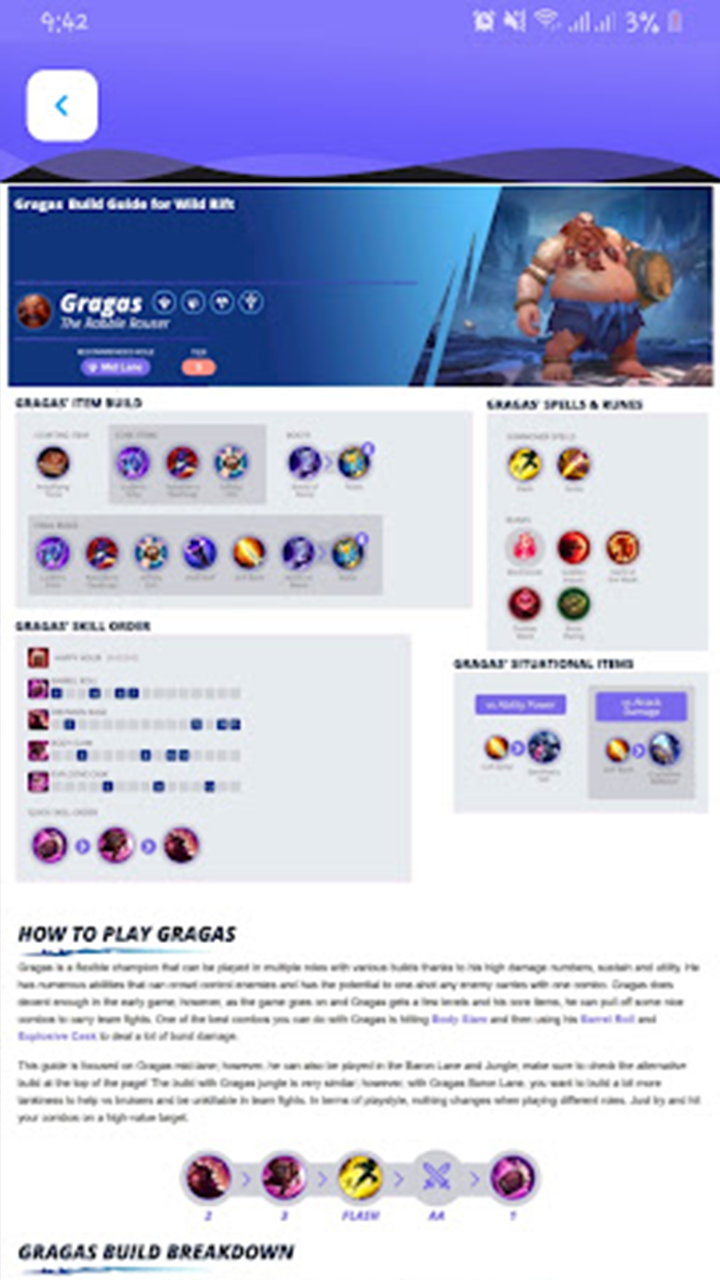
🛡️ Item Builds: Discover the best item builds for each champion and when to use them for an unbeatable advantage.
📈 Rank Up Faster: Climb the ranks with expert advice on positioning, map control, and teamwork.
📚 Constant Updates: Stay on top of the meta with real-time updates and patches to keep your skills razor-sharp.
📣 Community Hub: Connect with fellow Wild Rift enthusiasts, share tips, and discuss strategies in our vibrant community.
Don't settle for mediocrity – become a Wild Rift pro and conquer the battlegrounds with confidence! Download WildRift Pro Guide now and start your journey to becoming a true legend in the League of Legends: Wild Rift universe. It's time to rise to the top and assert your dominance on the rift!