

WordWeb Audio Dictionary is a Books&Reference application developed by WordWeb Software, but with the best Android emulator-LDPlayer, you can download and play WordWeb Audio Dictionary on your computer.
Running WordWeb Audio Dictionary on your computer allows you to browse clearly on a large screen, and controlling the application with a mouse and keyboard is much faster than using touchscreen, all while never having to worry about device battery issues.
With multi-instance and synchronization features, you can even run multiple applications and accounts on your PC.
And file sharing makes sharing images, videos, and files incredibly easy.
Download WordWeb Audio Dictionary and run it on your PC. Enjoy the large screen and high-definition quality on your PC!
The offline audio English dictionary and thesaurus with synonyms, related words, and professionally recorded pronunciations.The comprehensive WordWeb dictionary database includes:
- 285,000 words, phrases and derived forms
- 225,000 word sense definitions
- 70,000 usage examples
- 70,000 audio pronunciations
- 85,000 text pronunciations
- Synonyms, similar and related words
- N. American, British, Australian and international English
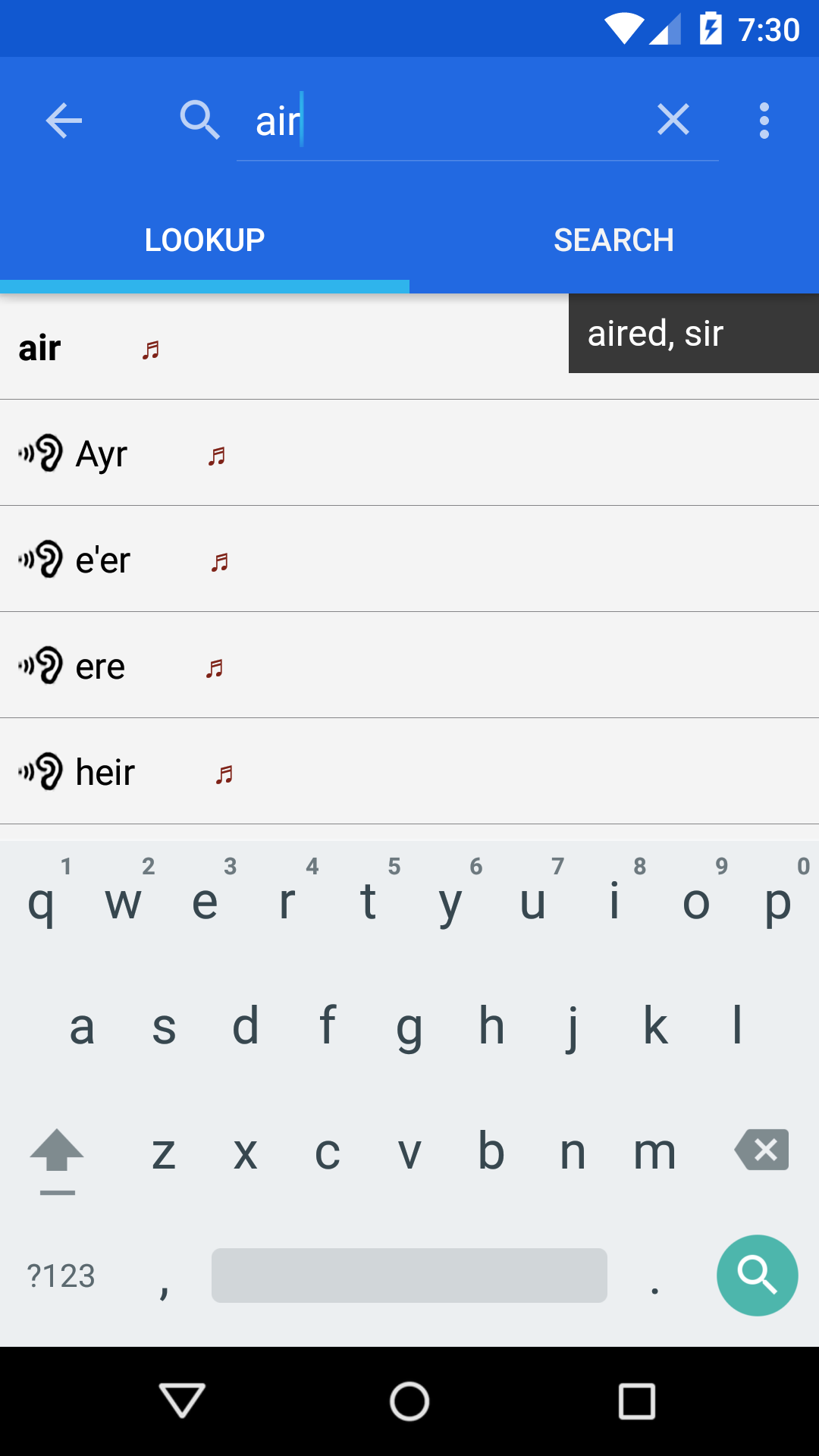
The intelligent word entry suggests possible correct spellings as you type, as well as listing words that sound the same or are often confused.
Additional features include the ability to drill down on any word in a definition, full bookmark support and history.
Search features include:
- Alphabetical listing
- Spelling suggestions
- Sounds-like and often-confused
- Fast pattern-matching search (*, ?, vowel and consonant)
- Filter search results by noun, verb, adjective, adverbs
The database includes proper nouns and common abbreviations in addition to English vocabulary (e.g. LOL, Oxford, ROFL, Webster, UNHCR, etc.)
No Internet connection is required to use WordWeb once installed. It requires about 280MB of space on your SD card.
Learn to pronounce those English words correctly! Speak better English and enrich your vocabulary.
You can quickly look up words from other apps by selecting the word, then selecting WordWeb from the pop-up menu (requires Android M and higher).
Note: If you don't hear sound check the volume/mute under main Settings, Volume. The Media setting should be up to hear sound from apps.