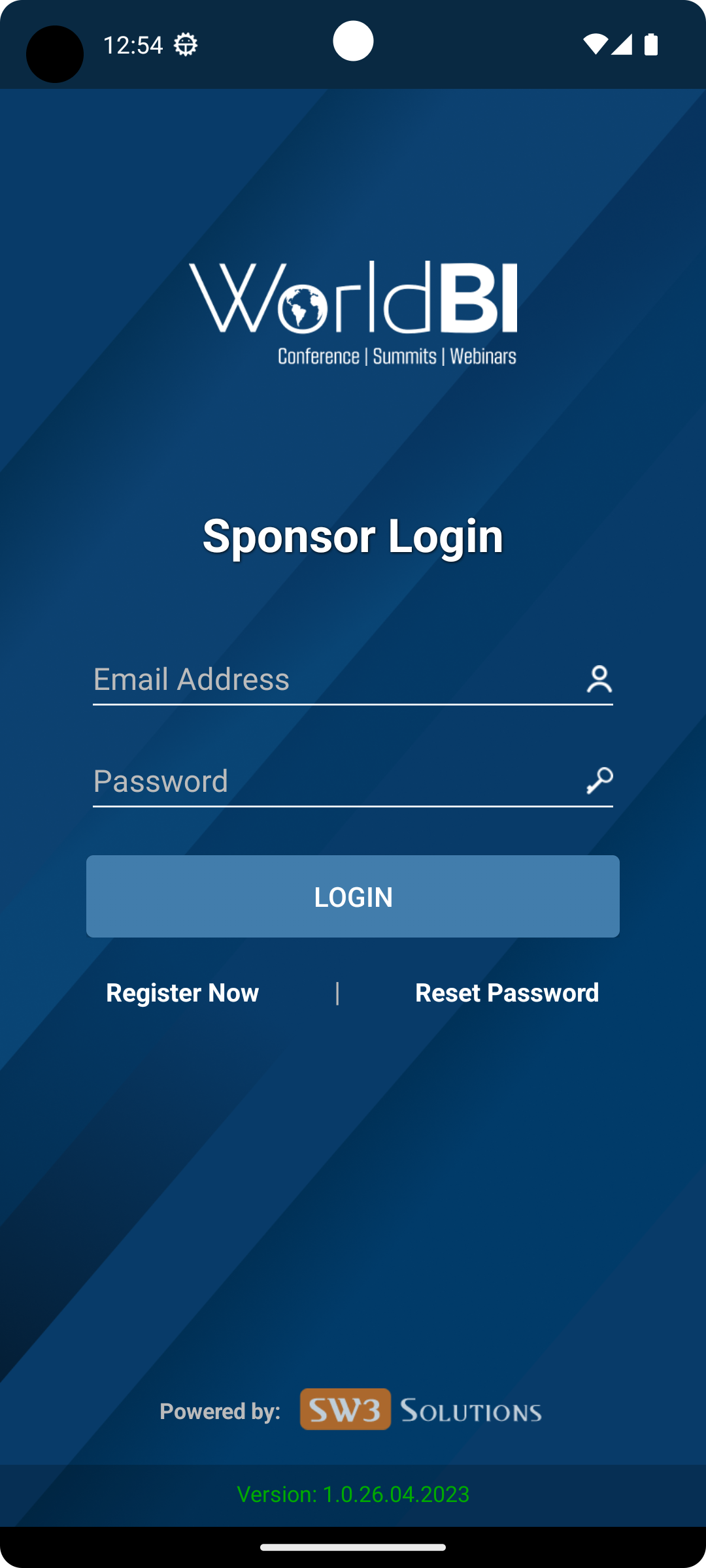
World BI is a Events application developed by SW3 Solutions, but with the best Android emulator-LDPlayer, you can download and play World BI on your computer.
Running World BI on your computer allows you to browse clearly on a large screen, and controlling the application with a mouse and keyboard is much faster than using touchscreen, all while never having to worry about device battery issues.
With multi-instance and synchronization features, you can even run multiple applications and accounts on your PC.
And file sharing makes sharing images, videos, and files incredibly easy.
Download World BI and run it on your PC. Enjoy the large screen and high-definition quality on your PC!
World BI is a global conferences company established with a mission to contribute to society through its one-of-its-kind conferences and events on various business subjects covering Clinical Trials, Supply Chains, Drug Discovery, Pharma Packaging, Brand Protection and much more. Active participation of visionary leaders, reputable media organizations, well-known sponsors, and globally-recognized speakers add extra value to the credibility of our conferences. We deliver events that enhance your knowledge and go the extra mile to create new business opportunities.