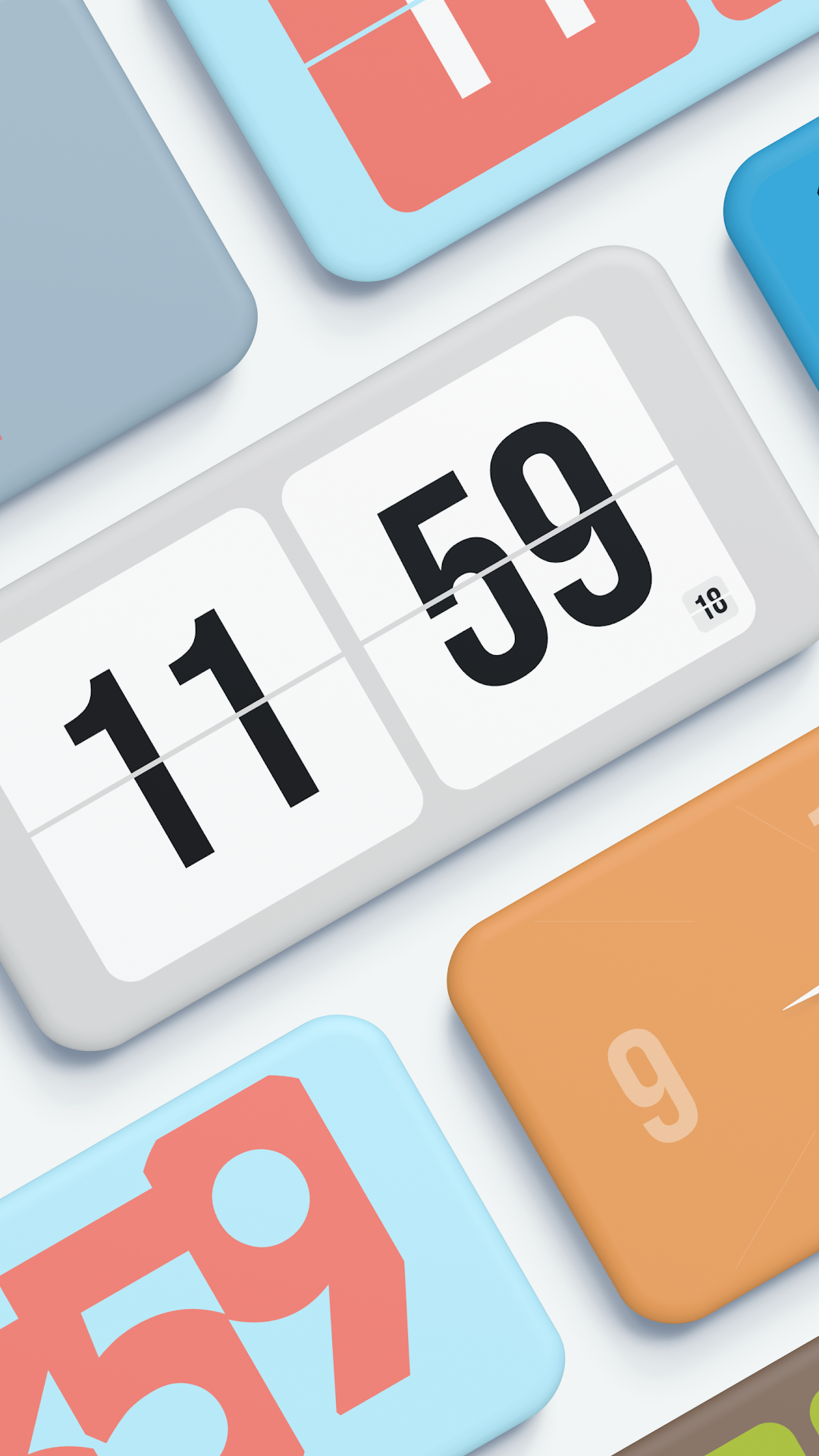
Wow Clock - Minimal flip clock is a Tools application developed by Moonfoxer, but with the best Android emulator-LDPlayer, you can download and play Wow Clock - Minimal flip clock on your computer.
Running Wow Clock - Minimal flip clock on your computer allows you to browse clearly on a large screen, and controlling the application with a mouse and keyboard is much faster than using touchscreen, all while never having to worry about device battery issues.
With multi-instance and synchronization features, you can even run multiple applications and accounts on your PC.
And file sharing makes sharing images, videos, and files incredibly easy.
Download Wow Clock - Minimal flip clock and run it on your PC. Enjoy the large screen and high-definition quality on your PC!
We like the design philosophy of "less is more" and apply it to Wow Clock, make it simple and easy to useKey features
★ Clock, stopwatch and timer all in one
★ Timer with relaxing sounds
★ Multiple clock faces
★ Many beautiful themes
★ OLED screen burn-in prevention
★ Home screen widgets
★ Screen saver
★ Awesome animations and unique user experience
★ Support for multiple languages
★ No ads
How to use
★ Swipe left or right to change clock face
★ Swipe up for settings
★ Long press to show menu
You can use most of the features for free, it can meet your daily needs, but in order to make Wow Clock better, please become a paying user to support us 👋