

X8 Speeder No Root Guide is a Entertainment application developed by , but with the best Android emulator-LDPlayer, you can download and play X8 Speeder No Root Guide on your computer.
Running X8 Speeder No Root Guide on your computer allows you to browse clearly on a large screen, and controlling the application with a mouse and keyboard is much faster than using touchscreen, all while never having to worry about device battery issues.
With multi-instance and synchronization features, you can even run multiple applications and accounts on your PC.
And file sharing makes sharing images, videos, and files incredibly easy.
Download X8 Speeder No Root Guide and run it on your PC. Enjoy the large screen and high-definition quality on your PC!
X8 Speeder No Root Guide on PC
X8 Speeder No Root Guide, coming from the developer JCBH's pad, is running on Android systerm in the past.
Now, You can play X8 Speeder No Root Guide on PC with LDPlayer smoothly.
Download it in the LDPlayer library or search results. No more eyeing the battery or frustrating calls at the wrong time any more.
Just enjoy X8 Speeder No Root Guide PC on the large screen for free!
X8 Speeder No Root Guide Introduction
Don’t worry if your favorite game is super-slow, just install x8 speeder free app and get some extra points in the game without rooting your device to make it faster for yourself.
X8 speeder app increase the speed of your games🎮 and apps eight times without any expenditure. This tool is very helpful for the gamers of today’s world because its incredible features can change your loved game and make it easier for you. You can simply add extra points to the app if you play a speed game.
With x8speeder game app, you will get following options:👇
1. Increase or decrease the speed and time of your favorite games.
2. Get premium features in your favorite games.
3.Modify your favorite apps and unlock🔓 all resources available inside a game without paying anything. Increase or decrease the speed and time of your favorite games.
4.Complete the level or collect unlimited coins.
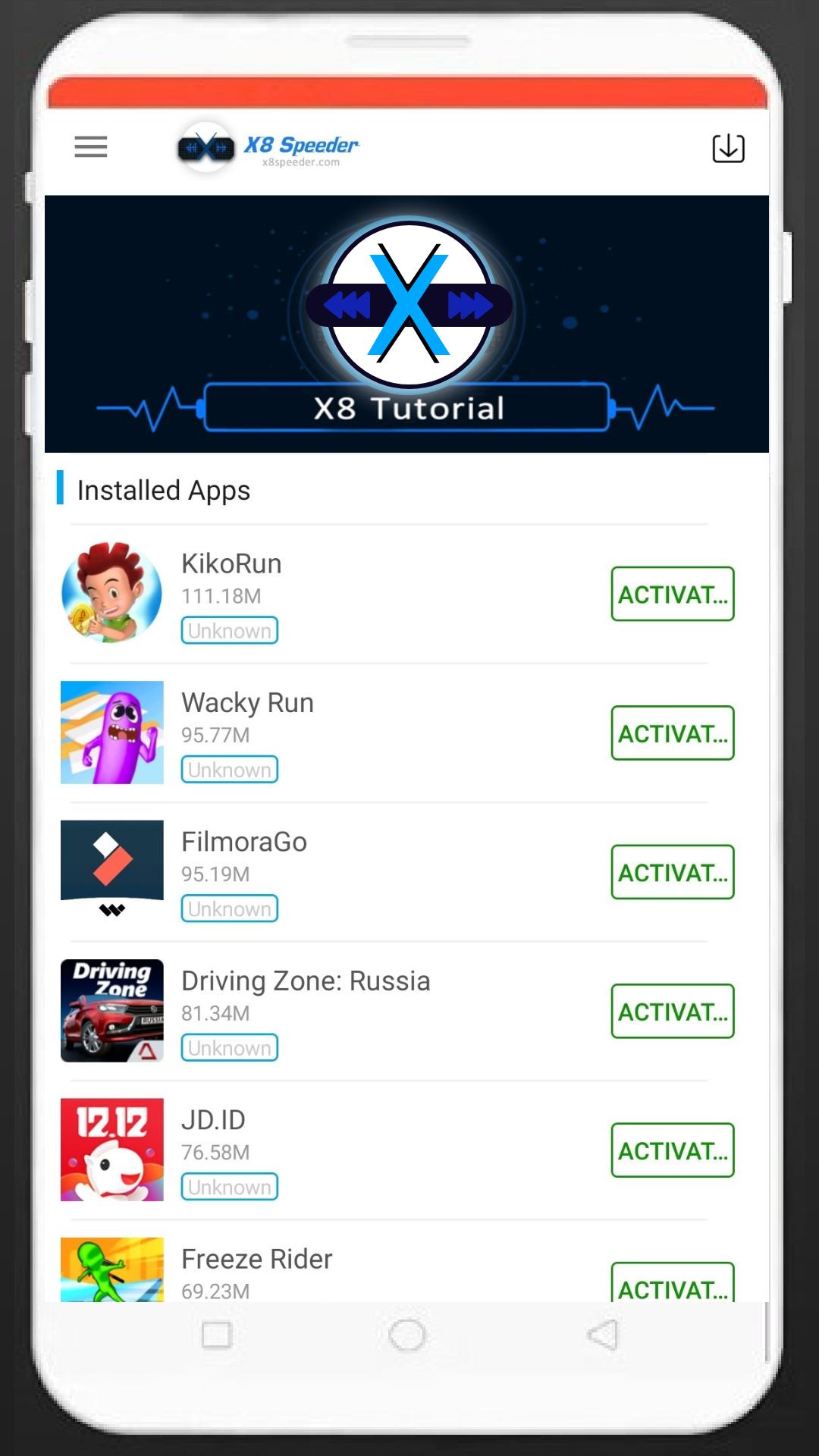
Download now and completely change your game. Select the game you want to speed up or slow down, then tap the "Activate" button next to it. Once activated, you will be prompted to reinstall the game so that it can run properly. That's all you have to do and now you can play this game and have an amazing experience of gaming with it.
Disclaimer:❗
This application is not an official app. We just want you to have a clear idea about the app. If you have any questions or suggestions, feel free to contact us.