Xb Bargains is a Shopping application developed by SP Soft s. r. o., but with the best Android emulator-LDPlayer, you can download and play Xb Bargains on your computer.
Running Xb Bargains on your computer allows you to browse clearly on a large screen, and controlling the application with a mouse and keyboard is much faster than using touchscreen, all while never having to worry about device battery issues.
With multi-instance and synchronization features, you can even run multiple applications and accounts on your PC.
And file sharing makes sharing images, videos, and files incredibly easy.
Download Xb Bargains and run it on your PC. Enjoy the large screen and high-definition quality on your PC!
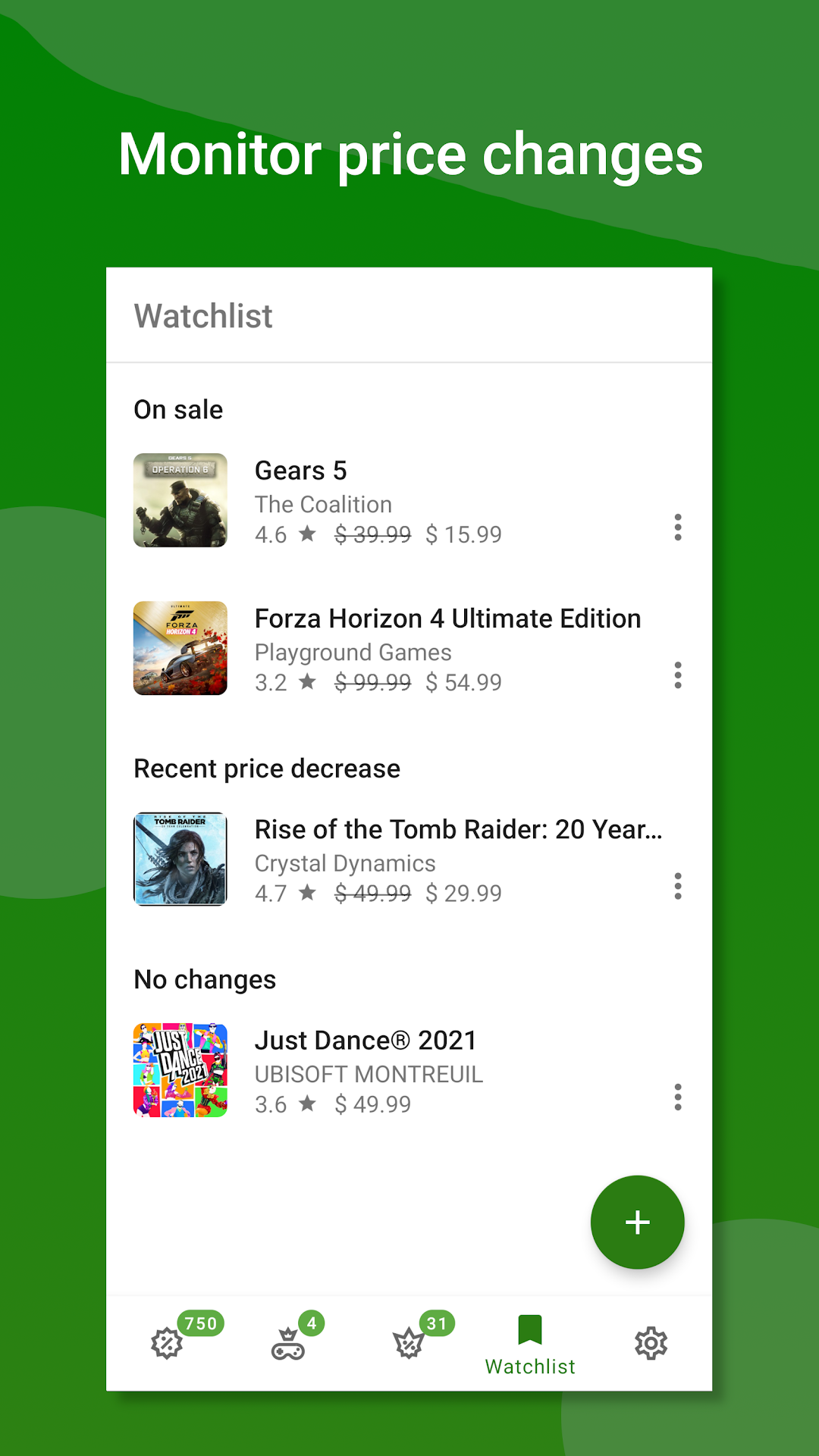
Xb Bargains offers an easy, convenient way to find Xbox games and add-ons deals in the official Xbox Store. Buy games cheaper and never miss a new deal with our instant notifications – a must have for every gamer wanting to save some bucks.Xbox games are quite expensive. This app can help you to save a significant amount of money – sometimes even 90 % of its regular price. All you have to do is to find your new favourite game or dlc and add it to the Watchlist. Once your item is on sale or its price has dropped; you’ll be notified.
Feature overview:
• Modern, intuitive user interface
• Constantly updated list of deals including Gold deals and Gold game freebies
• Personal Watchlist – add games and dlc to receive notifications once they are on sale or price drops
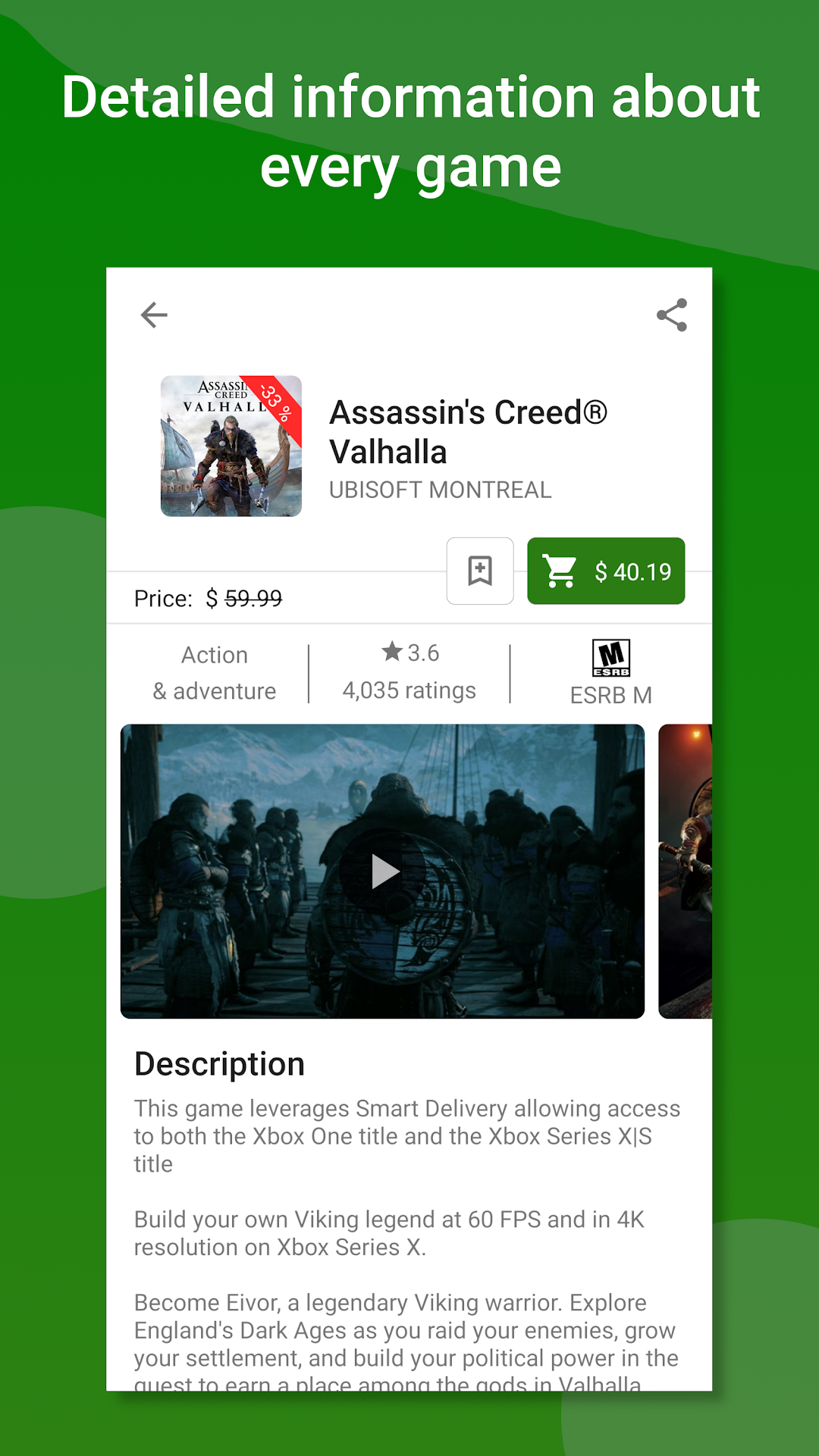
• Price history information – validate sales and detect price-patterns to save money by purchasing a game or dlc at the best time
• Price comparison - easily compare prices in different countries with a single click
• Support for 42 countries
• Get notified about new deals as soon as they are published
• Share deals with your family and friends
Actual prices may vary depending on your location and currency and they may be changed anytime in the official Microsoft Xbox Store without any notice.