YouGlish is a Education application developed by YouGlish Labs, but with the best Android emulator-LDPlayer, you can download and play YouGlish on your computer.
Running YouGlish on your computer allows you to browse clearly on a large screen, and controlling the application with a mouse and keyboard is much faster than using touchscreen, all while never having to worry about device battery issues.
With multi-instance and synchronization features, you can even run multiple applications and accounts on your PC.
And file sharing makes sharing images, videos, and files incredibly easy.
Download YouGlish and run it on your PC. Enjoy the large screen and high-definition quality on your PC!
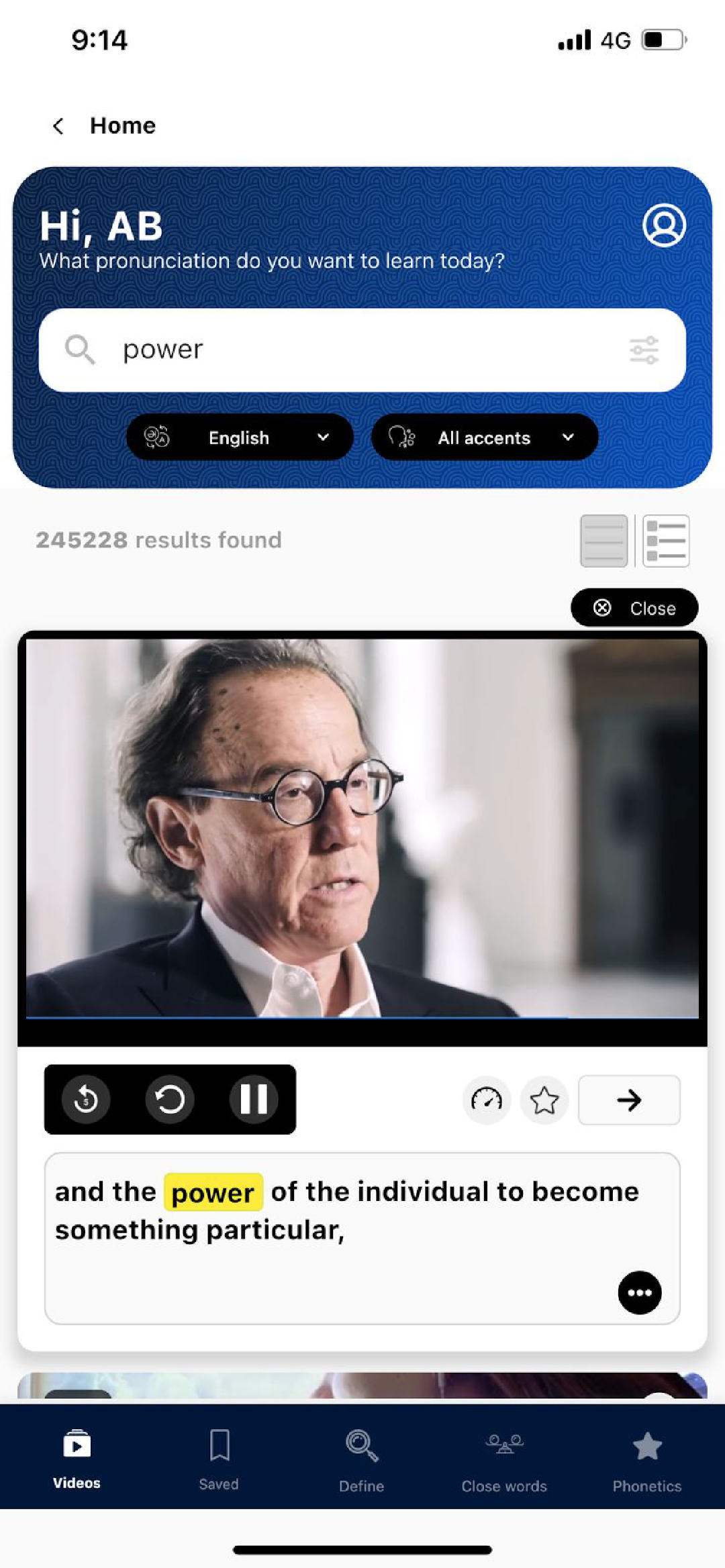
Welcome to the YouGlish.com language learning app!Designed for learners of all levels, YouGlish gives you fast, unbiased answers about how languages are spoken by real people and in context. Simply type in the word or phrase you want to hear pronounced, and Youglish will instantly display a list of YouTube tracks featuring that word or phrase being used in context by native speakers. You can then listen to the pronunciation and practice repeating it until you get it right.
YG supports 19 languages and is packed with features to help you improve your pronunciation, fluency, and understanding of different accents and pronunciations.
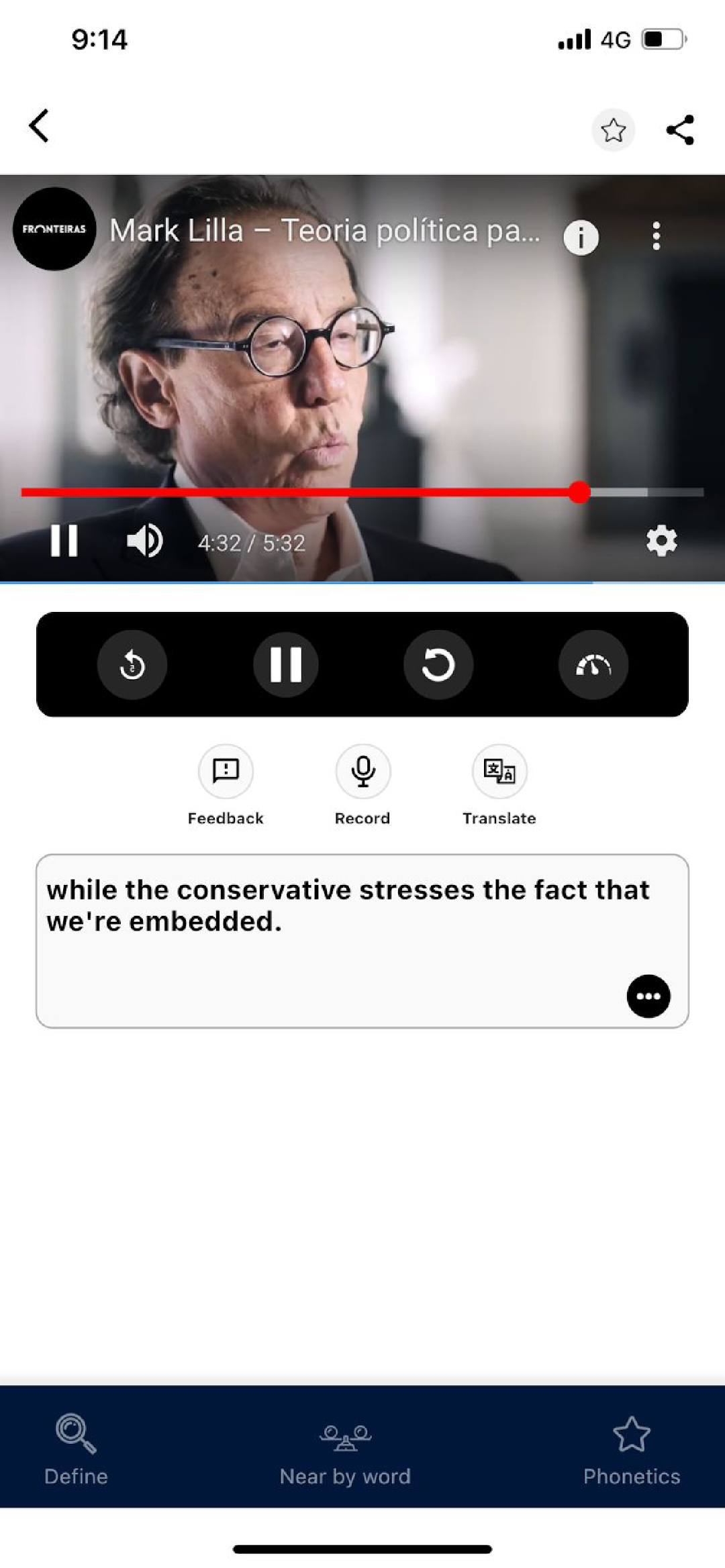
With our app, you'll have access to dictionaries, translators, and phonetic transcription tools to help you master the nuances of your target language. You can also save tracks and words to manage your content and easily find what you need to focus on.
To help you hear the details of each sound, YouGlish allows you to adjust the speed of the player to your preference. And to take your fluency to the next level, you can record yourself speaking and track your progress over time.
Our app also makes it easy to explore different word classes, phrase forms, topics, and genders, so you can tailor your learning experience to your specific needs and interests.
Whether you're a beginner or an advanced learner, YouGlish has everything you need to take your language skills to the next level. Download the Youglish app today and take your language skills to the next level!