YouTag - Video Tags & Keywords is a Tools application developed by Quarter Pi, but with the best Android emulator-LDPlayer, you can download and play YouTag - Video Tags & Keywords on your computer.
Running YouTag - Video Tags & Keywords on your computer allows you to browse clearly on a large screen, and controlling the application with a mouse and keyboard is much faster than using touchscreen, all while never having to worry about device battery issues.
With multi-instance and synchronization features, you can even run multiple applications and accounts on your PC.
And file sharing makes sharing images, videos, and files incredibly easy.
Download YouTag - Video Tags & Keywords and run it on your PC. Enjoy the large screen and high-definition quality on your PC!
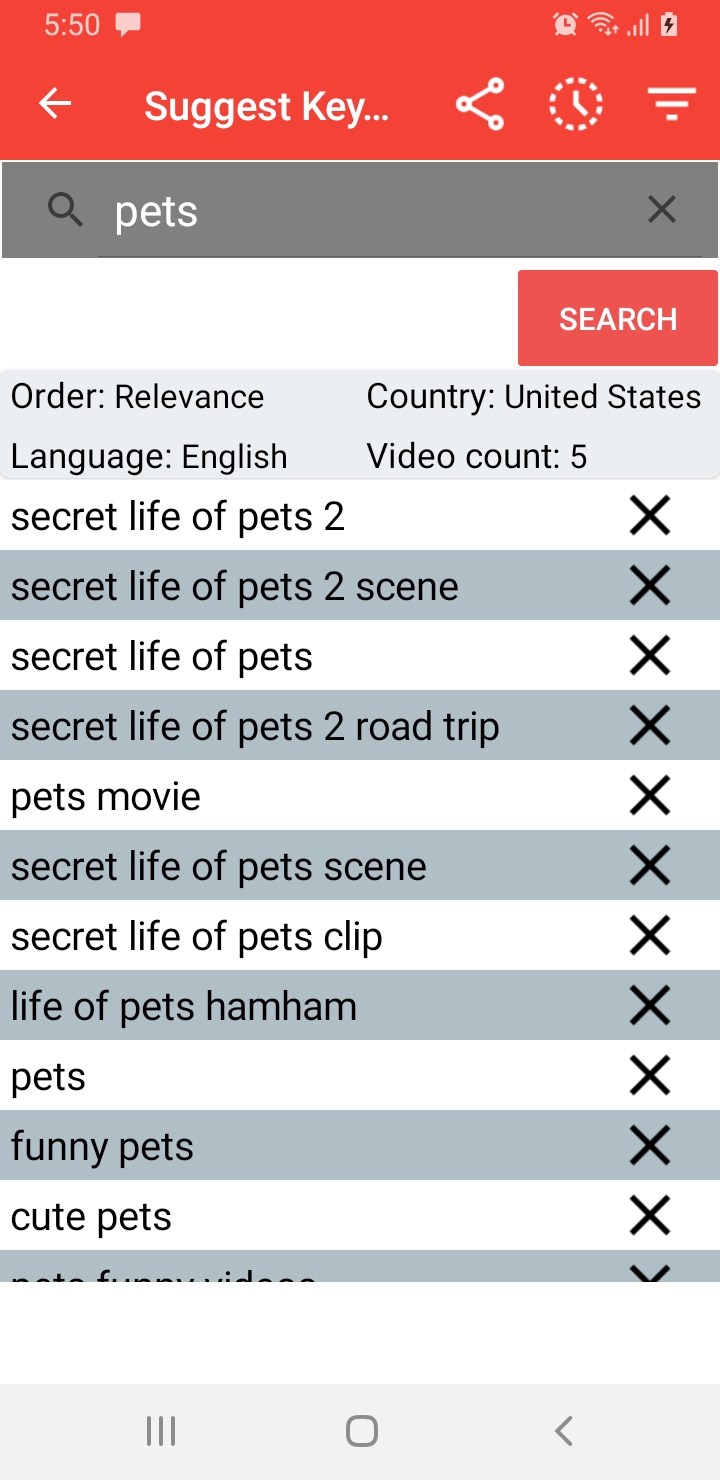
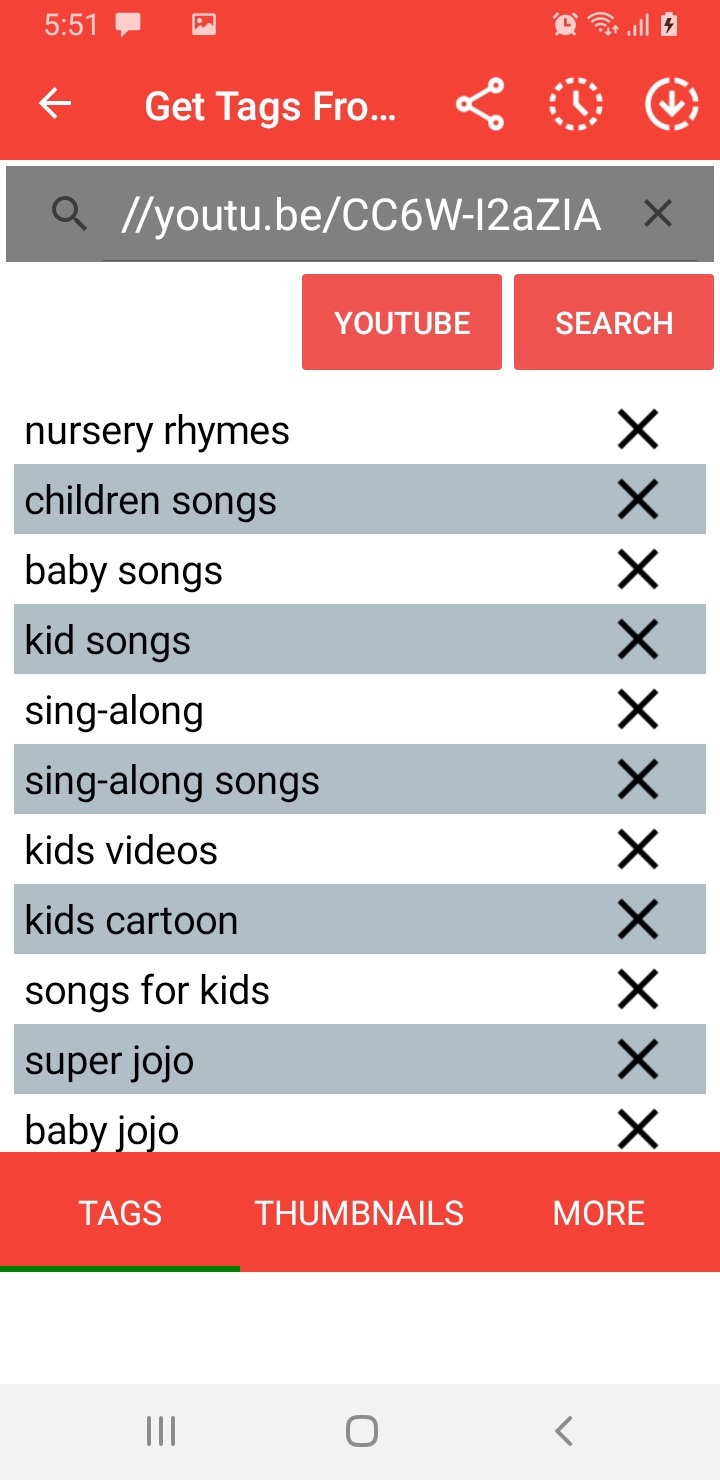
YouTag is a very simple and easy to use app to improve visibility of your social videos by boosting SEO. You Tag helps you optimise your videos by suggesting you best keywords and tags.Extract tags of any video. Using any of the following features.
1. Suggest Keywords - Enter a keyword and get the best keywords to be used in your video.
2. Get Tags From Url - Get all the tags of any video by providing a url or picking a video.
3. Find Competitors - Find out your competitors and what tags and keywords they are using.
4. Tag of the day - Get top trending tags of the day from any country of the world.
5. Backlinks - Get back links for your videos help them get viral.
For any question, suggestion or bug report, please contact our support team.