Yulu Partner is a Business application developed by Yulu, but with the best Android emulator-LDPlayer, you can download and play Yulu Partner on your computer.
Running Yulu Partner on your computer allows you to browse clearly on a large screen, and controlling the application with a mouse and keyboard is much faster than using touchscreen, all while never having to worry about device battery issues.
With multi-instance and synchronization features, you can even run multiple applications and accounts on your PC.
And file sharing makes sharing images, videos, and files incredibly easy.
Download Yulu Partner and run it on your PC. Enjoy the large screen and high-definition quality on your PC!
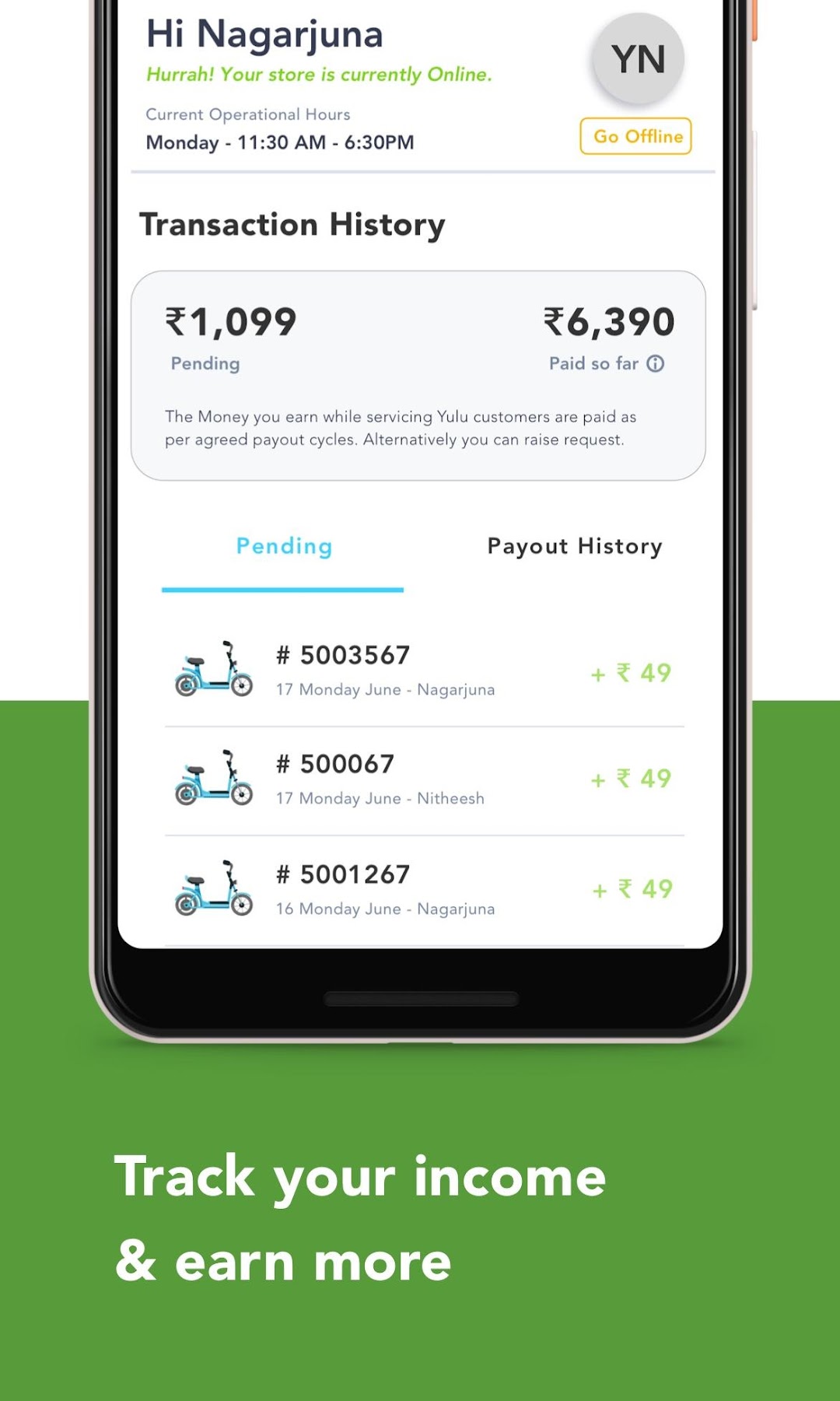
Partners can perform the battery swapping request of customers for Long Term Rental by through their store which will serve as Yulu Max Points.Earn additional income by managing battery swapping. This app aims to simplify the experience of users who have opted for Yulu Long Term Rental, this app will smoothen the process by managing battery swapping efficiently. Easy to manage employees, track income and manage the swapping of batteries from the comfort of your store.
Be a part of a clean and green revolution for building an active ecosystem for sustainable mobility! To find out how, email us on partnerships@yulu.bike