Zing AI: Home & Gym Workouts is a Health&Fitness application developed by Zing AI: Home & Gym Workouts, but with the best Android emulator-LDPlayer, you can download and play Zing AI: Home & Gym Workouts on your computer.
Running Zing AI: Home & Gym Workouts on your computer allows you to browse clearly on a large screen, and controlling the application with a mouse and keyboard is much faster than using touchscreen, all while never having to worry about device battery issues.
With multi-instance and synchronization features, you can even run multiple applications and accounts on your PC.
And file sharing makes sharing images, videos, and files incredibly easy.
Download Zing AI: Home & Gym Workouts and run it on your PC. Enjoy the large screen and high-definition quality on your PC!
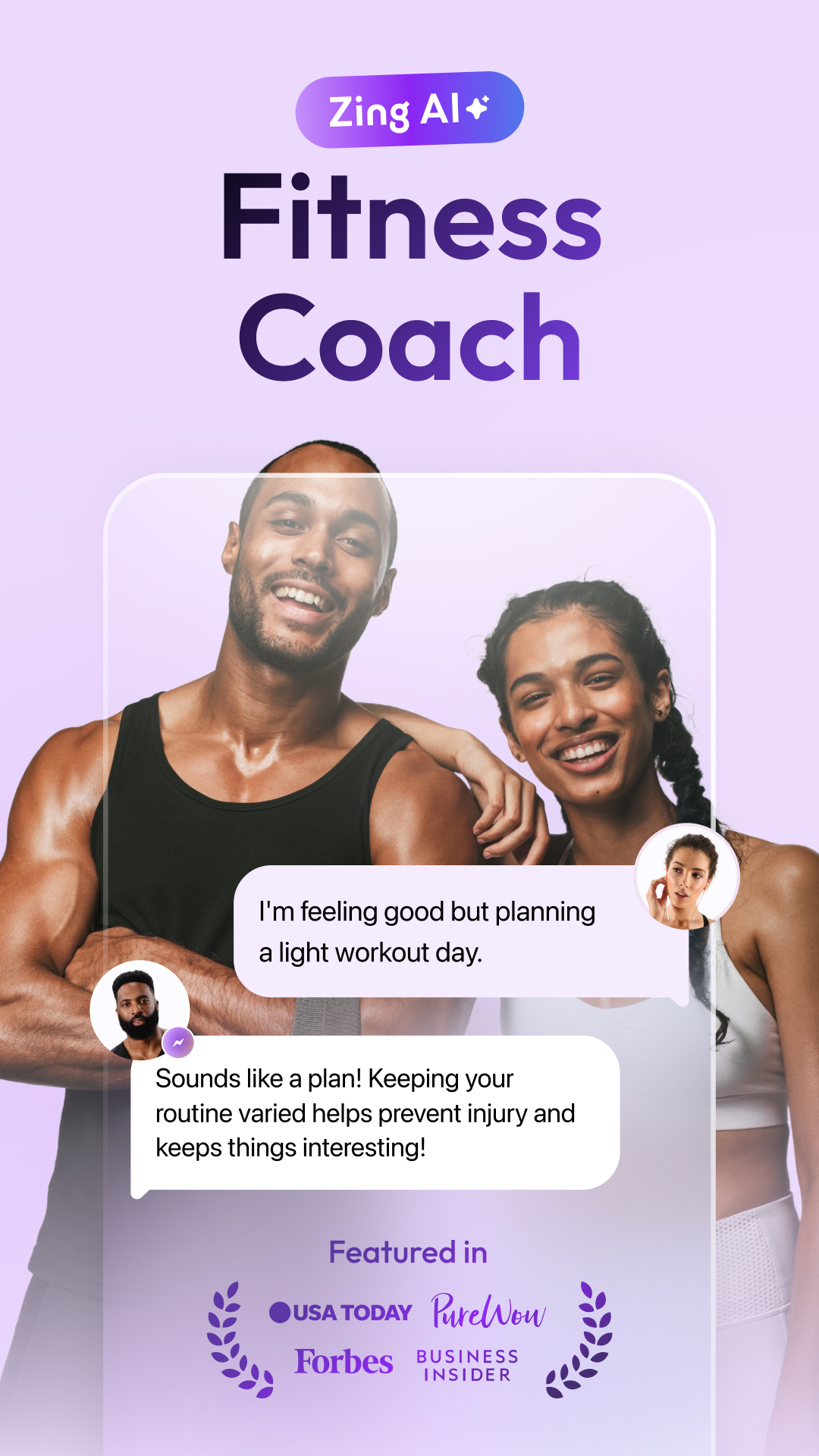
🦾 Meet Zing, Your New Workout Coach 🦾Zing Coach is an AI-powered personal trainer developed using scientifically backed algorithms and input from the world’s best health, fitness, and workout experts. Zing takes fitness personalization to the next level with home & gym workouts tailored to your needs and an engaging training experience.
🏋️ Personalized Fitness Plans 🏋️
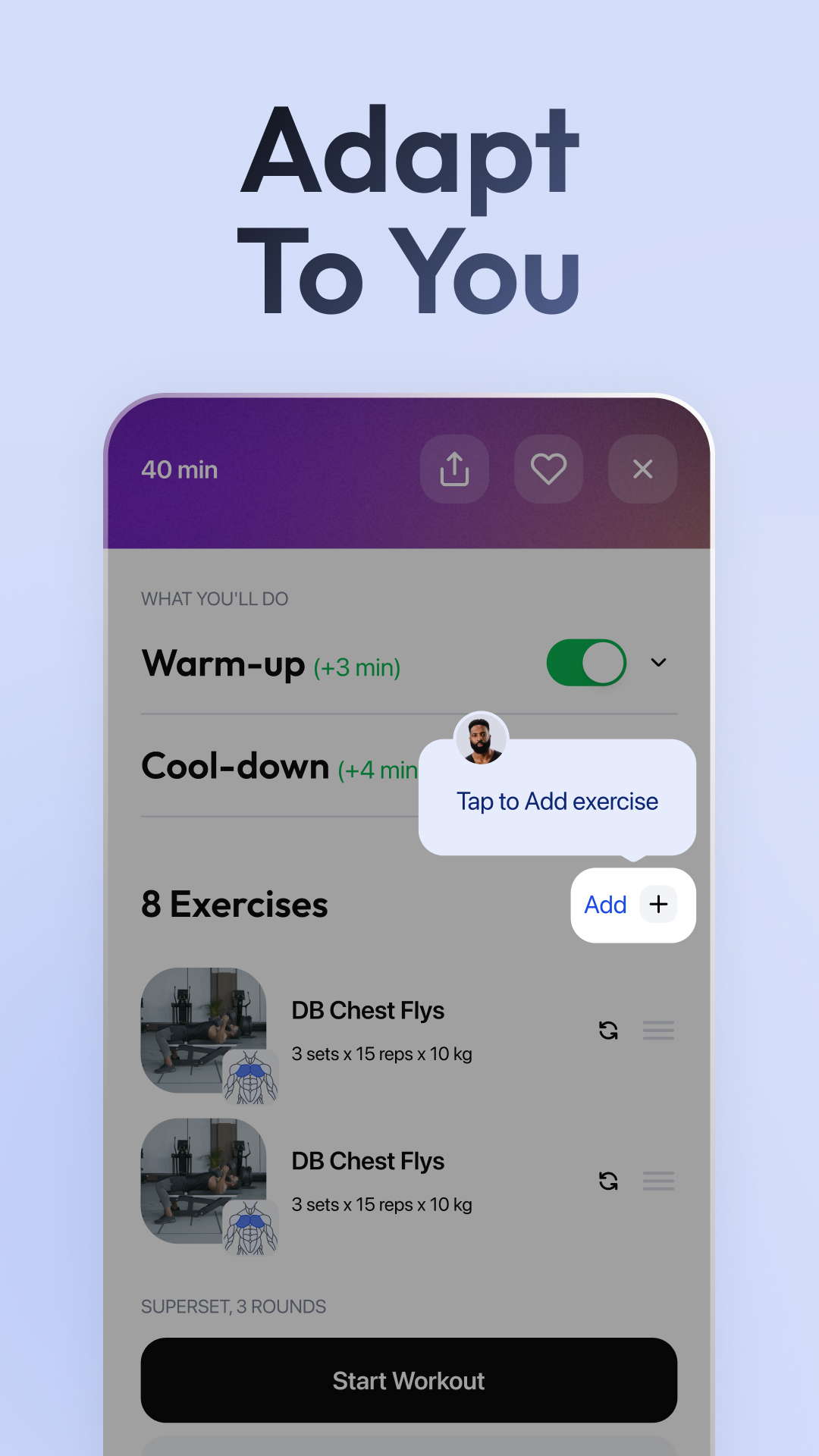
All your workouts are part of your personalized plan, tailored to your body, goals, and lifestyle. You’ll receive custom Zing Coach workouts daily that align with your fitness profile, designed for the gym or home. You can create a workout with Zing’s custom workout builder if you feel like something different.
🤖 AI Workout Progression 🤖
Zing Coach analyzes your goals, past home or gym workouts, and activity levels to tailor the intensity and complexity of your workouts and adapt them to your progress.
🤳 Full Access and Flexibility 🤳
Zing Coach is your home & gym virtual fitness companion, tracking your progress and keeping you on track to meet your goals. You’ll have unlimited access to your workout plan and the flexibility to train whenever you want, for however long you want. Workouts start at just 7 minutes, and we even have a 1-min interactive movement game! All your activity is centralized in Zing to get insights and a complete picture of your activity level.
🏅 World-Class Coaching 🏅
Never miss a rep with audio and video demonstrations from various coaches for all 500+ unique exercises for all major muscle groups. You'll never get bored with home & gym workouts targeting endurance, flexibility, strength, agility, balance, and coordination.
❤️🩹 Muscle Recovery Integration ❤️🩹
Each workout is safer and more effective because they are optimized for your muscles to recover before training them again.
Created by fitness leaders, empowered by psychologists, and driven by behavior science, Zing Coach will inspire you to exercise every day with personalized workouts. Choose a premium subscription plan of monthly, quarterly, or yearly to access your full workout plan.
Download Zing AI Workout Planner today!
📧 Get in Touch 📧
Want to know more? Contact us at support@zing.coach or on Instagram @zing.coach, and we’ll share any info you might need.
Privacy Policy: https://zing.coach/privacy-policy
Terms of Use: https://zing.coach/terms-of-use